Vercel vs Netlify: Hosting Platform Comparison
Compare Vercel and Netlify for frontend deployment, developer experience, framework support, functions, pricing, and project requirements.
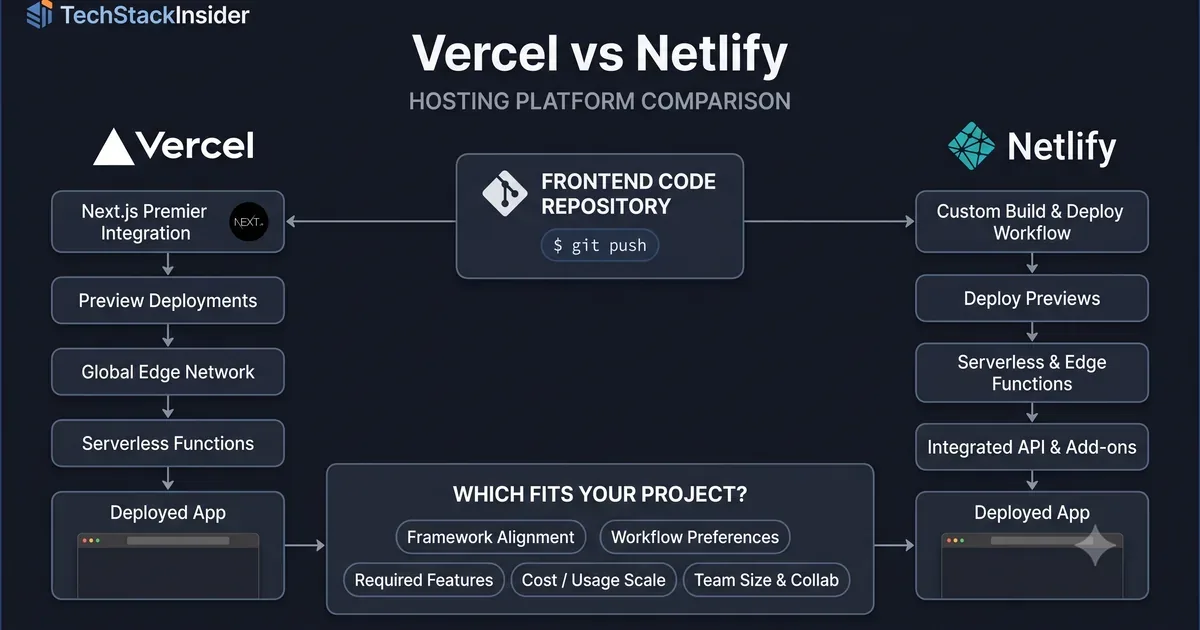
Vercel vs Netlify: Which Hosting Platform Should You Choose?
Vercel and Netlify both help teams build, deploy, and deliver frontend applications without managing every part of the underlying infrastructure. Their core workflows overlap, but the best choice depends on your framework, application architecture, team workflow, and operating costs.
The decision is not simply which platform has more features. It is which platform supports your project with the least unnecessary complexity.
Quick Comparison
| Decision factor | Vercel | Netlify |
|---|---|---|
| Strong starting point | Next.js and frontend applications that benefit from its integrated deployment workflow | Frontend and static-site projects that benefit from Netlify’s deployment workflow and platform features |
| Framework support | Multiple frameworks, with particularly close Next.js integration | Multiple frameworks and static-site workflows |
| Preview deployments | Preview workflows integrated into the development process | Deploy previews integrated into the development process |
| Dynamic functionality | Functions and platform capabilities, subject to plan and runtime limits | Functions and platform capabilities, subject to plan and runtime limits |
| Forms and site features | Often handled through application code or integrated services | Built-in platform features may reduce additional implementation work |
| Pricing considerations | Plan allowances, bandwidth, compute, and team requirements | Plan allowances, bandwidth, compute, builds, and team requirements |
| Best evaluation method | Test your framework and deployment requirements | Test your framework and the platform features you need |
Feature availability, limits, and pricing can change. Confirm current documentation and plan details before making a production decision.
1. When Vercel Is the Better Fit
Vercel is worth evaluating first when your project uses Next.js or when its integrated frontend deployment workflow matches the way your team builds and releases software.
Its advantages can include:
- Framework integration: particularly close alignment with Next.js development and deployment.
- Preview deployments: review changes through deploy previews before promoting them to production.
- Frontend delivery: deploy application updates through a workflow designed around frontend development.
- Dynamic application support: use supported functions and other platform capabilities when your application needs more than static files.
- Developer workflow: connect code changes, previews, and production deployments with relatively little manual infrastructure work.
Vercel is not limited to Next.js. However, framework compatibility alone does not guarantee that every framework feature, runtime, or deployment configuration behaves identically across platforms.
Choose Vercel when its framework integration, deployment workflow, and supported runtime capabilities align with your application.
2. When Netlify Is the Better Fit
Netlify is worth evaluating when you want a frontend deployment platform that combines publishing workflows with features that might otherwise require separate implementation or services.
Potential advantages include:
- Deploy previews: review proposed changes before they reach production.
- Static-site workflows: deploy generated sites and frontend assets through an established build-and-deploy process.
- Integrated site features: investigate whether Netlify’s current forms and other available capabilities meet your requirements.
- Team workflows: connect repositories, builds, previews, and releases in a consistent process.
- Operational simplicity: reduce the number of separately managed components when the platform already supplies the functionality you need.
Do not assume every integrated feature is available on every plan or suitable for every workload. Verify current product availability, usage limits, and the requirements of your particular application.
Choose Netlify when its deployment workflow and integrated features reduce the work required to build and operate your site.
3. Compare the Platforms Against Your Actual Requirements
A useful comparison goes beyond a feature checklist. Evaluate both platforms against the same representative project.
Framework and rendering
Identify whether your application is a static site, a server-rendered application, or a combination of static and dynamic routes. Confirm that the required framework features and rendering modes are supported.
Preview and release workflow
Test a real pull request or branch deployment. Consider build time, preview URLs, environment variables, production promotion, and rollback procedures.
Functions and runtime requirements
List the backend operations your application needs. Check supported runtimes, execution limits, request handling, regional availability, and any platform-specific constraints.
Forms and integrations
Determine whether your site needs contact forms, authentication, content management, analytics, or experimentation. Compare the exact features and integrations available to you rather than assuming that similarly named features are equivalent.
Cost at your expected workload
Compare the plans against realistic usage, including:
- Monthly visitors and bandwidth.
- Build frequency and build duration.
- Dynamic function invocations and execution.
- Team seats and collaboration requirements.
- Analytics, additional services, or usage-based charges.
A free tier is useful for experimentation, but it does not establish which platform will be cheaper at production scale.
4. How to Make the Decision
Use this decision sequence:
- Start with the framework. If you use Next.js, evaluate Vercel’s integrated workflow first, while still checking your specific deployment requirements.
- List required platform features. Identify whether forms, previews, analytics, dynamic functions, or other capabilities materially affect your implementation.
- Test the same workload. Deploy a representative version of your application to each platform.
- Estimate production costs. Apply current pricing and plan limits to your expected usage.
- Compare operational effort. Consider debugging, releases, monitoring, portability, and the skills your team already has.
Prefer the platform that meets your requirements with the lowest overall cost and complexity—not simply the longest feature list.
5. Should You Consider Cloudflare Pages?
Vercel and Netlify are not the only options. Cloudflare Pages is another platform worth evaluating, particularly for projects focused on static delivery and Cloudflare’s broader edge infrastructure.
The trade-off depends on your application. Compare framework support, dynamic functionality, integrations, deployment requirements, and operational constraints before assuming that an edge-oriented platform is the best fit.
For Next.js-specific requirements, also review the Next.js guide and confirm that the deployment approach supports the features your application uses.
Verdict
Choose Vercel when its framework integration and frontend deployment workflow best match your application, particularly when you use Next.js.
Choose Netlify when its deployment workflow and available integrated site features better match your project and reduce the need for additional services.
Consider Cloudflare Pages when its delivery model and infrastructure capabilities fit your requirements.
There is no universal winner. The stronger choice is the platform that supports your actual workload, fits your team, and remains predictable as your application grows.
Frequently Asked Questions
Is Vercel only for Next.js?
No. Vercel supports multiple frontend frameworks and deployment patterns, including static sites. Next.js receives particularly close integration. Check current framework support and feature limitations before choosing a platform.
Is Netlify still a good choice?
Netlify can be a strong choice for frontend projects that benefit from its deployment workflow and integrated capabilities. Evaluate the current availability, limits, and pricing of the features your project actually needs.
Which is cheaper, Vercel or Netlify?
Neither platform is automatically cheaper for every project. Compare the applicable plan, bandwidth, build usage, function execution, team requirements, and any additional services against your expected workload.
Related Articles
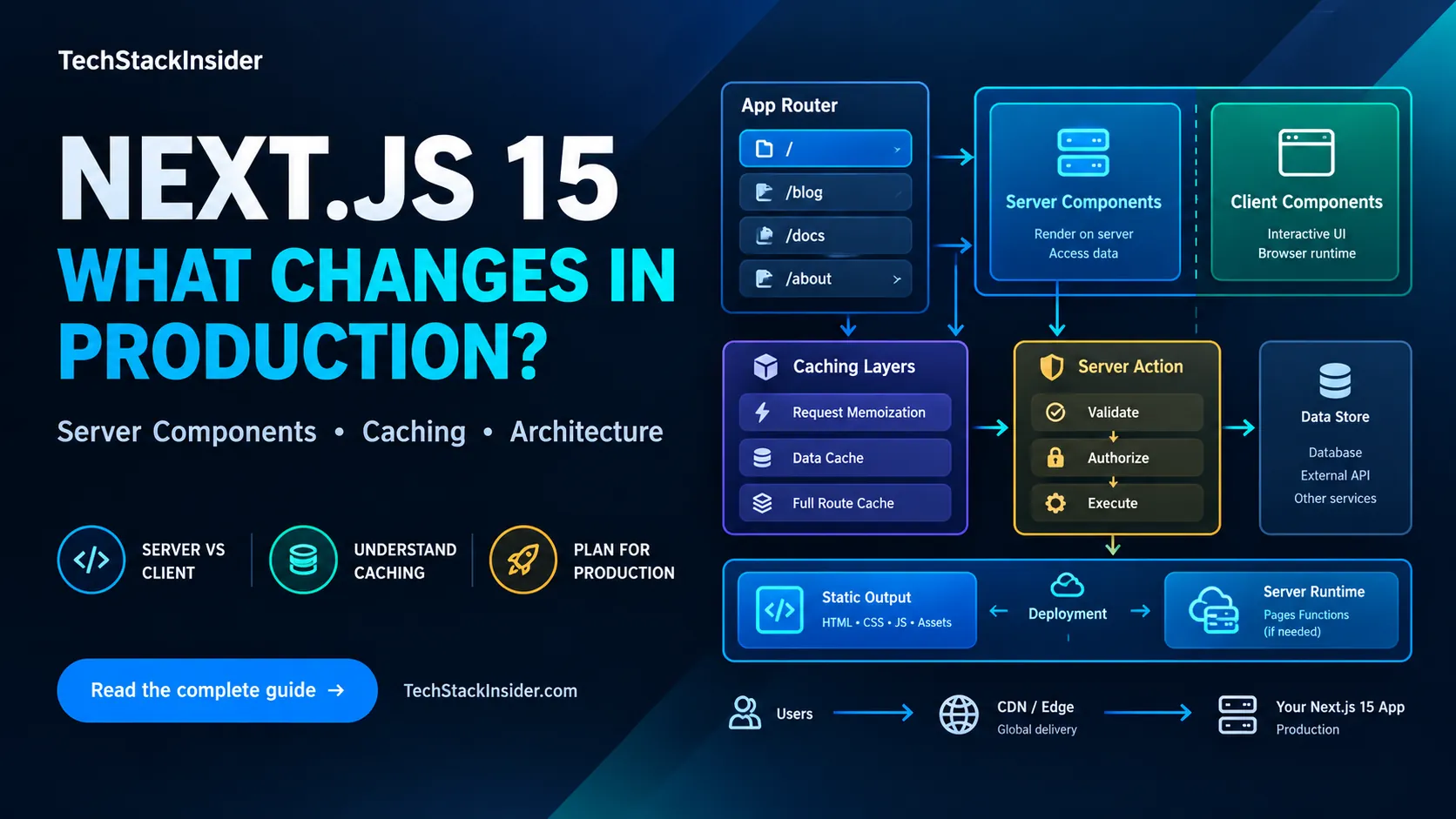
Next.js 15 Production Guide: App Router, Caching, and Deployment
A practical Next.js 15 guide to App Router boundaries, caching defaults, secure Server Actions, and choosing a deployment model.
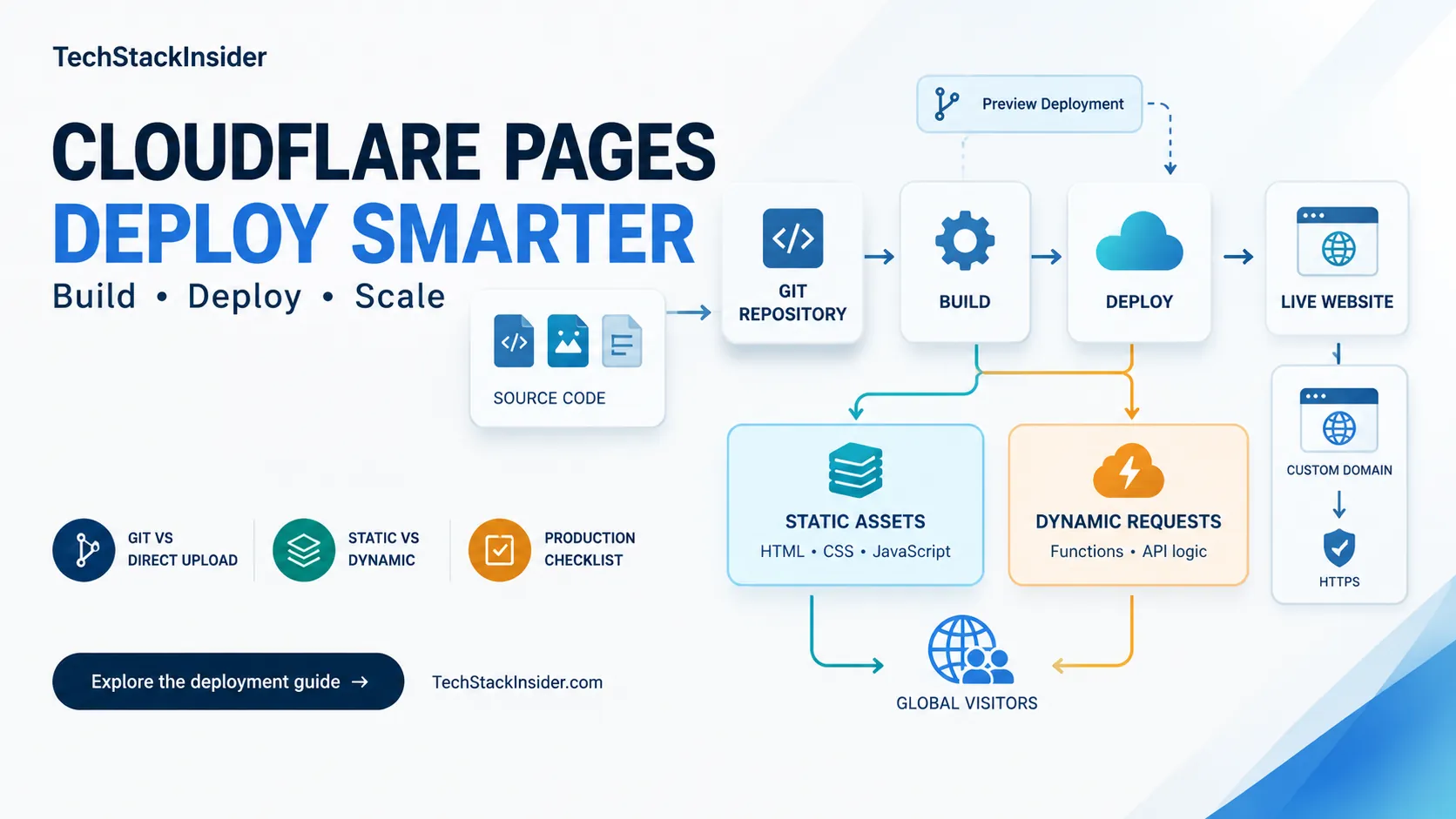
Cloudflare Pages Guide: Deployment, Limits, and When to Use It
Learn when Cloudflare Pages fits a static site, how to configure builds and Functions, and which deployment limits to verify.
Cursor vs Windsurf: Which AI Code Editor Fits Your Workflow?
Cursor vs Windsurf compared for AI coding, agent workflows, codebase context, autocomplete, pricing, and everyday development. See which fits your workflow before you choose.
Clerk vs Auth0 vs Supabase Auth: Which Fits Your B2B SaaS?
Compare Clerk, Auth0, and Supabase Auth for B2B SaaS by organization management, enterprise SSO, authorization, integration effort, pricing, and migration risk.