How to Choose an AI Coding Tool for Your Development Workflow
Compare AI coding tools by repository context, code quality, agent autonomy, testing, security, and workflow fit. Learn how to evaluate coding tools using real development tasks.
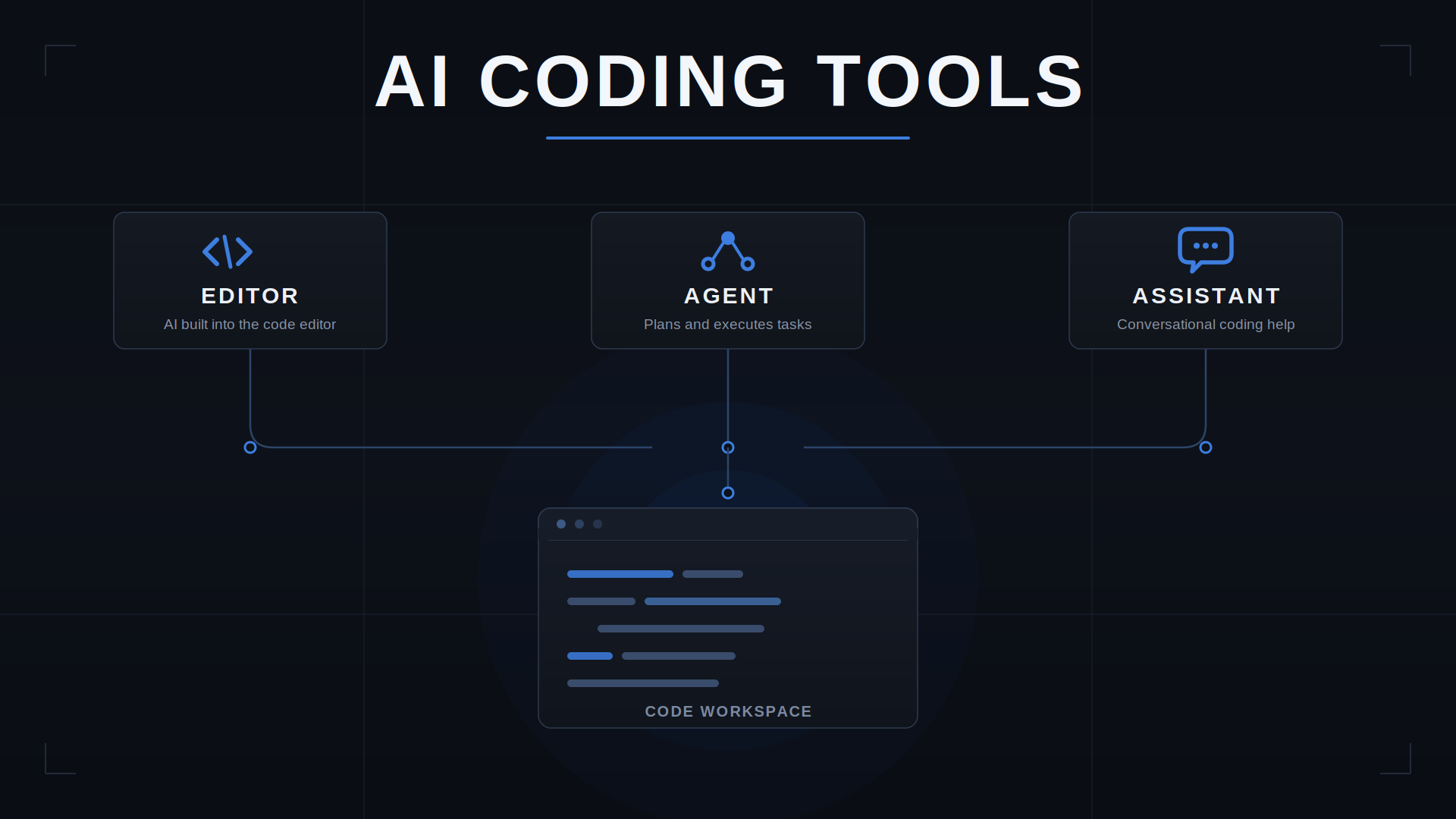
Choosing an AI coding tool is difficult because tools that look similar can support very different development workflows. One may be useful for code completion, another for understanding an existing repository, and another for coordinating changes across multiple files. Greater automation can also introduce more review, testing, and security responsibilities.
The right choice depends on the work you need to complete, the codebase the tool must understand, and the level of control your workflow requires. A tool that generates code quickly is not necessarily the one that helps you deliver correct, maintainable software with the least overall effort.
This guide provides a practical way to evaluate AI coding tools. You will learn how to compare repository understanding, code quality, testing, agent autonomy, security controls, and total workflow cost using representative development tasks rather than product claims alone.
Quick answer: Which AI coding tool should you choose?
Start with the task, not the product ranking.
| Your primary need | What to prioritize |
|---|---|
| Faster everyday coding | Code completion, suggestion relevance, and latency |
| Understanding an existing codebase | Repository context, search, and cross-file understanding |
| Making changes across multiple files | Edit coordination, change visibility, and reviewability |
| Debugging and writing tests | Reproducible fixes, test execution, and verification |
| Delegating larger coding tasks | Agent controls, execution boundaries, and failure recovery |
| Working with proprietary code | Data handling, access controls, retention, and governance |
| Standardizing tools across a team | Administration, integrations, consistency, and total cost |
Tools such as Cursor, GitHub Copilot, and Windsurf are candidates to evaluate, not interchangeable products with identical capabilities. Features, model options, pricing, and administrative controls can change. Verify current documentation before making a purchasing decision.
1. Understand the different types of AI coding tools
The term AI coding tool covers several overlapping capabilities. Understanding the distinctions helps you compare tools against the work you actually need to do.
Code completion tools
These tools suggest code as you type. They can help with routine implementation, repetitive patterns, and familiar coding tasks.
Evaluate suggestion relevance, latency, compatibility with your editor, and how often you need to correct or discard generated code.
Choose this approach when: your development work is well understood and your main goal is to reduce repetitive typing.
AI coding assistants
Coding assistants respond to prompts, explain code, suggest fixes, and help with tasks such as generating functions or tests.
Their value depends on whether they understand the surrounding code and project requirements—not simply whether they produce plausible snippets.
Choose this approach when: you want interactive help while retaining direct control over implementation.
AI-native coding editors
These environments integrate AI into the editing workflow, potentially supporting codebase-aware questions, coordinated edits, and multi-file changes.
Evaluate how the editor handles context, existing project conventions, and the process of inspecting and accepting modifications.
Choose this approach when: you want AI assistance integrated into a substantial part of your everyday development workflow.
Coding agents
Coding agents can perform sequences of actions toward a goal. Depending on the product and configuration, these actions may include inspecting files, modifying code, running commands, or executing tests.
Greater autonomy changes the evaluation criteria. You must consider not only the quality of generated code but also what the agent is allowed to do, how its actions are recorded, and whether you can inspect and reverse its changes.
Choose this approach when: the task is clearly specified, appropriate safeguards are available, and you can verify the outcome before accepting it.
These categories can overlap. A single product may offer completion, conversational assistance, and agentic workflows. Evaluate the capabilities available in your actual plan and configuration rather than relying on the product label.
2. Evaluate the capabilities that matter most
A useful comparison examines the complete path from understanding a task to delivering a verified change.
Repository understanding
An AI tool may produce syntactically correct code while misunderstanding your application’s architecture.
Test whether it can identify relevant files, follow dependencies, recognize existing abstractions, and respect project conventions. Give it a task that requires understanding more than one file.
Ask:
- Does it locate the correct implementation?
- Does it understand how the affected components interact?
- Does it reuse existing patterns instead of introducing unnecessary alternatives?
- Can it explain which assumptions remain uncertain?
Repository awareness should be demonstrated through actual tasks, not inferred from marketing descriptions.
Code correctness and maintainability
A change can compile and still be wrong. It may mishandle an edge case, duplicate existing functionality, weaken validation, or make code harder to maintain.
Evaluate correctness against explicit requirements. Inspect whether generated changes are understandable, consistent with the codebase, and limited to the intended scope.
Useful signals include passing tests, appropriate error handling, adherence to existing conventions, and the absence of unrelated modifications.
Multi-file change management
Real development tasks often span application logic, configuration, tests, and documentation.
Ask the tool to make a small change that touches several related files. Examine whether it updates all necessary locations, avoids unrelated edits, and explains the resulting changes.
The ability to generate a large patch is not the same as the ability to produce a coherent one.
Testing and debugging
A coding tool should help you establish whether a change works—not merely assert that it does.
Evaluate whether it can identify relevant tests, interpret failures, suggest a reproducible fix, and distinguish between a verified result and an assumption.
A useful tool makes verification easier. It should not encourage you to skip verification because its explanation sounds confident.
Autonomy and control
More automation is not automatically better.
For low-risk tasks, immediate suggestions may be sufficient. For broader changes, you may want explicit approval before files are modified, commands are executed, dependencies are installed, or external systems are accessed.
Consider whether the tool provides appropriate control over its actions and whether you can review, stop, and reverse its work.
3. Compare AI coding tools using a repeatable test
Product demonstrations and isolated examples are poor substitutes for testing a tool against your own development work.
Step 1: Select representative tasks
Choose three to five tasks that reflect your actual workload:
- Implement a small feature in an existing component.
- Find and fix a reproducible bug.
- Add tests for an existing function.
- Make a change that spans multiple files.
- Explain an unfamiliar section of the repository.
If security or autonomous execution is important to your team, add a separate task to evaluate those controls.
Step 2: Establish a baseline
Record how you normally complete each task without the candidate tool.
Capture the time spent, the amount of rework, the verification required, and the quality of the final result. Without a baseline, it is difficult to tell whether the tool improved the workflow.
Step 3: Use equivalent requirements
Give each candidate the same task description, acceptance criteria, and relevant starting conditions.
Where possible, use comparable model settings and access permissions. Record differences that cannot be controlled, such as model availability or tool-specific integrations.
Do not let one tool receive a detailed specification while another receives a vague prompt.
Step 4: Inspect the outcome
Evaluate each result using the same criteria.
| Criterion | What to measure |
|---|---|
| Correctness | Does the implementation satisfy the requirements? |
| Repository understanding | Did it identify the right files and dependencies? |
| Change quality | Are the changes maintainable and appropriately scoped? |
| Verification | Do relevant tests pass, and are failures explained accurately? |
| Developer effort | How much prompting, correction, and review were required? |
| Control | Could you inspect and manage actions before accepting them? |
| Cost | What was the total cost of completing the task? |
Use a simple rating scale, such as 1–5, with written evidence for each score. Mark criteria as not applicable when necessary instead of assigning an arbitrary rating.
Step 5: Repeat important tasks
AI outputs can vary between attempts. Repeat high-impact tasks before drawing conclusions.
Record failed attempts as well as successful ones. A tool that produces an impressive first result but requires extensive correction may be less useful than one that delivers consistently reviewable changes.
The goal is not to identify a universal winner. It is to identify which tool performs reliably for your work.
4. How to Evaluate AI Coding Tool Security and Privacy
AI coding tool security is not a single setting. A tool may process source code, prompts, repository files, terminal output, logs, and information retrieved through integrations. The data exposed and the controls available depend on the product, configuration, subscription plan, and workflow.
The useful question is not simply whether a tool is secure. It is whether its documented controls meet the requirements of your codebase and organization.
4.1 Trace the data the tool can access
Start by identifying the information that enters the workflow.
- Prompt data: code snippets, instructions, error messages, and debugging context.
- Repository context: files or other project information retrieved to answer a request.
- Execution output: terminal results, test output, and command responses.
- Connected services: information accessible through repositories, integrations, or external tools.
- Operational data: logs, telemetry, and other information collected during use.
Do not assume that every product collects all these categories—or that every workflow exposes the same information. Verify the actual data flows for the configuration you intend to use.
4.2 Separate training, retention, and access
These are different questions and should be evaluated separately.
| Security question | Evidence to look for |
|---|---|
| Can submitted data be used for model training or improvement? | Applicable policy, contractual terms, and account settings |
| How long is submitted data retained? | Documented retention periods and exceptions |
| Can users or administrators control data handling? | Available settings and enforcement mechanisms |
| Which people or services can access the data? | Access policies, service documentation, and contractual commitments |
| What happens when data is deleted? | Documented deletion procedures and limitations |
A statement about training does not, by itself, establish how long data is retained. Likewise, a retention policy does not establish who can access it. Record each answer separately.
4.3 Evaluate what a coding agent is allowed to do
When a tool can modify files or execute commands, assess its operational permissions in addition to its data policies.
Check whether you can:
- Restrict access to the repositories and files needed for the task.
- Review proposed changes before accepting them.
- Require approval for consequential commands or external actions.
- Protect credentials and prevent secrets from entering prompts or logs.
- Inspect actions and recover from unwanted changes.
- Limit access to connected services and other sensitive resources.
Also consider instructions embedded in repository files, issues, or other retrieved content. Treat external or untrusted instructions as data to evaluate, not as automatic authorization to reveal secrets or perform privileged actions.
The appropriate controls depend on the tool’s actual capabilities. Do not assume every product supports every safeguard.
4.4 Build a security evidence record
For each candidate, document the requirement, the evidence, and the remaining uncertainty.
| Requirement | Evidence to record | Decision implication |
|---|---|---|
| Source-code handling | Applicable data policies and settings | Is the proposed use permitted? |
| Retention and deletion | Documented terms and exceptions | Does it meet retention requirements? |
| Agent permissions | Available controls and execution behavior | Can risk be limited to an acceptable level? |
| Secrets and credentials | Documented safeguards and tested configuration | Can sensitive access be appropriately protected? |
| Team administration | Plan-specific controls and enforcement options | Can the organization apply its policies? |
| Audit and recovery | Available logs, review controls, and recovery mechanisms | Can actions be investigated and corrected? |
For every material claim, record the official source, the plan or configuration it applies to, and the date checked. If the documentation does not answer a question, mark it unverified rather than assuming the control exists.
4.5 Make the adoption decision
Classify each requirement as meets, does not meet, or unverified.
A critical security requirement should not be treated as satisfied merely because the product has a strong overall score. Resolve critical unknowns before using the tool with sensitive code. For higher-risk or regulated environments, obtain the appropriate security, legal, or procurement approval.
The result is a defensible decision based on documented controls and the intended workflow—not a generic claim that one AI coding tool is more secure than another.
5. Choose according to your development context
The right evaluation criteria vary with the work being performed.
Individual developers
Prioritize workflow fit, repository understanding, suggestion quality, review effort, and total cost.
A convenient tool that works well with your existing habits may be more valuable than a complex system whose additional capabilities you rarely use.
Developers working on established applications
Prioritize cross-file context, compatibility with existing architecture, testing, and change control.
The central question is whether the tool can make a correct change without creating unnecessary technical debt or disturbing unrelated functionality.
Teams building new products
Prioritize repeatable implementation patterns, testing discipline, shared conventions, access controls, and consistency across developers.
Evaluate whether AI assistance improves delivery without making code review, debugging, or maintenance more difficult.
Teams considering autonomous agents
Prioritize bounded permissions, approval gates, observability, failure recovery, and reproducible verification.
Start with limited, low-risk tasks. Expand the agent’s authority only after the team has evidence that the workflow is reliable and its safeguards are adequate.
6. Calculate the real cost of an AI coding tool
The subscription price is only one part of the cost.
A practical comparison model is:
Total workflow cost = tool cost + developer time + review effort + rework + operational overhead
Developer time includes prompting, clarifying requirements, inspecting generated changes, and correcting mistakes. Operational overhead may include administration, integration, policy enforcement, and training.
For a fair comparison, evaluate the cost of completing an accepted task—not the number of lines generated or suggestions accepted.
A tool that costs more but consistently reduces total effort may be worthwhile. A cheaper tool that creates significant review and rework costs may not be.
Measure these factors over a representative period rather than relying on a single successful session.
7. A practical AI coding tool selection checklist
Before adopting a tool, confirm that you can answer these questions:
- Does it support the languages, frameworks, and development environment we use?
- Does it understand the repository well enough for our real tasks?
- Can we inspect and review its changes?
- Can we verify results using tests and other appropriate checks?
- Are its permissions and execution controls suitable for our risk level?
- Have we checked its current data-handling and privacy terms?
- Does it fit our team’s workflow and governance requirements?
- Have we measured developer effort, rework, and total cost?
- Have we tested it on more than one representative task?
- Do we know when a human must take over?
If several answers remain unknown, run a small evaluation before standardizing on the tool.
Conclusion
Choose an AI coding tool by evaluating the complete development workflow—from understanding a task and locating the relevant code to implementing changes, verifying results, and maintaining control.
Test a small number of candidates against representative development tasks. Record correctness, developer effort, rework, verification results, and total cost before standardizing on a tool.
For security-sensitive work, base adoption on documented controls and verified configurations, not broad assurances or product reputation alone.
The right AI coding tool is the one that demonstrably improves your workflow while keeping code understandable, testable, maintainable, and under appropriate human oversight.
Frequently Asked Questions
How do you choose the right AI coding tool?
Start with your development workflow and repository. Compare repository context, editing capabilities, testing, review controls, privacy, integrations, and total cost using representative tasks.
What is the difference between an AI coding assistant and an AI coding agent?
An assistant responds to prompts or helps with selected edits. An agent can plan and execute broader tasks across files and tools, depending on the product and configuration.
How do you evaluate AI coding tool security?
Check data flows, training and retention terms, access permissions, execution controls, secrets handling, administrative capabilities, and audit options. Record official evidence and mark unresolved requirements as unverified.
Are AI coding tools safe for proprietary code?
Security depends on the product, plan, configuration, data handling, permissions, and organizational requirements. Verify applicable vendor documentation and obtain required security approval before using sensitive code.
Can AI coding agents replace code review and testing?
No. Agents can assist with implementation and verification, but generated code and tests can miss defects. Retain independent review, automated checks, and appropriate security testing.
Related Articles
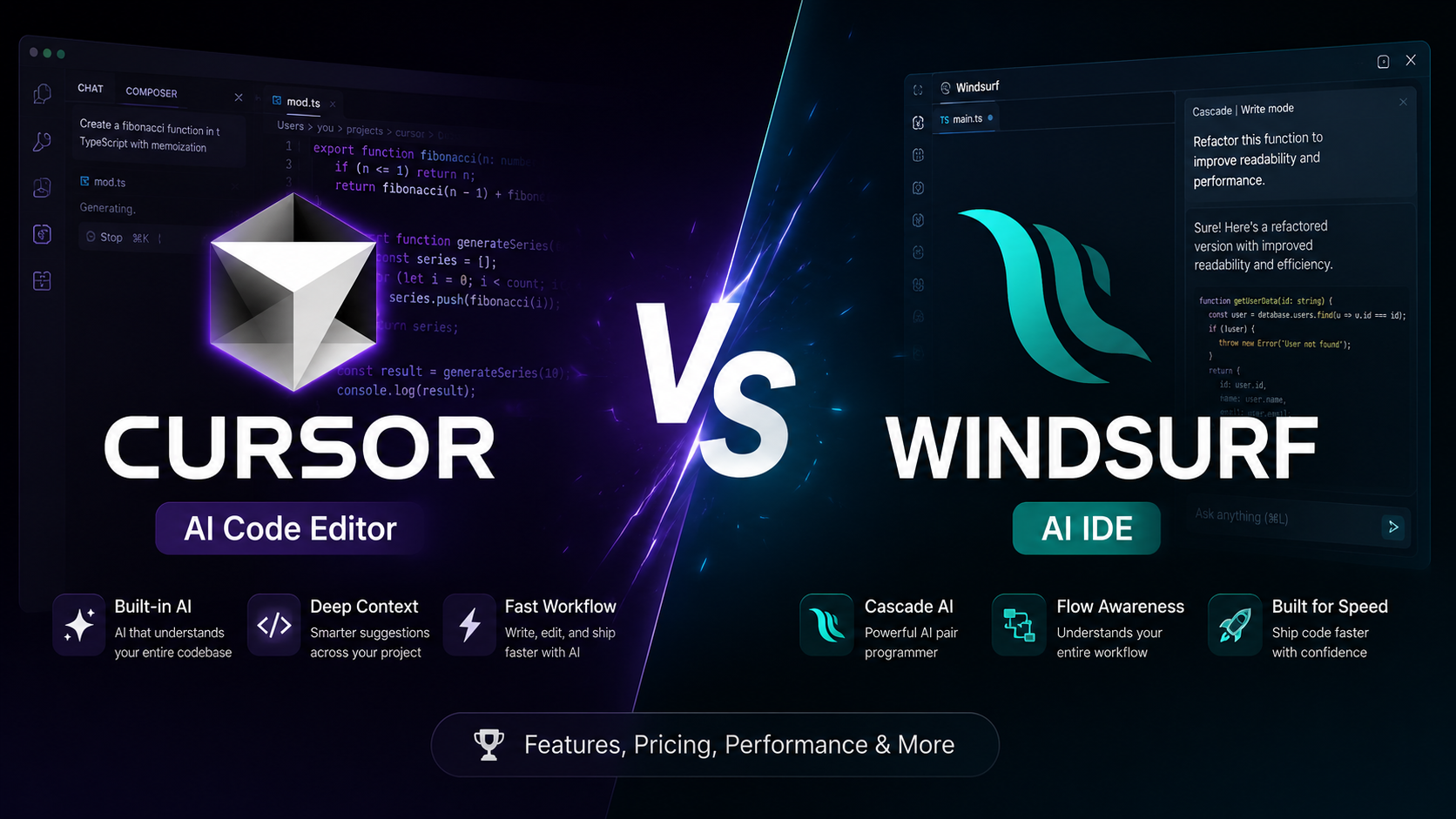
Cursor vs Windsurf: Which AI Code Editor Fits Your Workflow?
Cursor vs Windsurf compared for AI coding, agent workflows, codebase context, autocomplete, pricing, and everyday development. See which fits your workflow before you choose.
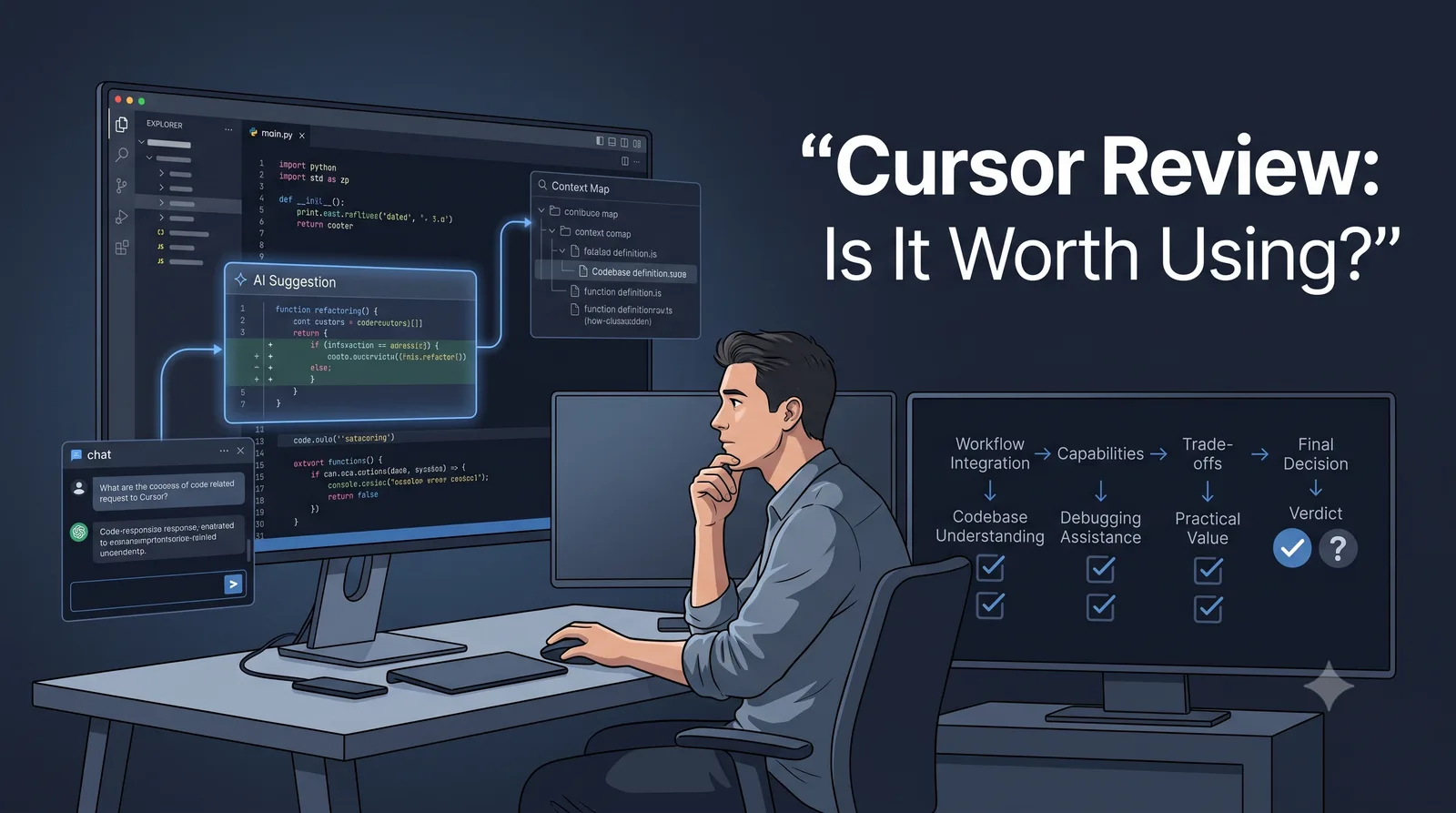
Cursor Review: Is the AI Editor a Fit for Your Workflow?
A practical Cursor review for developers: current editor and agent workflows, privacy and permissions, pricing, trade-offs, and a repeatable way to evaluate it in your own repository.
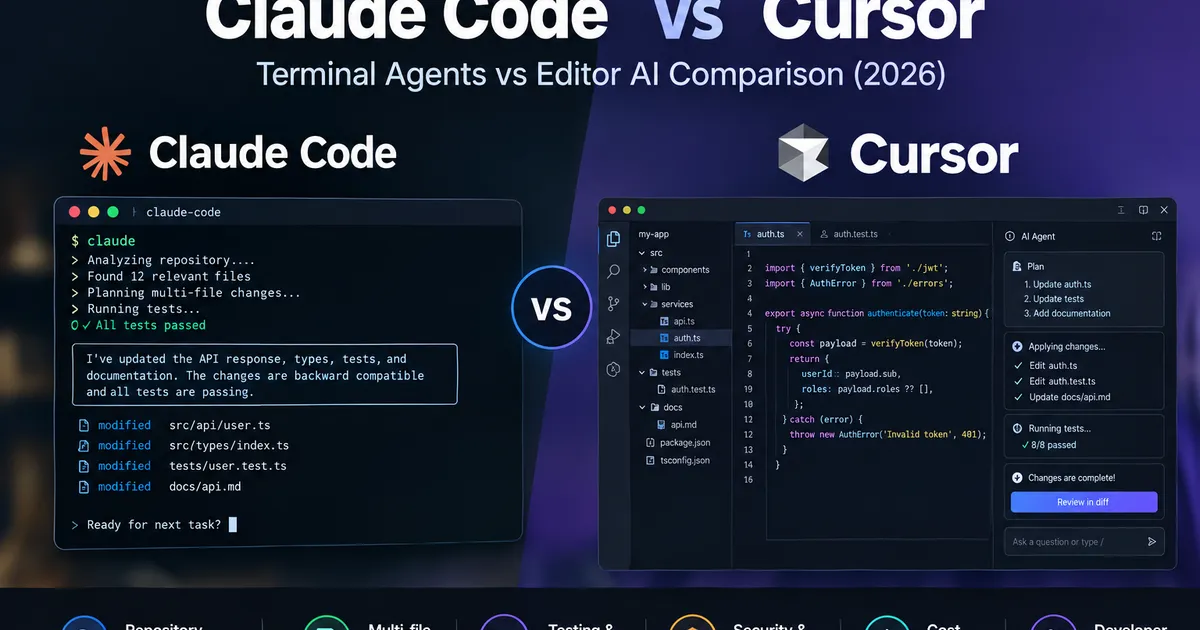
Claude Code vs Cursor: Which AI Coding Agent Fits Your Repository Workflow? (2026)
Compare Claude Code vs Cursor for repository understanding, multi-file changes, testing, security, benchmark performance, and cost. Use practical evidence and a decision matrix to choose the right coding workflow.
How to Use AI Coding Agents Safely on an Existing Codebase
Learn how to use AI coding agents on an existing codebase with scoped tasks, risk-based permissions, independent tests, diff reviews, and safe rollback.