Cursor Review: Is the AI Editor a Fit for Your Workflow?
A practical Cursor review for developers: current editor and agent workflows, privacy and permissions, pricing, trade-offs, and a repeatable way to evaluate it in your own repository.
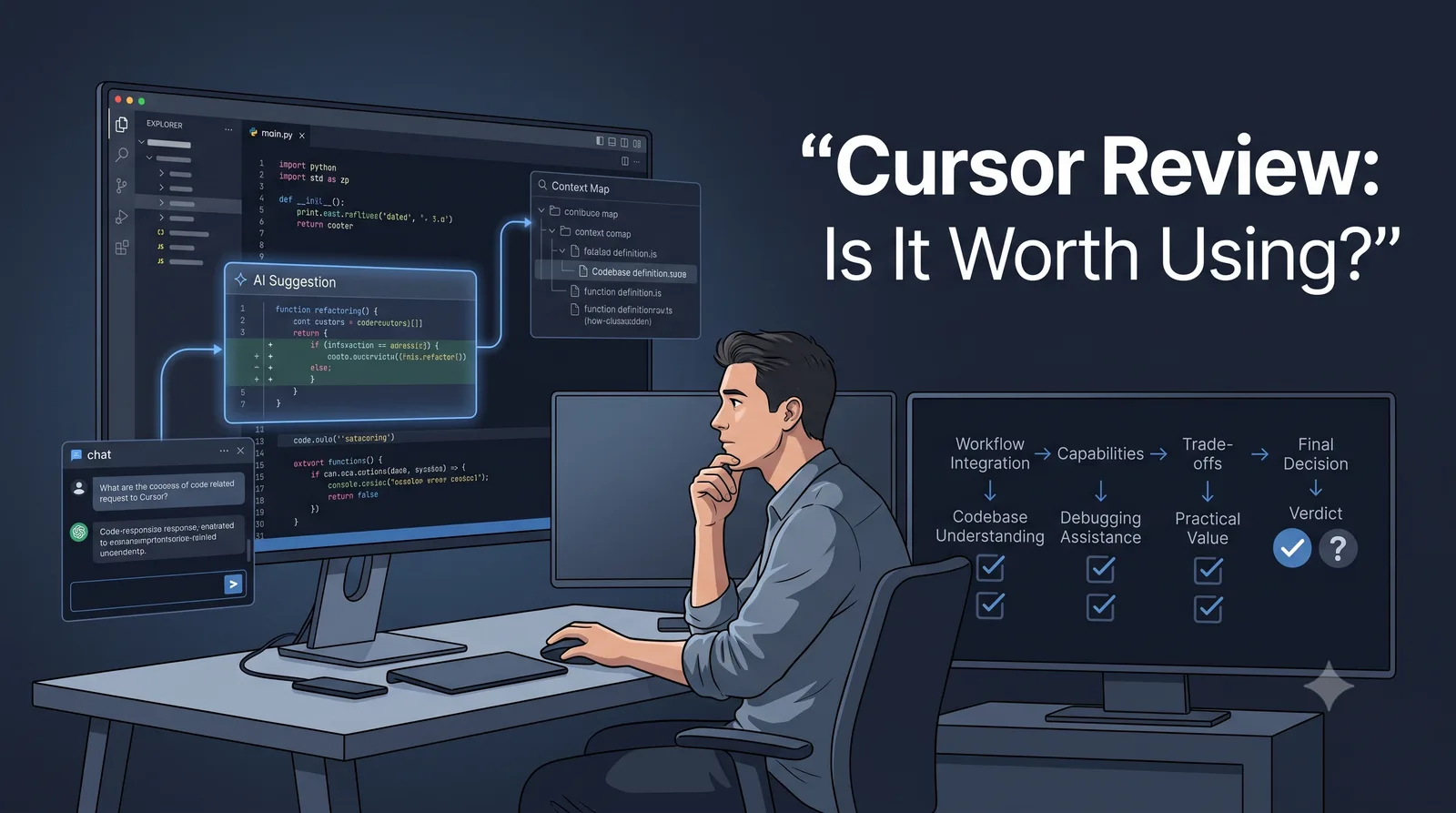
Cursor is worth evaluating if you want AI assistance inside the editor where you already navigate, change, and review code. It is a weaker fit when your organization requires a different editor, has strict data-handling rules that Cursor cannot satisfy, or cannot justify another tool and its usage charges. This review explains the workflow, the trade-offs to check, and a practical way to decide using your own repository.
Evidence note: Product and pricing details below were checked against Cursor’s official documentation on October 24, 2026. Plans and features can change; the linked vendor pages are the source of truth for a purchase decision. This is a documentation-based evaluation, not a report of TSI hands-on testing or benchmark results.
Quick verdict
- Consider Cursor if codebase-aware help and multi-file implementation belong in your editor workflow, and your team can review and verify the resulting changes.
- Evaluate carefully if you work in a complex repository, need predictable model spend, or have security, privacy, or team requirements that depend on specific plans and controls.
- Consider alternatives if your current editor and agent workflow already meet the need, or if migration and review effort outweigh the value you expect.
The recommendation is conditional: Cursor’s appeal is the combination of an editor and agent workflows. It is not evidence that every developer will be faster or that generated code will be correct. A broader decision guide can help shortlist tools before you evaluate Cursor in depth.
How Cursor fits into development
Cursor combines an editor with AI-assisted completion and agent actions. Its Tab documentation describes suggestions that can span multiple lines and propose coordinated edits in other files. Its Agent overview describes an agent workflow for exploring a codebase and working across files; Cursor also documents terminal integration, where run-mode settings determine when commands execute, are sandboxed, or require review.
Project guidance has also changed. Cursor’s current Rules documentation describes project rules under .cursor/rules and documents AGENTS.md as an option. Cursor still supports .cursorrules but treats it as a legacy format and recommends migration; its help page says it will be deprecated without stating a removal date. Teams should verify how their current Cursor version applies existing rule files before migrating. Rules provide context, not a guarantee that every generated edit will follow them.
Where it fits best—and where it may not
Cursor is a plausible fit for a developer who wants suggestions while typing, codebase questions beside the source, and an agent that can search and edit related files. That can be useful for tracing unfamiliar code, refactoring a bounded area, or drafting a fix whose tests and expected behavior are known. The developer still has to decide whether the change is correct.
The cost of switching deserves a real pilot. A familiar interface does not prove every extension, keybinding, or team workflow will carry over unchanged. Check the plugins and settings your team depends on, and measure the time spent resolving compatibility or review issues. A team with a standard IDE, an established local-agent workflow, or a need for tightly controlled changes may prefer to keep its current environment or compare a different workflow. The Claude Code comparison helps decide between editor-centered and terminal-oriented work; the Windsurf comparison resolves a direct editor alternative.
A practical way to evaluate it
TSI has not run this evaluation. To compare Cursor with another tool, use the same repository, task instructions, acceptance criteria, and verification checks for each:
- Understand an unfamiliar module. Ask where a behavior is implemented and how the relevant files depend on one another. Check its explanation against the source.
- Implement a multi-file requirement. Give it a bounded change with explicit acceptance criteria. Check that it edits the necessary files and stays within scope.
- Debug a reproducible defect. Provide the reproduction steps and expected behavior. Verify that the proposed fix addresses the cause and passes the relevant checks.
- Refactor without changing behavior. Specify the behavior that must remain stable. Compare outputs and tests before and after the refactor.
- Review the generated diff. Look for defects, unnecessary changes, security concerns, missing tests, and maintainability problems.
For every task, record correctness against the acceptance criteria, developer time, review and rework effort, verification results, and actual usage cost where available. Repeat with work that is representative but safe to discard. A polished diff can still contain a regression, a missing edge case, or a test that merely agrees with the implementation. The decision signal is whether the tool produces correct, reviewable work at an acceptable total cost—not how many lines it can generate.
Security, permissions, and team controls
Cursor’s Privacy and data guide and Data Use & Privacy Overview say that AI requests send prompts and code context through Cursor’s backend to model providers. Cursor states that Privacy Mode prevents training use and that its providers have zero-data-retention agreements, while also describing possible retention for abuse investigations and temporary encrypted caching of file contents during a request. These are vendor statements, not an independent audit or a claim that AI runs locally. Before using a sensitive repository, check the current provider list, indexing data, exceptions, plan controls, and contract against your requirements. Do not put secrets in prompts, and verify the current ignore behavior for files that must not be included.
Agent autonomy is configurable. Cursor’s Run Modes documentation explains approval modes, allowlists, and sandboxing, and warns that its Auto-review classifier is not a security boundary. Keep meaningful review on command execution and code changes; test permissions against the actual tools, network access, and files your project exposes.
For teams, Cursor documents centralized privacy settings and sign-on controls; its Enterprise documentation describes additional identity, audit, model, network, and agent controls. Feature availability depends on plan. Map each required control to the plan and contract you would actually buy, and ask the vendor to resolve any retention, residency, or compliance requirement that public documentation does not answer. TSI has not independently audited Cursor’s security claims.
Pricing and total cost
As checked on October 24, 2026, Cursor’s public pricing page lists monthly USD prices for its new X Subscription. The included usage levels and product differences are plan-specific:
| New plan | Published price | Cursor usage and relevant differences |
|---|---|---|
| Free | $0/month | Limited Agent and Chat requests |
| Plus | $8/month | Base shared usage; Cursor access is limited to Grok models |
| Premium | $30/month | 4x Plus usage; third-party models at API list price, Cloud Agents, and Bugbot |
| Super | $100/month | 15x Plus usage and priority model access at peak times |
| Ultra | $200/month | 50x Plus usage and earliest access to products and models |
| Teams | From $30/user/month | Seat tiers have different usage levels; centralized administration and team controls |
| Enterprise | Custom | Pooled usage and additional organization controls |
Cursor says the subscription combines Cursor with Grok and X benefits, and its models and pricing documentation says the included Cursor usage pool is shared weekly with Grok. Third-party models such as Claude or GPT are not included in the monthly prices and are billed at API list prices from prepaid credit on eligible plans. Prices exclude applicable taxes and may change; check the live page and the price displayed for your account before subscribing.
Existing Cursor-only customers may still have legacy plans: the legacy-plan guide lists Pro at $20/month, Pro+ at $60/month, Ultra at $200/month, and Teams Standard and Premium at $40 and $120 per user per month. Those plans use different monthly pools and overage terms; Cursor says they continue unless the customer switches, and that switching is optional and permanent. Compare your included usage and billing before changing plans.
The subscription is only one part of cost. Include model usage or top-ups, time spent reviewing and correcting changes, the cost of switching editors, and any administration needed to meet team policy. A lower monthly fee is not a saving if the workflow increases engineering or governance effort.
Decision matrix
| Developer or team requirement | Cursor is a reasonable candidate when… | Pause or compare alternatives when… |
|---|---|---|
| Individual developer | In-editor suggestions and repository assistance are useful often enough to justify the plan | Usage is occasional, model charges are hard to predict, or your current editor already meets the need |
| Established repository | You can test against existing conventions, checks, and a bounded task | The agent cannot reliably identify the right code or creates changes that are costly to validate |
| Refactoring and debugging | You can define expected behavior and review a multi-file diff | The task is high impact and cannot be isolated, tested, or reviewed before merge |
| Team adoption | Admin settings and plan controls meet your identity, privacy, and spend requirements | Required retention, network, audit, or deployment terms remain unresolved |
| Existing IDE standard | A pilot confirms essential extensions and workflows remain practical | Migration adds friction or conflicts with support and security requirements |
Conclusion: run a repository-level pilot
Choose one representative, low-risk task. Set the agent permissions you are willing to allow, keep the change on a branch, check the diff, run your normal verification, and track review time and usage cost. Then compare that result with your current workflow. Adopt Cursor if it repeatedly produces correct changes that your team can review within its security and cost limits; otherwise keep your current setup or use the broader guide to evaluate another tool.
Frequently Asked Questions
Is Cursor worth paying for?
It depends on how often its editor and agent workflow helps with real work, which plan and models you use, and how much review the generated changes require. Compare the current plan allowance and any usage-based charges with a short evaluation in your own repository.
Is .cursorrules still supported?
Cursor treats .cursorrules as a legacy format that remains supported and recommends project rules under .cursor/rules. Its help documentation says the legacy format will be deprecated but gives no removal date. AGENTS.md is another documented option.
Does Privacy Mode mean code stays on my computer?
No. Cursor says prompts and code context are sent to model providers to run AI features. Its Privacy Mode statement concerns use for training; review the current data-processing terms, indexing behavior, and organization controls against your own requirements.
Related Articles
How to Choose an AI Coding Tool for Your Development Workflow
Compare AI coding tools by repository context, code quality, agent autonomy, testing, security, and workflow fit. Learn how to evaluate coding tools using real development tasks.
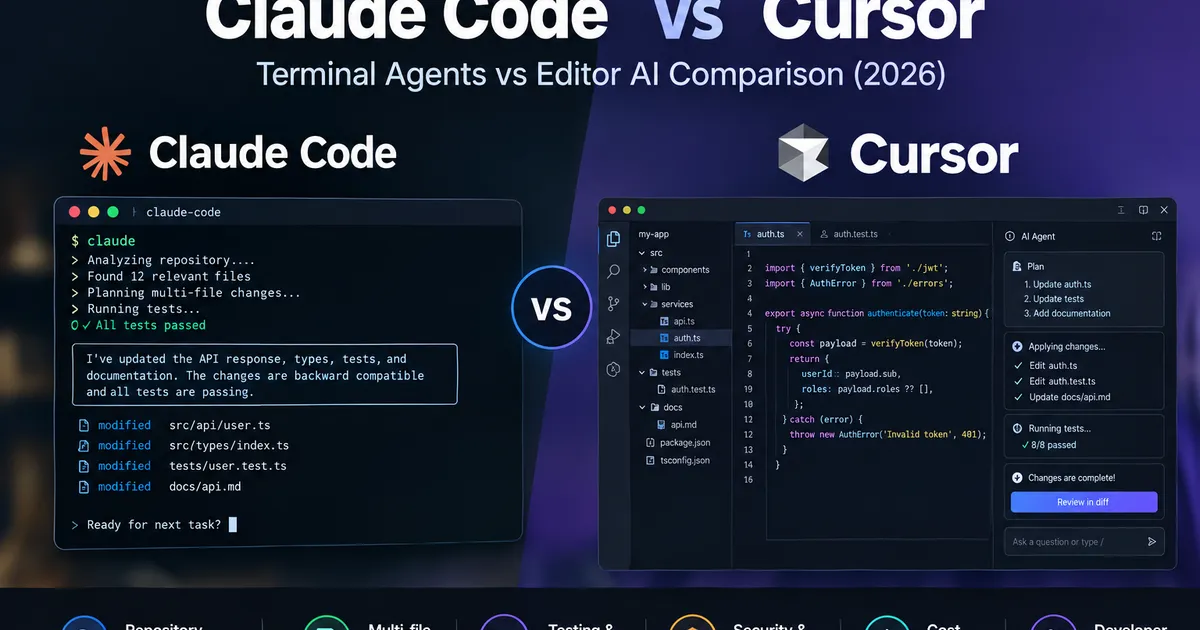
Claude Code vs Cursor: Which AI Coding Agent Fits Your Repository Workflow? (2026)
Compare Claude Code vs Cursor for repository understanding, multi-file changes, testing, security, benchmark performance, and cost. Use practical evidence and a decision matrix to choose the right coding workflow.
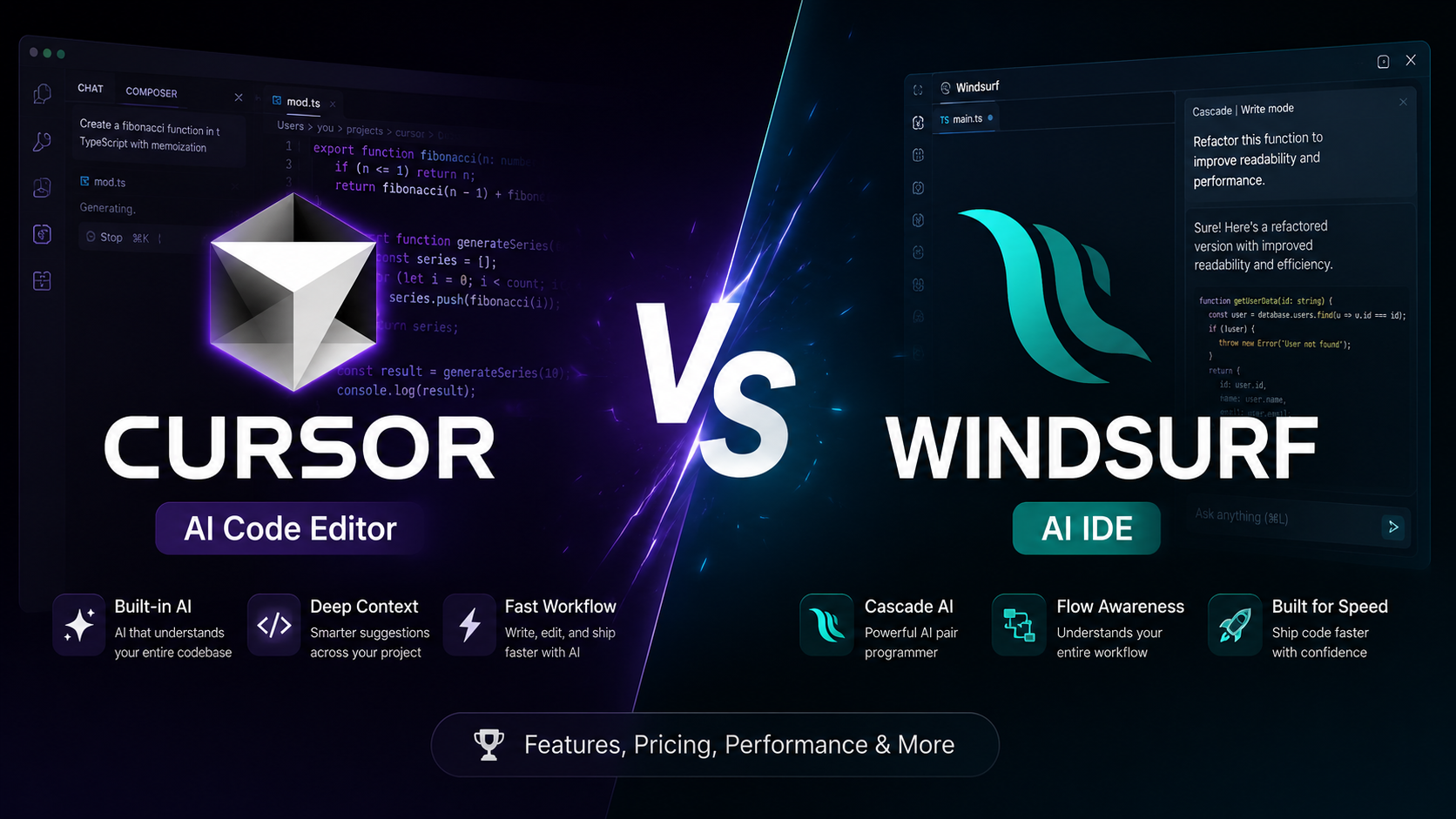
Cursor vs Windsurf: Which AI Code Editor Fits Your Workflow?
Cursor vs Windsurf compared for AI coding, agent workflows, codebase context, autocomplete, pricing, and everyday development. See which fits your workflow before you choose.
Linear Review 2026: Is It Worth It for Your Engineering Team?
Linear review: compare features, GitHub workflows, pricing, and Jira trade-offs. Find out which teams benefit most—and when Linear is not worth switching to.