Linear Review 2026: Is It Worth It for Your Engineering Team?
Linear review: compare features, GitHub workflows, pricing, and Jira trade-offs. Find out which teams benefit most—and when Linear is not worth switching to.
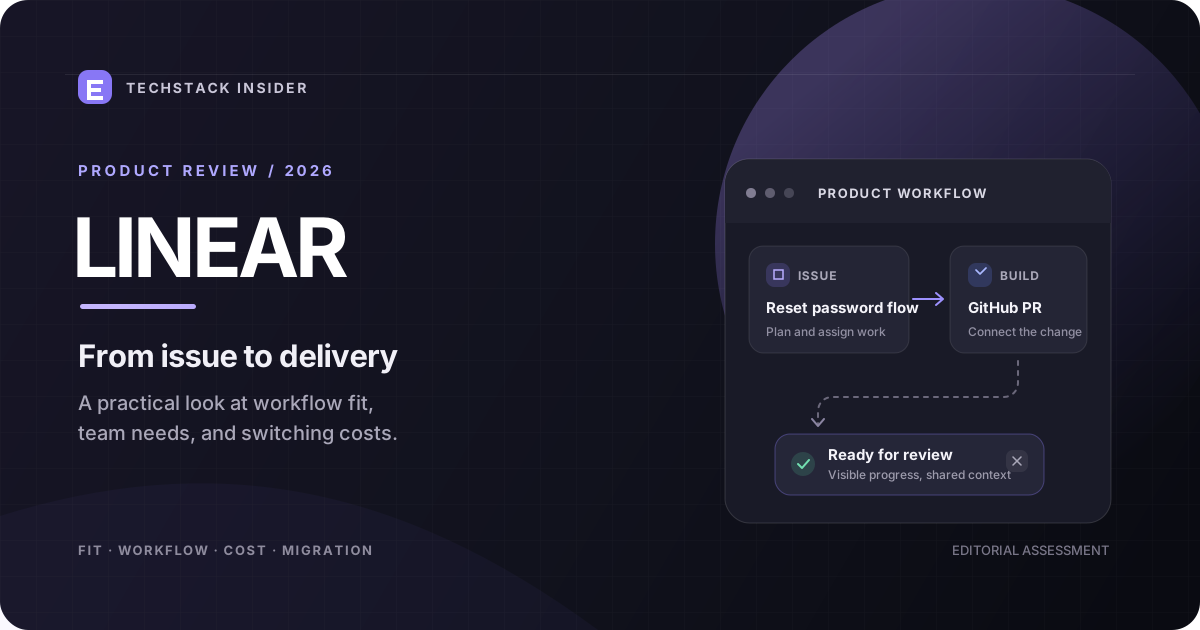
Linear Review 2026: Is It Worth It for Your Engineering Team?
Linear has a clear proposition: help product and engineering teams spend less time managing work and more time building products.
Its appeal is easy to understand. Issues, projects, cycles, keyboard-driven navigation, and GitHub-connected development workflows bring day-to-day engineering work into a focused environment.
But a good project management tool is not simply the one that feels fastest. It must also help a team prioritize work, coordinate releases, handle incoming requests, and explain progress without creating another layer of administration.
Our verdict: Linear is a strong candidate for startups and engineering-led product teams that want structured execution without a heavily customized project management system. It is less compelling when a company depends on complex cross-department workflows, extensive governance, or an established Jira configuration that already works well.
This review evaluates Linear through the lens of team fit, workflow design, cost, and switching risk—not just interface design.
Linear at a glance
| Decision factor | Assessment |
|---|---|
| Best suited to | Product and engineering teams |
| Main strength | A focused issue-to-delivery workflow |
| Engineering integration | GitHub issue, branch, commit, and pull-request linking |
| Planning model | Issues, cycles, projects, and initiatives |
| Free entry point | Yes, with usage and team limits |
| Main trade-off | Less suitable when extensive process customization is essential |
| Migration difficulty | Depends on existing workflows, integrations, and reporting |
| Overall recommendation | Shortlist it for engineering-led teams; pilot before migrating |
This is a product-fit assessment, not a controlled performance benchmark. Actual speed and productivity gains depend on the team’s existing processes, configuration, and adoption.
1. What makes Linear different?
Many project management tools can store tasks, assign owners, and display a board. Those features alone do not explain why a team would choose one product over another.
Linear’s differentiator is the way it organizes work around the product development process.
Its core concepts fit together as follows:
- Issues: Individual pieces of work, such as bugs, features, and technical improvements.
- Teams and workflows: The people and status transitions responsible for moving work forward.
- Cycles: Repeating planning periods for selecting and completing work.
- Projects: Related issues organized around a deliverable.
- Initiatives: Broader strategic efforts that can contain multiple projects.
- Views: Different ways to inspect the same work without duplicating it.
This structure supports a useful progression:
Strategic goal → project → issue → development work → review → completion.
It gives a team a way to connect daily engineering activity with larger product objectives.
However, a well-organized tool does not automatically create a well-organized team. Poor prioritization, unclear ownership, and oversized tasks remain organizational problems.
2. The feature that matters most: connecting issues to delivery
The most meaningful evaluation question is not whether Linear has attractive boards. It is whether the tool reduces the gap between a task being planned and its implementation being delivered.
Example: shipping a password-reset feature
Consider a startup building a SaaS application.
- The product manager creates a project for account recovery.
- The team creates issues for the reset email, token validation, expiry handling, and automated tests.
- Developers select work for the current cycle.
- A developer creates a branch associated with an issue.
- The pull request links back to the issue.
- Configured GitHub automations can update the issue’s status as development progresses.
The benefit is shared context. A developer can inspect the issue, a product manager can follow implementation, and the team can see which work remains incomplete.
Linear documents branch and pull-request linking, commit references, and configurable status automation in its official GitHub integration documentation.
What this does—and does not—solve
| Workflow problem | What Linear can help with | What still requires team discipline |
|---|---|---|
| Developers forget to update issues | GitHub-linked status automation | Correct workflow configuration |
| Product managers cannot see implementation progress | Issue-to-PR visibility | Accurate issue ownership and scope |
| Work gets lost across projects | Projects, views, and issue relationships | Clear prioritization |
| Tasks remain blocked | Relationships can identify dependencies | People must resolve blockers |
| Releases slip | Planning and progress visibility | Realistic estimates and release decisions |
Information gain: The real value of an engineering tracker is not the number of features it contains. It is how reliably it connects planned work to observable delivery signals.
3. Linear vs Jira: which one fits your team?
The right comparison is not simply “modern versus old.” Jira can support sophisticated workflows, while Linear emphasizes a more streamlined product development experience.
| Decision criterion | Linear | Jira |
|---|---|---|
| Initial setup | Often attractive for teams seeking a focused starting point | Can require more configuration, depending on the setup |
| Daily issue management | Strong fit for streamlined engineering workflows | Strong fit for teams with established issue processes |
| GitHub workflows | Issue, branch, commit, and PR linking with automation | Integrations and workflows depend on configuration |
| Process customization | Supports configurable workflows, but assess specific requirements | Extensive workflow and ecosystem options |
| Enterprise requirements | Evaluate required security, administration, and reporting features by plan | Often worth evaluating for complex organizational processes |
| Existing investment | Attractive when starting fresh or simplifying a workflow | Keeping Jira may be cheaper when existing processes work well |
| Switching effort | Low for a new team; potentially substantial for a mature organization | No migration needed if Jira already meets requirements |
Choose Linear when:
- Your team wants to keep issue tracking close to everyday engineering work.
- Developers frequently use GitHub and benefit from linked pull requests.
- Your planning process can be expressed through issues, projects, cycles, and a manageable set of statuses.
- You are starting a new product and want to avoid building an elaborate workflow before you need one.
Keep or choose Jira when:
- Multiple departments depend on complex, interlinked workflows.
- Existing reports, automations, permissions, or integrations are business-critical.
- Your organization has invested heavily in Jira administration and the current setup performs well.
- A migration would create more operational risk than the new interface would remove.
Decision rule: Do not migrate merely because Linear looks simpler. Migrate when you can identify specific workflow friction that the new system is likely to reduce.
4. Linear pricing: what will your team actually pay?
Linear’s official pricing page currently lists the following annual-billing prices:
| Plan | Listed price | Important consideration |
|---|---|---|
| Free | $0 | Two teams and a 250-issue limit |
| Basic | $10/user/month | Unlimited issues and up to five teams |
| Business | $16/user/month | Additional capabilities including private teams, advanced insights, and selected integrations |
| Enterprise | Custom | Advanced administration, security, and organizational controls |
Source: Linear official pricing.
These are listed annual-billing rates, not a guarantee of the amount payable under every billing arrangement. Check the current pricing page for monthly billing, taxes, feature eligibility, and contractual terms.
Cost example: a 10-person team
Using the listed annual-billing prices, before taxes or any additional costs:
| Team size | Basic per month | Business per month |
|---|---|---|
| 5 people | $50 | $80 |
| 10 people | $100 | $160 |
| 20 people | $200 | $320 |
For a 10-person team, the difference between Basic and Business is $60 per month at these rates, or $720 over 12 months.
That difference is worth paying only if the additional features solve a real problem for your team.
For example, if private-team requirements or Business-plan reporting capabilities are essential, the upgrade may be justified. If the team only needs issue tracking, projects, and GitHub linking, start by checking whether Basic is sufficient.
The hidden cost: adoption
The subscription is only one part of the cost of project management.
A realistic evaluation should also consider:
- Time spent configuring workflows and integrations.
- Migration and data-cleanup effort.
- Team training and temporary productivity loss.
- Rebuilding dashboards, automations, and reports.
- Ongoing administration.
A tool that costs less per user can still be more expensive overall if it creates substantial migration or maintenance work.
5. Is Linear genuinely faster?
Linear emphasizes a streamlined interface and keyboard-driven workflows. These can reduce interaction overhead, especially for people who create issues, navigate projects, and update work throughout the day.
But “fast” has two different meanings:
Interface speed: How quickly someone can perform an action inside the application.
Workflow speed: How quickly a team can move work from a request to a completed, verified change.
The first may influence the second, but they are not interchangeable.
A polished interface cannot compensate for unclear priorities, excessive work in progress, or reviews that routinely wait for days.
How to test the speed claim
Rather than accepting generic performance claims, run a small internal comparison.
- Select five representative tasks, such as creating an issue, finding a blocker, planning a cycle, linking a pull request, and generating a project status update.
- Ask representative team members to complete each task in the current tool.
- Repeat the same tasks in Linear after a short onboarding period.
- Record completion time, errors, and whether the resulting information is correct.
- Compare the results across several users, not just one experienced administrator.
Do not treat a single trial as proof. Differences in familiarity, setup, and task complexity can distort the result.
This produces evidence that matters to your team rather than an unsupported claim that one product is universally faster.
6. What are Linear’s limitations?
Linear’s focused approach is an advantage only when it matches the way an organization operates.
Limitation 1: A streamlined workflow may not fit every department
Engineering teams, customer support, sales operations, and compliance teams do not necessarily need the same statuses, ownership rules, or reporting structure.
If every department requires substantially different processes, validate the required workflows before standardizing on Linear.
Limitation 2: Integrations still need configuration
Connecting GitHub does not automatically guarantee a clean process. Teams need sensible branch conventions, status mappings, repository permissions, and rules for handling multiple pull requests.
Automation can also create confusing transitions if the team’s workflow is not designed carefully.
Limitation 3: More features do not eliminate reporting work
Linear provides project and issue data that can support progress reporting. However, leadership still needs to decide which measures matter.
A count of completed issues, for example, is not a reliable standalone measure of engineering productivity. Issues differ in scope, difficulty, and business impact.
Limitation 4: Migration creates operational risk
A mature Jira workspace may contain years of issue history, custom fields, dashboards, automation rules, and integrations.
Moving only the visible issues does not guarantee that the underlying process has been preserved.
Before migrating, check:
- Issue history and attachments.
- Parent-child relationships and dependencies.
- User assignments and permissions.
- Custom fields and status mappings.
- Reports, automations, and integrations.
- Data export and retention requirements.
Run a pilot with a representative project before moving the entire organization.
7. A practical Linear adoption scorecard
Use this scorecard to evaluate team fit before buying or migrating. The scores below are a decision aid, not measured product performance.
| Criterion | Weight | What to assess |
|---|---|---|
| Engineering workflow fit | 25% | Do issues, projects, cycles, and statuses match the team’s process? |
| GitHub integration | 20% | Does issue-to-PR tracking remove real coordination work? |
| Ease of adoption | 20% | Can developers and product managers use it with limited training? |
| Reporting and visibility | 15% | Can stakeholders answer their essential progress questions? |
| Customization and governance | 10% | Can the product support required rules and permissions? |
| Total cost | 10% | Are subscription and migration costs justified? |
Score each criterion from 1 to 5, where 1 means poor fit and 5 means excellent fit. Multiply each score by its weight and divide the total by 5 to obtain a percentage.
Interpret the result as an internal screening signal:
- 80–100%: Strong candidate for a structured pilot.
- 60–79%: Validate the weak areas before deciding.
- Below 60%: Compare alternatives or improve requirements before committing.
A high score does not override a critical failure. If the tool cannot satisfy a mandatory security or workflow requirement, reject it regardless of the total.
8. The 7-day Linear pilot
A short pilot can reveal more than a feature checklist.
Day 1 — Define success
Choose three problems the current process creates. Examples include stale issue statuses, unclear ownership, or poor visibility into pull-request progress.
Day 2 — Configure one representative team
Create a realistic workflow, a small backlog, and a project with clear ownership.
Day 3 — Connect GitHub
Test branch and pull-request linking. Verify that automated status changes behave as intended.
Day 4 — Run normal work
Have the team use Linear for actual development tasks rather than a fabricated demonstration backlog.
Day 5 — Test exceptions
Handle a blocked issue, an urgent bug, a reopened task, and a pull request that needs additional review.
Day 6 — Measure the result
Compare the pilot with your baseline for task completion time, stale statuses, time spent updating work, and the accuracy of project reporting.
Day 7 — Make the decision
Document the improvements, unresolved issues, training requirements, and migration costs. Decide whether to expand the pilot, adjust the configuration, or stop.
The aim is not to prove that Linear is better. It is to discover whether it improves your team’s actual workflow enough to justify adoption.
9. Frequently asked questions
Is Linear worth it in 2026?
It is worth evaluating if your team wants streamlined issue tracking, structured planning, and development workflows connected to GitHub. The value depends on whether it solves specific problems better than your current setup.
Is Linear better than Jira?
Neither is universally better. Linear is a strong candidate for teams seeking a focused engineering workflow; Jira is worth considering when extensive customization, established reporting, or complex organizational processes are essential.
Can a startup use Linear for free?
Yes. Linear’s Free plan lists unlimited members, two teams, and a limit of 250 issues. Check the current plan limits and decide whether they fit your backlog and team structure.
Does Linear integrate with GitHub?
Yes. Linear supports linking issues with branches, commits, and pull requests, along with configurable status automation. Some advanced code-related capabilities depend on plan and configuration.
Is Linear suitable for nontechnical teams?
It can be useful for teams coordinating work around products and projects, but suitability depends on their reporting, permissions, intake, and process requirements. Test those requirements rather than assuming an engineering-focused tool fits every department.
Should I migrate my whole team from Jira?
Not immediately. Start with a pilot, validate the migration of representative data, and compare workflow improvements with training and migration costs. Keep the existing process until critical requirements have been verified.
Final verdict: who should choose Linear?
Linear deserves a shortlist when an engineering-led team wants a coherent way to plan work, manage issues, and connect development activity with delivery.
Its strongest case is not that it has the most features or that it is always faster. It is that a focused workflow can reduce the friction between planning and implementation—provided the team actually uses it consistently.
Choose Linear when the workflow fits and the pilot demonstrates measurable improvement. Keep Jira or another established tool when its customization, integrations, and reporting already meet your needs.
The decision is simple: evaluate the workflow, measure the improvement, and calculate the full cost before committing.
For a broader look at the software stack around a startup, see our guide to SaaS tools for startups.
Frequently Asked Questions
Is Linear worth it in 2026?
Linear is worth evaluating for engineering teams that want streamlined issue tracking, structured planning, and GitHub-connected workflows. Its value depends on team size, process complexity, and whether its workflow fits existing operations.
Is Linear better than Jira?
Linear is a strong fit for teams that prioritize a streamlined product development workflow. Jira may be preferable when an organization depends on complex workflows, extensive configuration, or broader enterprise process requirements.
How much does Linear cost?
Linear lists Free at $0, Basic at $10 per user per month, and Business at $16 per user per month with annual billing. Enterprise pricing is custom. Check the official pricing page for current terms.
Does Linear integrate with GitHub?
Yes. Linear can link issues with branches, commits, and pull requests, automate issue status changes, and support additional code review and AI-assisted workflows depending on configuration and plan.
Can a small startup use Linear for free?
Yes. The Free plan supports unlimited members, but it has limits including two teams and 250 issues. Check current plan limits before moving an active product backlog into it.
Should a team migrate from Jira to Linear?
Migrate when the benefits of a simpler workflow outweigh the cost of transferring issues, rebuilding automations, retraining users, and validating reports and integrations. Run a pilot before moving the entire organization.
Related Articles
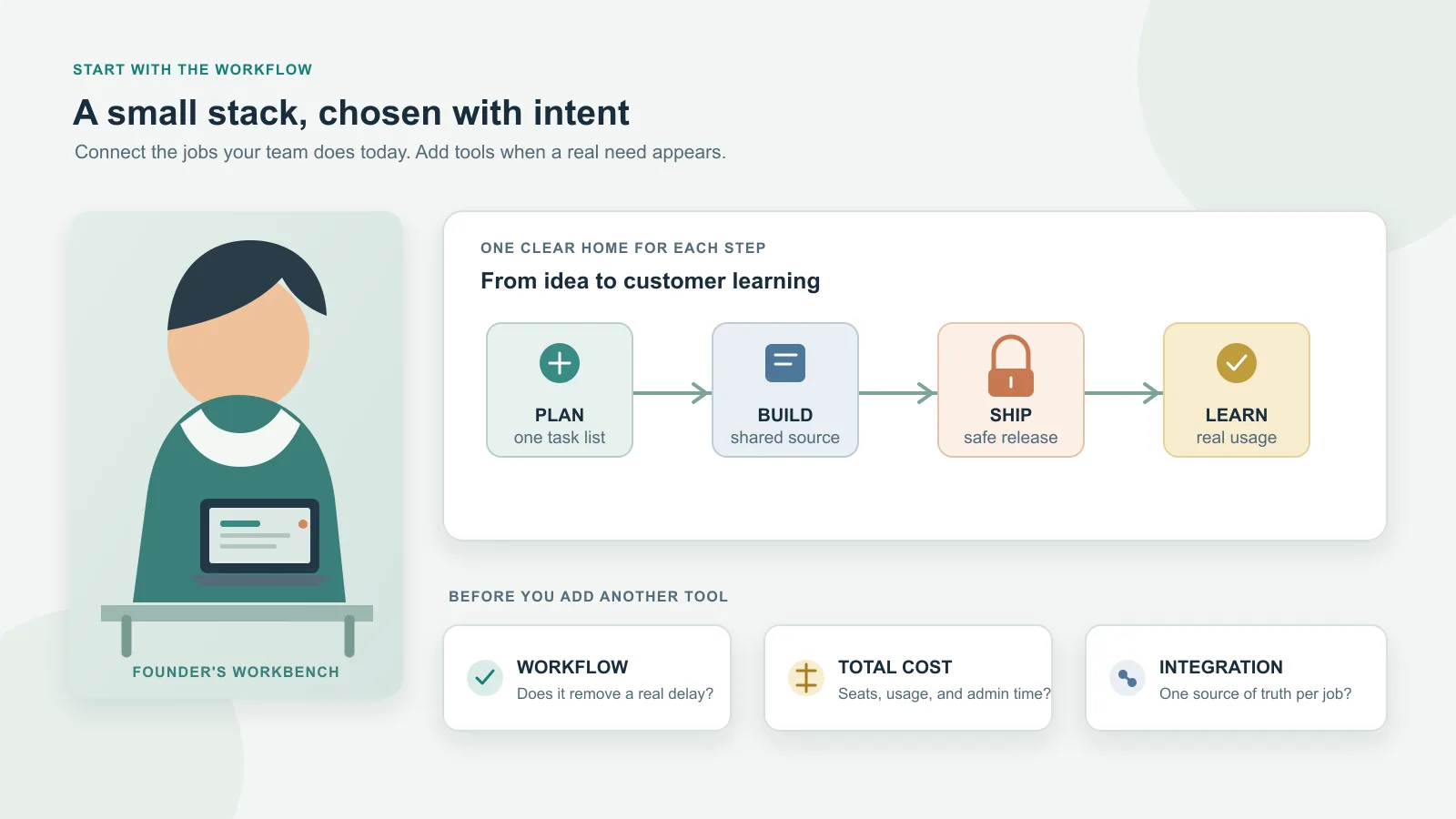
Best SaaS Tools for Startups: Build a Lean Stack
Choose startup SaaS tools by workflow, stage, total cost, integrations, and exit risk. A practical shortlist explains when to adopt each tool—and when to wait.
Cursor Review: Is the AI Editor a Fit for Your Workflow?
A practical Cursor review for developers: current editor and agent workflows, privacy and permissions, pricing, trade-offs, and a repeatable way to evaluate it in your own repository.

SaaS Pricing Strategies: Choose and Validate a Model
Choose a SaaS pricing model by connecting customer value, buying behavior, product economics, packaging, and evidence from real customer decisions.
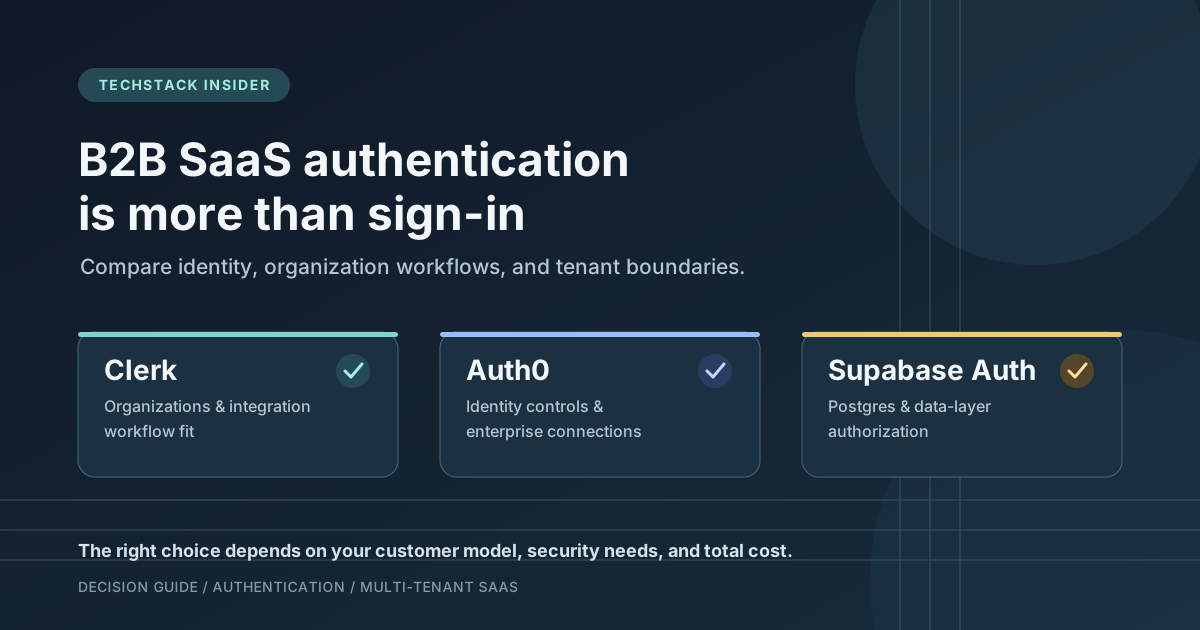
Clerk vs Auth0 vs Supabase Auth: Which Fits Your B2B SaaS?
Compare Clerk, Auth0, and Supabase Auth for B2B SaaS by organization management, enterprise SSO, authorization, integration effort, pricing, and migration risk.