Best SaaS Tools for Startups: Build a Lean Stack
Choose startup SaaS tools by workflow, stage, total cost, integrations, and exit risk. A practical shortlist explains when to adopt each tool—and when to wait.
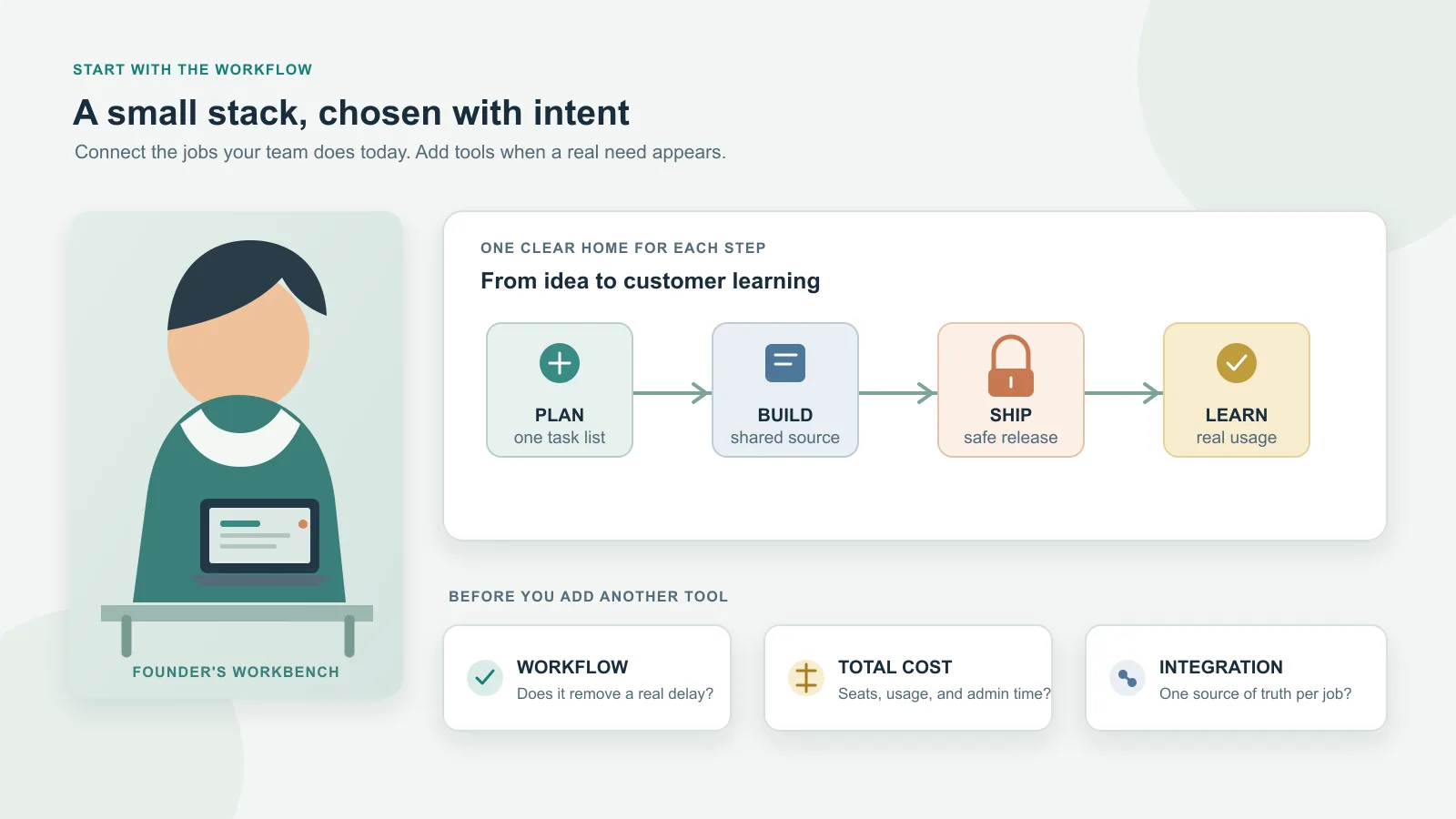
The best SaaS tools for a startup are the few products that make a real customer or team workflow reliable. A popular stack is not automatically a good fit, and a free plan can still cost time through usage limits, manual work, security gaps, or a difficult migration.
Use this shortlist as a set of candidates, not a shopping list. Start with the work your startup must do now, choose one clear system for each recurring job, and add software only when it removes a demonstrated bottleneck or risk. Product capabilities and plan details below were checked against official vendor pages on October 24, 2026; terms and limits can change.
Decide what the startup needs before choosing a tool
Write down one workflow from beginning to end—for example, a customer reports a problem, the team records it, an engineer ships a fix, and the customer hears back. Mark which steps are repeated, who owns each step, and where information currently gets lost. A tool is justified when it improves one of those steps enough to offset its subscription, setup, administration, and exit costs.
Compare candidates on these questions:
| Criterion | What to check |
|---|---|
| Workflow fit | Does it remove a current delay or make ownership clearer? |
| Stage fit | Is it useful for the current team size and customer process, or mainly for a future organization? |
| Total cost | Include seats, usage, add-ons, payment fees, setup, and staff time—not just the headline plan. |
| Integration | Can the tool connect to the source of truth you already use without brittle automation? |
| Security and access | Can you use MFA, assign appropriate roles, remove access promptly, and meet customer or legal requirements? |
| Portability | Can you export the records you would need to leave, and in a usable format? |
| Exit effort | What data, workflows, URLs, code, or customer processes would need to move? |
Choose a source of truth for each type of information. A task should not be independently maintained in a chat thread, project board, and spreadsheet. Connect systems where that removes duplicate work, but avoid building an automation network before the underlying process is stable.
A practical shortlist by job
The products below solve different jobs. The choice notes are editorial guidance based on documented capabilities and plan terms, not results of hands-on product testing.
| Job | Candidate | Choose it when | Limitation or avoid condition |
|---|---|---|---|
| Code and lightweight issue tracking | GitHub Issues | Your product is software and keeping tasks beside repositories and pull requests is enough. | Avoid it as the only planning system if nontechnical work, cross-team dependencies, or a product roadmap need clearer shared ownership. |
| Structured product planning | Linear | The team needs explicit issue workflows, projects, and cycles beyond what repository issues provide. | Avoid adding a second tracker if repository issues already support the workflow. As checked on October 24, 2026, Linear’s published Free plan includes two teams and 250 issues; recheck the current cap before relying on it. |
| Team chat | Slack | Conversation across channels and external partners has become difficult to manage in email. | Avoid treating chat as durable documentation or adding it before the team has a recurring collaboration need. The Free plan limits searchable history to 90 days and restricts some collaboration features; preserve decisions in a durable source of truth. |
| Web app deployment | Vercel | The product is a web app that benefits from Git-connected builds and preview deployments. | Avoid the Hobby plan for commercial startup use: its terms restrict it to personal, non-commercial use. Account for eligible plan costs and metered resources. |
| Database and backend building blocks | Supabase | A managed Postgres database plus related backend capabilities fit your architecture and operating model. | Avoid relying on the Free plan for production if your requirements depend on its quotas, automatic backups, or always-on projects; the plan lacks automatic backups and can pause projects after a week of inactivity. |
| Product usage analytics | PostHog Product Analytics | You have a specific activation, retention, or funnel question and can define the events needed to answer it. | Avoid collecting events without a decision they can inform or before privacy and data-quality ownership is clear. As checked on October 24, 2026, the free analytics tier includes up to one million events monthly; usage above free-plan limits can require paid usage. |
| Lead and sales tracking | HubSpot CRM | Several people need a shared view of contacts, follow-ups, and a repeatable sales pipeline. | Avoid adopting a CRM before shared lead follow-up is needed. The published Free Tools edition currently allows up to two users; check feature and seat limits, and account for add-ons as the workflow grows. |
| Customer payments | Stripe | You are ready to accept payments and its supported payment methods and integration fit your markets. | Avoid choosing it before verifying support for your markets and payment methods or modeling transaction fees and operations. Processing does not replace bookkeeping or cash planning. |
Do not adopt every row by default. A solo founder might need code hosting, a deployment path, and basic email before needing chat, a CRM, analytics, or a customer-support platform. A team accepting payments may need billing and customer records sooner, but only once the customer workflow exists.
Build the stack in stages
Solo founder or first prototype
Keep the system small enough to understand and leave. If you are building software, use one code host and one way to track work. Add hosting and backend services that match the product’s actual architecture. Keep customer conversations and decisions in a durable place; do not treat a free chat history as your company knowledge base.
Wait on a CRM until leads need shared follow-up, product analytics until you know what question to measure, and automation until a manual process repeats enough to justify the setup. If your goal is to decide the product’s underlying technology, use the separate guide to choose the technologies that make up your SaaS.
Small founding team
Agree on where product requirements, tasks, source code, customer records, and decisions live. Add a dedicated project tool only if the existing issue workflow no longer gives clear ownership or planning. Set up MFA, least-privilege access, account recovery, and offboarding before inviting contractors or connecting production data.
Prefer integrations that keep the same fact from being re-entered. For example, a support request may create an engineering issue, but the request’s owner and customer status should still be clear. Name who maintains each integration and what happens when it fails.
Growing startup
Reassess identity, permission reviews, auditability, data exports, support coverage, and spend controls as headcount and customer obligations rise. Compare the annual contract and migration burden with the cost of the current workaround. A larger company plan can be justified by an actual control or service requirement; it is not a maturity badge.
Infrastructure cost is a separate but related decision. See how infrastructure costs change as your product grows, and set pricing for your own product separately from choosing vendors with the SaaS pricing guide.
Essential tools and conditional tools
For a software startup, a repository, a tested way to deploy, and access to the data the product needs are often part of building the product. The exact products depend on the codebase and team; this is not a universal bundle.
Other tools should have a trigger:
- CRM: repeated sales follow-up is being missed or customer history needs shared ownership.
- Analytics: the team has a product question it will act on, such as where onboarding drops off.
- Dedicated support software: requests span channels, need assignment or response targets, or require reporting.
- Finance or payroll software: the business has recurring bookkeeping, payroll, tax, or reconciliation work. Requirements depend on country, entity, and workforce; validate local fit instead of copying another startup’s provider list.
- Identity or access management: customer obligations, team size, or account risk require controls beyond MFA, named accounts, and least-privilege roles in the tools you already use.
- Paid project management: issue volume, cross-team work, or planning needs exceed the current workflow.
- Automation: a stable, repeated task is costly to perform manually and has a safe failure path.
An integration is also a product choice. Document what data is copied, which system owns it, who receives alerts, and how to disconnect the integration without losing records.
Estimate the real cost of the stack
For each candidate, record its current plan, included users, usage units, retention, backup and support limits, and the event that would force an upgrade. Then estimate the next plausible stage: additional seats, event volume, storage, bandwidth, transactions, paid integrations, or a higher security tier.
Include operating costs that do not appear on a pricing page:
- duplicate subscriptions that perform the same job;
- time spent configuring, cleaning, and administering tools;
- manual copying between products that do not integrate cleanly;
- usage-based charges that rise with traffic or customer activity;
- migration work and temporary parallel-running costs;
- the cost of losing access to data or controls after downgrading.
Free tiers are useful for evaluating fit, but they are not all free trials and they are not all appropriate for a commercial product. Read the current terms for commercial use, data retention, backups, security controls, and overage behavior. Set alerts or usage caps where available. If a tool handles customer data, check its contract and controls against your actual obligations before connecting production information.
A simple decision matrix
| Situation | Start with | Add a tool when… | Pause when… |
|---|---|---|---|
| Solo technical founder | Code host, one issue workflow, suitable deployment and data services | A repeated customer or product workflow is difficult to manage | The new product duplicates a current feature or adds a second source of truth |
| Nontechnical or mixed founding team | Shared documents, clear task ownership, and a technical review path | Handoffs or customer follow-up are repeatedly missed | The team is buying developer infrastructure without a defined product need |
| Early customer discovery | A simple contact list and a reliable note-taking process | Several people need pipeline ownership or follow-up reporting | A CRM’s configuration burden exceeds the sales work it organizes |
| Product with active users | A small set of defined product events and an analytics question | A measurement result will change the roadmap or onboarding | The team cannot explain what data it collects or what decision the dashboard supports |
| Security-sensitive or enterprise sales | A requirements checklist for access, data, retention, audit, and contracts | A vendor can demonstrate the specific control the customer requires | A free plan or vendor promise does not satisfy a documented requirement |
| Cost-constrained startup | Existing subscriptions and usage caps | A paid feature prevents a measurable bottleneck or reduces a greater cost | Annual commitment, seat minimums, or migration risk exceed near-term value |
A lightweight selection workflow
- Name the workflow. State who does what, what information moves, and what currently fails.
- Set a must-have list. Include functionality, users, integrations, data handling, and export needs. Keep preferences separate.
- Shortlist two candidates at most. Compare them against the same task, constraints, and plan limits.
- Pilot with non-sensitive data. Reproduce a real workflow, invite only the needed users, and test the integration and export path.
- Record the whole cost. Include setup, training, administration, usage, and review time, not only the subscription.
- Decide and name an owner. Write down why you chose it, which plan limit matters, who maintains it, and when you will reassess.
The decision should be reversible where practical. Keep an exportable copy of important records, avoid custom automation that only one person understands, and revisit tools when a real trigger occurs rather than adding software in anticipation of hypothetical scale.
Common startup tool mistakes
- Buying for a future org chart: Enterprise permissions and advanced workflows do not help if the team has no process that needs them yet.
- Using two tools for one job: Duplicated project boards and contact databases create reconciliation work.
- Confusing a free plan with a production plan: Usage, security, backup, retention, and commercial-use terms may differ.
- Automating an unstable process: Automation can make unclear ownership harder to see and failures harder to diagnose.
- Ignoring portability: A low initial cost can conceal a difficult export or migration later.
- Collecting data without a question: Analytics adds implementation and privacy responsibilities; decide what action a measurement could change first.
- Treating payment tools as finance systems: Payment records do not by themselves define bookkeeping, tax, or cash-management processes.
Conclusion: buy for the workflow you have
There is no universal startup SaaS stack. Pick the smallest group of tools that lets your current team build, sell, deliver, and support the product with clear ownership. Test the tools with a real workflow, check the terms and limits of the plan you will actually use, and add complexity only when evidence shows the current setup is holding the business back.
The goal is not to own fewer tools at any cost. It is to make every tool earn its place through a job that is clear, used, and worth the ongoing operational burden.
Frequently Asked Questions
What SaaS tools does a startup need first?
Start with the tools required to deliver the current customer workflow: code collaboration if you are building software, a reliable way to communicate and track work, and hosting or backend services only where your product needs them. CRM, analytics, support, and automation tools can wait until a real workflow needs them.
Should a startup use free SaaS plans?
A no-cost plan can be a sensible pilot, but it is not the same as an unrestricted or commercial plan. Check user, usage, retention, backup, security, and commercial-use limits, then define what would trigger a paid plan or migration.
When should an early startup adopt a CRM?
Adopt one when leads, follow-ups, ownership, or a repeatable sales process are becoming hard to manage with the current method. Choose based on the workflow and reporting you need, not on a feature list you may never use.
How often should a startup review its SaaS stack?
Review it when a tool renews, a team or customer requirement changes, usage approaches a plan limit, or overlapping tools create extra work. A short review tied to those triggers is more useful than adding a new tool whenever a problem appears.
Related Articles
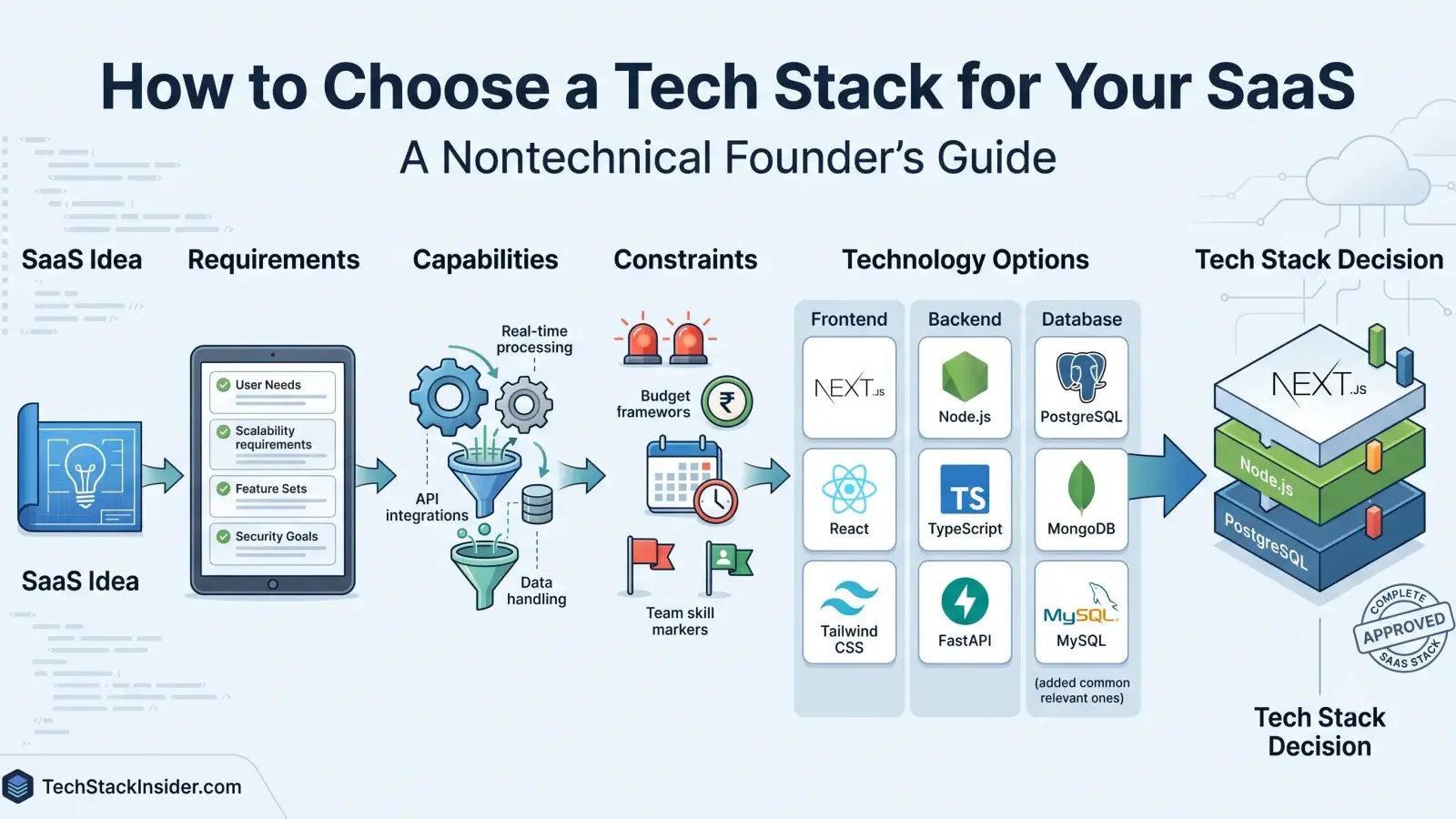
How to Choose a Tech Stack for Your SaaS
A practical guide for nontechnical SaaS founders to choose a tech stack by defining product requirements, comparing capabilities, and weighing cost, complexity, security, and team constraints.
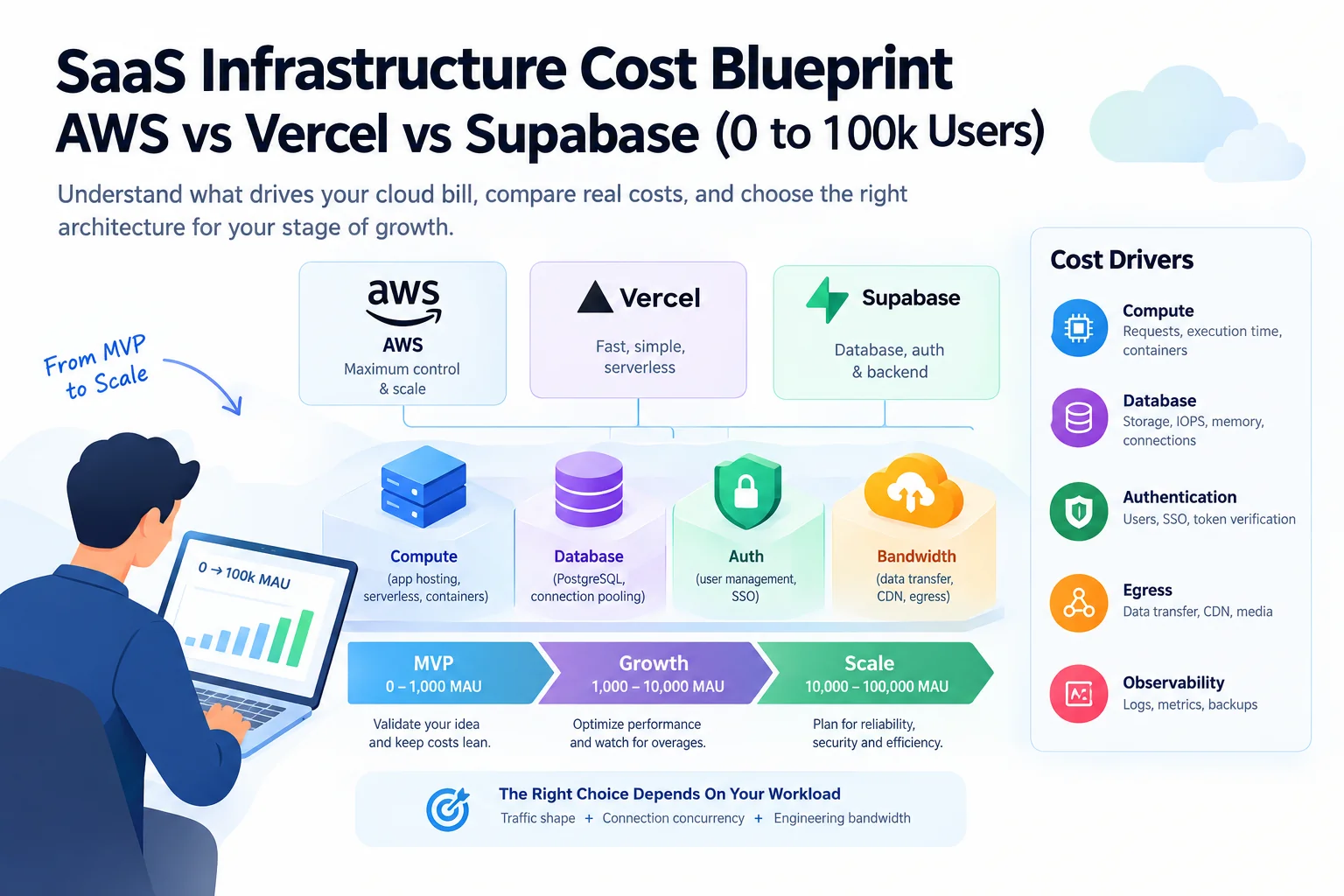
How Much Does SaaS Infrastructure Cost? A Practical Guide from MVP to Growth
Understand SaaS infrastructure costs as your product grows. Compare AWS, Vercel, and Supabase, identify hidden cost drivers, and decide when your architecture needs to change.
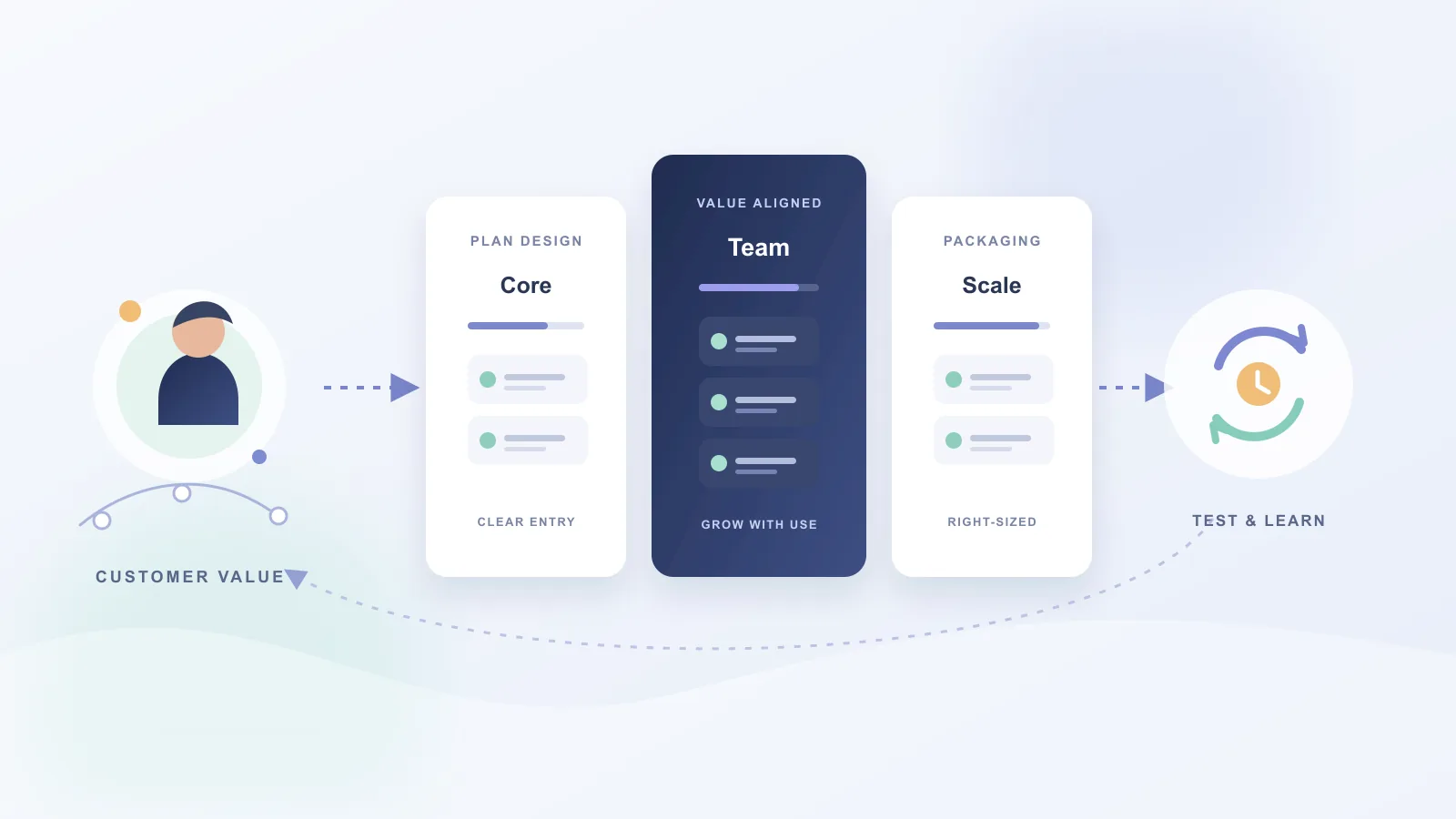
SaaS Pricing Strategies: Choose and Validate a Model
Choose a SaaS pricing model by connecting customer value, buying behavior, product economics, packaging, and evidence from real customer decisions.
Linear Review 2026: Is It Worth It for Your Engineering Team?
Linear review: compare features, GitHub workflows, pricing, and Jira trade-offs. Find out which teams benefit most—and when Linear is not worth switching to.