How Much Does SaaS Infrastructure Cost? A Practical Guide from MVP to Growth
Understand SaaS infrastructure costs as your product grows. Compare AWS, Vercel, and Supabase, identify hidden cost drivers, and decide when your architecture needs to change.
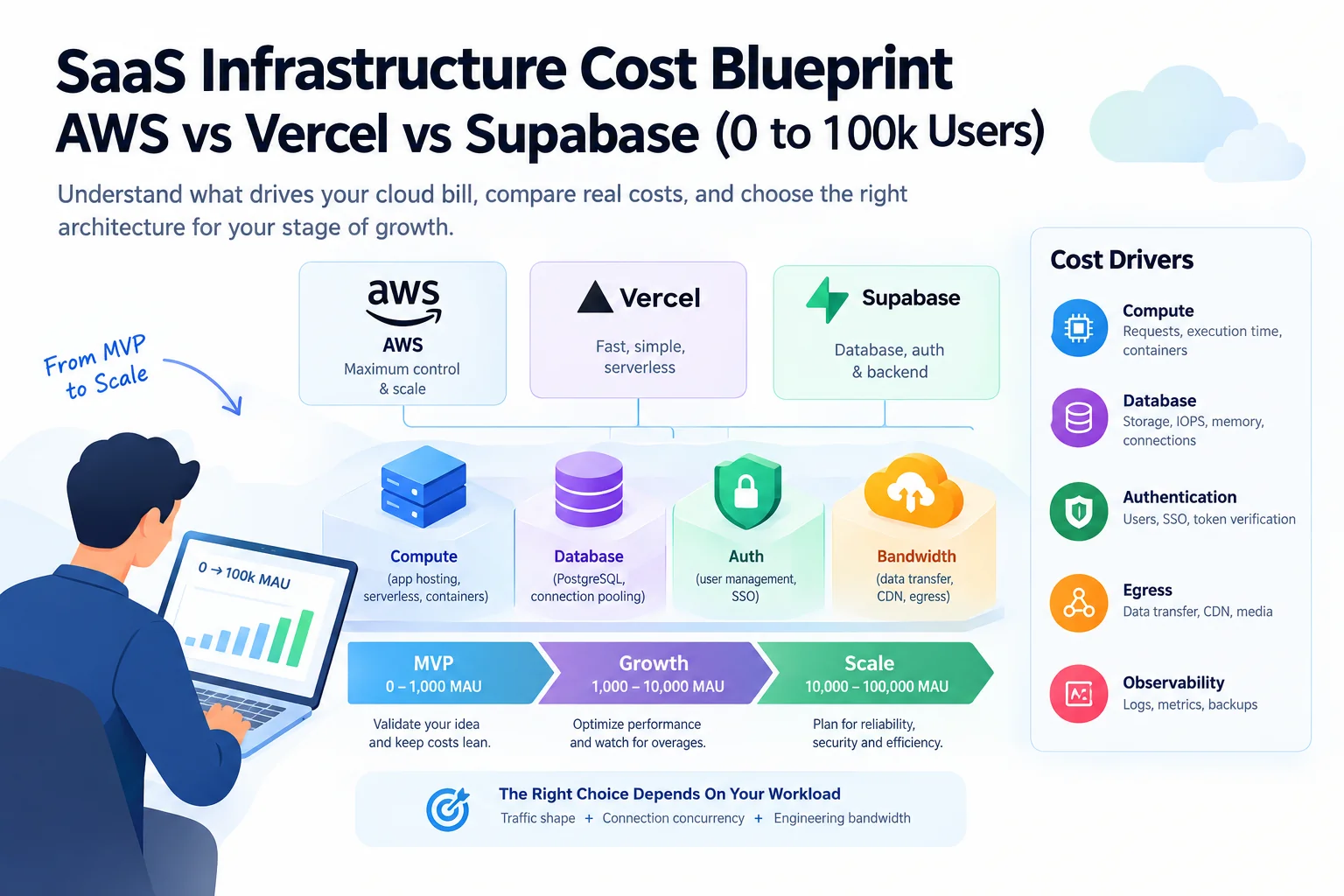
How Much Does SaaS Infrastructure Cost? A Practical Guide from MVP to Growth
A SaaS application can start with a small hosting bill and become more expensive as its workload grows. The challenge is not simply choosing a cloud provider. It is understanding which parts of the application consume resources, which costs grow with usage, and which architectural decisions become expensive to reverse.
A simple business application that stores text records has different requirements from a product that processes large files, generates reports, or calls AI models. Even two applications with the same number of active users can have very different operating costs.
There is no single reliable hosting price for every SaaS. A useful estimate starts with the workload, the service requirements, and the team’s ability to operate the chosen architecture.
1. What does SaaS infrastructure include?
Hosting the frontend is only one part of the operating bill.
| Component | Purpose | Main cost drivers |
|---|---|---|
| Application compute | Runs application code and backend requests | Compute time, memory, execution duration |
| Database | Stores users and business records | Queries, storage, compute capacity, connections |
| File storage | Stores uploads and generated files | Stored volume, downloads, retention |
| Network transfer | Moves data between services and users | Outbound bandwidth and response size |
| Background jobs | Processes work outside user requests | Job count, execution time, retries |
| Monitoring and logs | Helps detect errors and diagnose problems | Log volume, retention, monitoring plans |
| Backups and security | Supports recovery and protects data | Backup retention, redundancy, security services |
| External APIs | Provides email, payment, and AI capabilities | Calls, messages, transactions, or model usage |
A low advertised hosting price does not represent the full cost if the application also needs a database, storage, monitoring, and third-party services.
2. Estimate the workload before estimating the bill
The number of active users per month is a useful planning input, but it is not a billing unit shared by all providers.
Start by estimating:
- Active users and typical daily activity.
- Requests generated by each active user.
- Database reads and writes per request.
- File uploads, downloads, and stored data.
- Background jobs and their execution time.
- AI or other third-party API usage.
- Performance, availability, and recovery requirements.
A first approximation of monthly requests is:
Active users per month × average requests per active user per month
This is a request-volume estimate, not a cost estimate. Requests can differ substantially in compute time, database load, and data transfer.
For AI-enabled applications, estimate model API usage separately from hosting. The model provider’s charges may be a significant part of the total bill.
3. AWS, Vercel, and Supabase solve different problems
These services are not direct substitutes in every architecture. They can also be combined, provided each service has a clear responsibility.
AWS: control and breadth
AWS offers services for compute, databases, storage, networking, security, and specialized workloads.
It can fit applications that require custom infrastructure, detailed network controls, or services that simpler deployment platforms do not provide. The trade-off is the work required to configure, secure, monitor, and maintain the system.
Choose AWS when its capabilities solve a real requirement and the team can operate the resulting architecture. Do not assume that more control automatically means a lower bill.
Vercel: application deployment
Vercel focuses on deploying web applications and provides a streamlined workflow for supported frameworks and runtimes.
It can reduce deployment work for a small team, but the overall architecture may still require separate database, storage, authentication, and background-processing services.
Check the current pricing, usage limits, runtime constraints, and applicable bandwidth or function charges against your expected workload.
Supabase: managed application backend
Supabase provides a managed backend built around PostgreSQL, with features that can include authentication, storage, and APIs.
It can reduce setup and operational work for applications whose data model and backend needs fit the service. The team must still design the schema, secure access, optimize queries, and plan backups.
Check database capacity, connection limits, storage needs, and current plan constraints before relying on it for production.
Can they be combined?
A web application may use Vercel for deployment and Supabase for data and authentication. Another may run its backend and database on AWS.
Combining platforms can be sensible, but it also creates additional service dependencies, billing accounts, credentials, and monitoring requirements. Add a service because it solves a requirement, not merely because it is popular.
4. How infrastructure needs change as the product grows
| Stage | Primary concern | Useful evidence | Sensible response |
|---|---|---|---|
| MVP | Avoid unnecessary complexity | Baseline bill, errors, response times | Start with a small setup that meets requirements |
| Early growth | Identify bottlenecks | Database load, request volume, storage, bandwidth | Optimize the expensive paths first |
| Established product | Maintain predictable performance | Peak traffic, queue depth, recovery time | Add capacity and resilience where justified |
| Specialized or high-scale workloads | Control cost and failure risk | Cost per operation, saturation, regional needs | Evaluate targeted architecture changes |
These are decision stages, not guaranteed price bands. A small application with expensive AI processing can cost more than a larger application with simple requests.
5. Build a realistic monthly cost estimate
Estimate each component separately using the current official pricing and billing units.
- Application compute and deployment.
- Database compute, storage, and backups.
- File storage and network transfer.
- Background jobs and scheduled tasks.
- Logs, monitoring, and security.
- External APIs, including email, payments, and AI.
- Operational effort and maintenance.
For each item, record the expected quantity, unit price, and assumptions. Date the estimate because prices, plans, and service limits can change.
Use provider calculators to build the initial forecast, then validate it with measured usage and representative load tests. Avoid extrapolating a production bill from user count alone.
6. Costs that teams often overlook
Database growth: more records, indexes, backups, and expensive queries can increase storage or compute needs.
Network transfer: large downloads, repeated responses, and cross-service traffic can create charges that are not obvious from the entry-level hosting plan.
Background processing: scheduled jobs, document processing, retries, and notifications consume resources outside interactive requests.
Logs and monitoring: detailed logs help troubleshoot problems, but excessive volume and long retention can raise costs.
AI usage: model charges depend on the provider, model, and actual usage. Track them separately from application hosting.
Reliability requirements: backups, redundancy, and recovery environments cost money, but may be necessary when downtime or data loss would harm the business.
Engineering time: a lower cloud bill may require more maintenance. Include operational effort when comparing options.
7. When should you migrate to a different architecture?
Do not migrate because a product has reached an arbitrary user count. Identify the specific problem the change is expected to solve.
| Observed problem | Investigate first | A larger change may be justified when |
|---|---|---|
| Slow requests | Profile code and database queries | The platform prevents a necessary optimization |
| High database usage | Inspect indexes, query patterns, and connections | Capacity or control requirements exceed the current service |
| Rising bandwidth | Measure response sizes and caching | A different delivery design has a measurable benefit |
| Background-job limits | Profile execution time and retries | The workload requires a different execution model |
| Platform restrictions | Confirm the exact limitation | A required capability is unavailable |
| Unpredictable bills | Attribute cost to individual services | An alternative offers demonstrably better cost control |
Migration also involves engineering time, data transfer, testing, security review, monitoring, and rollback planning. Compare those costs with the expected benefit before changing production infrastructure.
8. Use a practical decision process
First, define the workload. Describe requests, data operations, files, jobs, and external APIs.
Second, define the requirements. Establish performance, availability, security, and recovery expectations.
Third, choose the simplest suitable design. Prefer managed services when they meet the requirements and reduce unnecessary operational work.
Fourth, estimate the complete cost. Include compute, data, network, backups, monitoring, and external services.
Fifth, test and measure. Compare actual resource use with the forecast under representative conditions.
Finally, define review triggers. Examples include sustained database saturation, missed performance objectives, unexpected cost growth, or a platform limit blocking a required feature.
This makes infrastructure selection a decision based on evidence rather than brand preference.
9. Monthly cost worksheet
| Cost category | What to estimate |
|---|---|
| Application compute | Expected usage and billing unit |
| Database | Compute, storage, and backup requirements |
| Storage | Stored data and downloads |
| Network | Outbound transfer and applicable traffic charges |
| Background jobs | Number of jobs and execution time |
| Monitoring | Log volume, retention, and monitoring plan |
| External APIs | Calls, messages, transactions, and model usage |
| Operational overhead | Engineering time and maintenance |
Calculate infrastructure services and external services separately. If you need a total cost of ownership estimate, add operational effort as a clearly identified third category.
Conclusion
The right infrastructure is not necessarily the cheapest advertised plan or the most configurable cloud platform. It is the simplest architecture that meets the application’s requirements while leaving a practical path for growth.
Start with the workload, estimate the complete operating cost, and validate the assumptions with measured usage. Change the architecture when evidence shows the current design no longer fits.
Provider pricing and service limits should be verified against official documentation before making a purchasing or migration decision.
Frequently Asked Questions
How much does it cost to host a SaaS per month?
There is no universal price. Costs depend on application compute, database usage, storage, network transfer, background jobs, monitoring, reliability requirements, and external APIs. Estimate each component using your workload and current provider pricing.
Is Vercel and Supabase enough for a SaaS MVP?
It can be a suitable combination for many web applications when the runtime, database, authentication, storage, security needs, and usage limits fit. Applications with specialized workloads may need a different architecture.
Is AWS cheaper than Vercel and Supabase?
Not automatically. Compare equivalent workloads, required capabilities, operational effort, and total cost. More infrastructure control can also mean more configuration and maintenance.
How many users can a SaaS infrastructure setup handle?
User count alone cannot establish capacity. Request frequency, database queries, concurrency, caching, file processing, and performance requirements all matter. Test representative workloads and monitor bottlenecks.
What causes unexpected cloud bills?
Common causes include network transfer, inefficient database queries, growing storage, background jobs, log volume, external API usage, and resources left running. Cost attribution and billing alerts help identify problems earlier.
When should I migrate from a managed platform to AWS?
Consider migrating when a measured cost problem, platform limitation, workload requirement, or reliability need justifies the extra operational complexity. Compare migration and maintenance costs against the expected benefit.
Should I use a cloud cost calculator?
Yes. Use the provider's current calculator to estimate the expected workload, record your assumptions, and validate the estimate against measured usage. Treat the result as a forecast rather than a guaranteed bill.
Related Articles
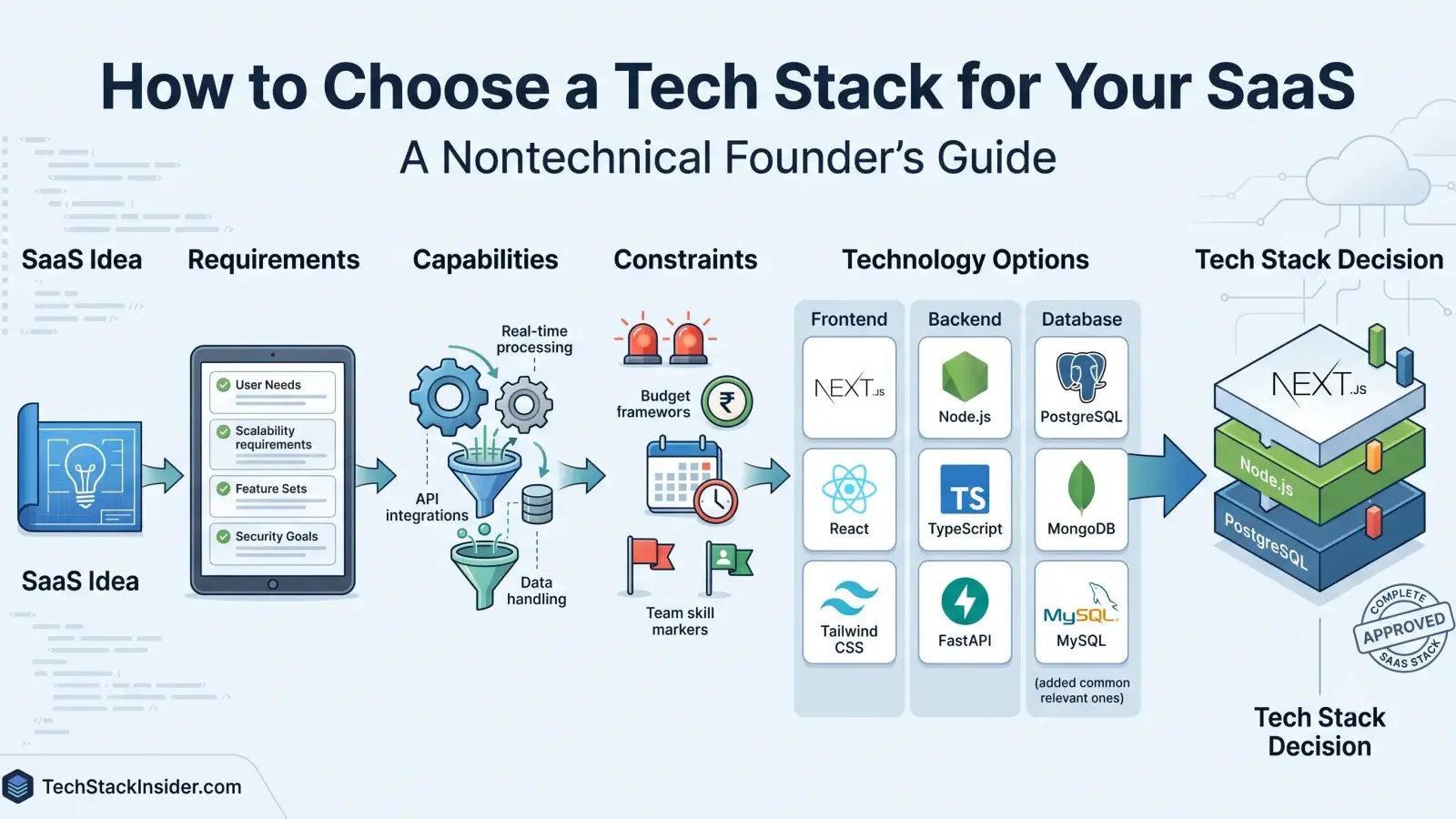
How to Choose a Tech Stack for Your SaaS
A practical guide for nontechnical SaaS founders to choose a tech stack by defining product requirements, comparing capabilities, and weighing cost, complexity, security, and team constraints.
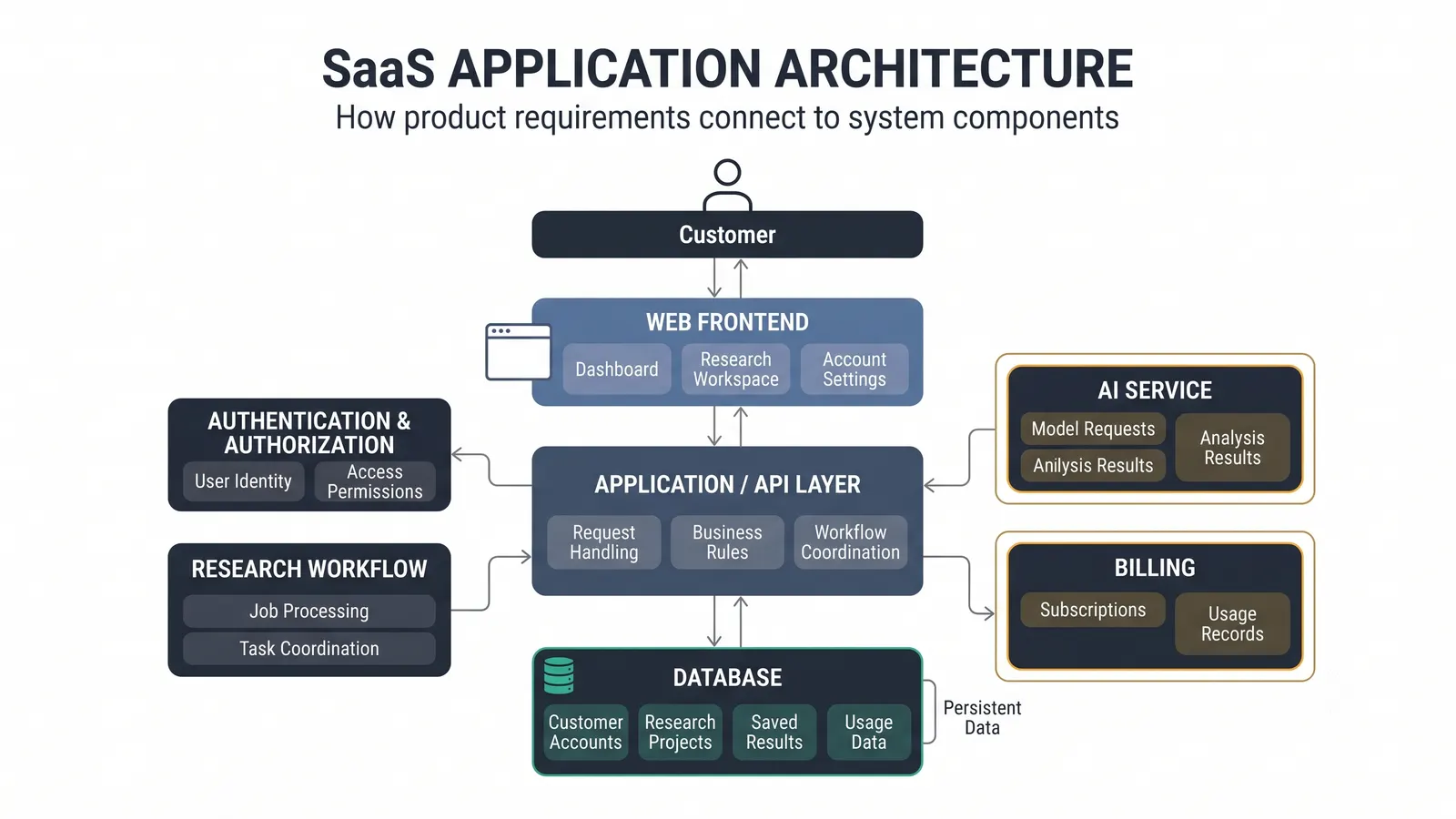
How to Design a SaaS Architecture: A Nontechnical Founder’s Guide
A practical guide to designing a SaaS architecture by connecting product requirements, system capabilities, technology components, relationships, and architecture decisions.
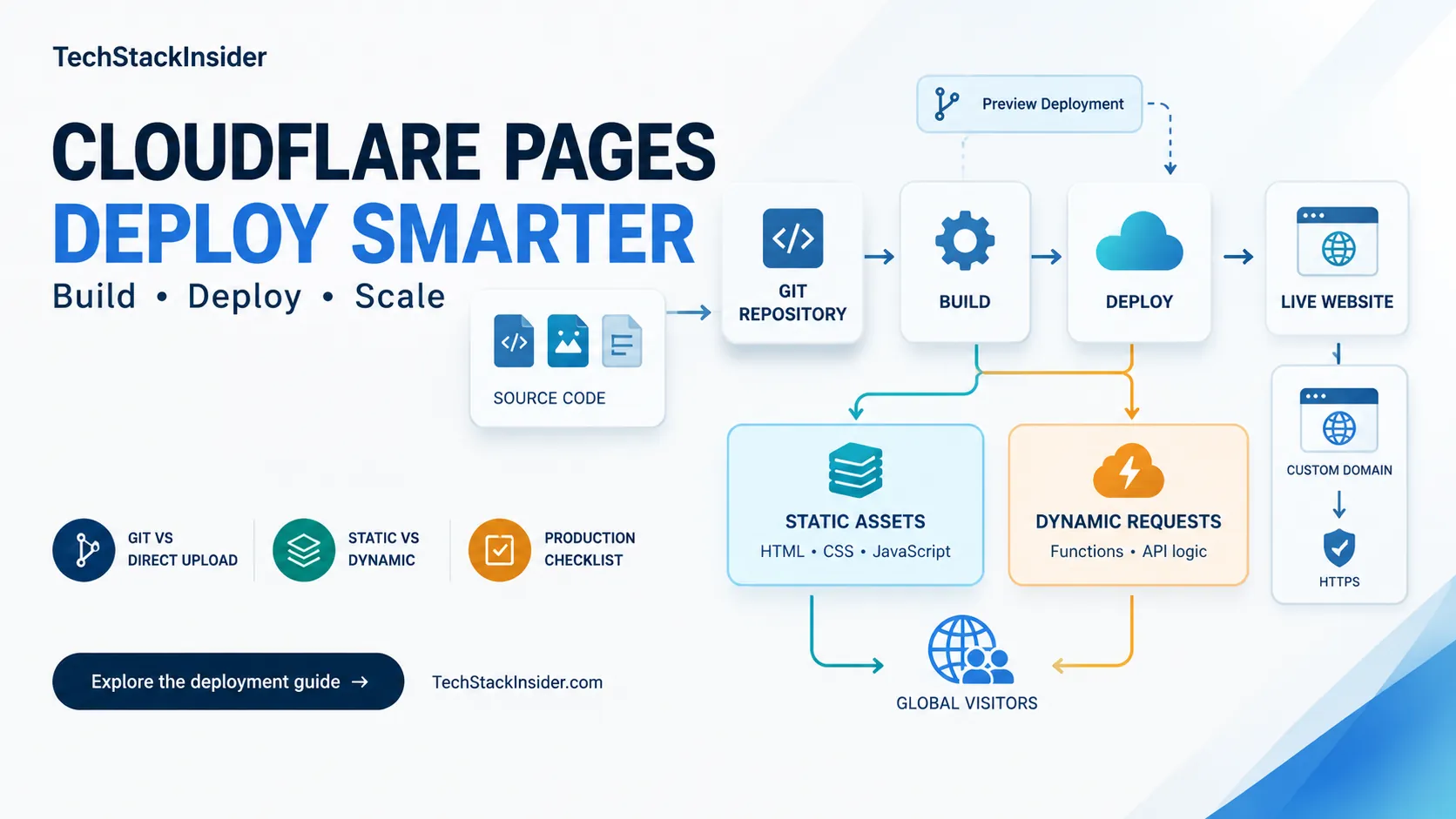
Cloudflare Pages Guide: Deployment, Limits, and When to Use It
Learn when Cloudflare Pages fits a static site, how to configure builds and Functions, and which deployment limits to verify.
How to Choose an AI Coding Tool for Your Development Workflow
Compare AI coding tools by repository context, code quality, agent autonomy, testing, security, and workflow fit. Learn how to evaluate coding tools using real development tasks.