Clerk vs Auth0 vs Supabase Auth: Which Fits Your B2B SaaS?
Compare Clerk, Auth0, and Supabase Auth for B2B SaaS by organization management, enterprise SSO, authorization, integration effort, pricing, and migration risk.
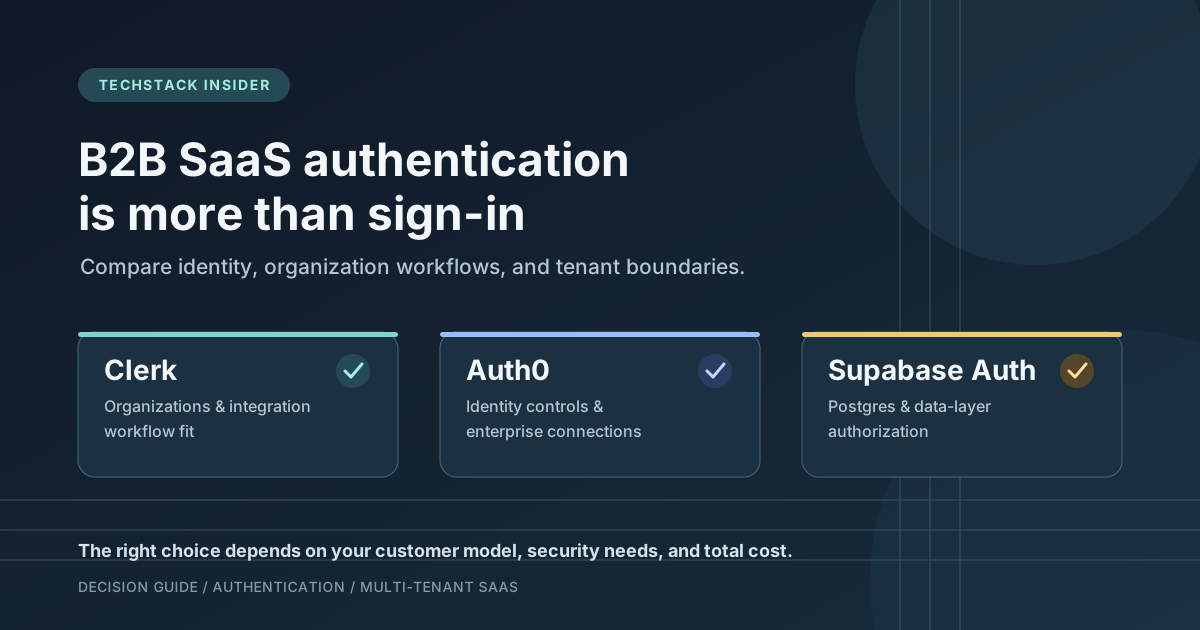
Choosing authentication for a B2B SaaS is not just a question of which provider makes sign-in easiest. The decision affects how customer organizations are represented, how employees join and leave, how enterprise identity systems connect, how access is enforced, and how difficult a future migration may become.
Clerk, Auth0, and Supabase Auth can all support application sign-in, but they approach the surrounding system differently. The right fit depends on what your product needs to manage—not on a feature-count winner.
This comparison was reviewed against vendor documentation on 29 October 2026. Features and prices can change, and a provider’s advertised capabilities do not replace a review of your application design. Pricing below is indicative; confirm the exact plan, usage unit, and add-ons on the linked vendor pages before purchase.
The short answer
- Evaluate Clerk first when organization-aware sign-up, membership, roles, and a polished integration are important to your product and its supported plan meets your enterprise requirements.
- Evaluate Auth0 first when identity requirements, enterprise connections, customer identity controls, or the broader identity platform are central to the purchase decision.
- Evaluate Supabase Auth first when your application already uses Supabase and PostgreSQL, and you want authentication closely integrated with database authorization through Row Level Security (RLS).
These are starting points, not universal rankings. A customer contract requiring a particular SSO flow, identity-provider policy, audit capability, or support commitment can outweigh convenience or the initial subscription price.
What B2B authentication has to solve
A consumer application may begin with one user and one account. B2B SaaS often needs another layer: customer organizations. One person may belong to several organizations, have different roles in each, and be allowed to see different data depending on the active organization.
That creates four distinct responsibilities:
| Responsibility | Question the application must answer |
|---|---|
| Authentication | Who signed in, and how was their identity verified? |
| Membership | Which customer organization or organizations can this person act within? |
| Authorization | Which operations and resources are allowed for this user in this context? |
| Tenant isolation | Can a user ever read or change another customer’s data without permission? |
A provider can supply useful identity and organization primitives, but the application still needs a consistent authorization design. Hiding a button in the frontend is not a security boundary. Sensitive operations must be checked by trusted server code or enforced at the data layer.
Before comparing providers, establish whether your product needs only individual accounts, customer workspaces, organization-level roles, enterprise SSO, automated user provisioning, or some combination of these. Those requirements change both implementation effort and price.
Compare the providers at a glance
| Decision area | Clerk | Auth0 | Supabase Auth |
|---|---|---|---|
| Natural fit to evaluate | Application teams prioritizing integrated sign-in and organization workflows | Products with demanding identity and enterprise integration requirements | Products already centered on Supabase and PostgreSQL |
| Organization model | Organization and membership primitives; advanced B2B capabilities and limits depend on plan/add-ons | Organizations and B2B identity features, with availability depending on plan | Application-defined organization model commonly stored in Postgres; connect it to auth identities |
| Enterprise SSO | Production SAML/OIDC connections require an eligible paid plan; connection count and charges are plan-dependent | Enterprise connections and B2B identity features; verify the selected plan and contract | Confirm the exact customer-facing SAML SSO feature and plan; do not confuse it with SSO for the Supabase dashboard |
| Authorization approach | Provider roles and permissions can inform application checks; still enforce resource access server-side | Provider features can support identity and access design; application authorization still needs careful implementation | JWT claims can be used with Postgres RLS; policies and database access paths must be designed and tested |
| Database coupling | Keep your application data model separate from provider-specific identity details | Keep your application data model separate from provider-specific identity details | Tighter integration with Supabase’s Postgres database and policies |
| Cost variables to inspect | Monthly retained users, organization usage, SSO connections, Directory Sync, and plan features | Active users, B2B/Organizations requirements, enterprise connections, MFA, logs, and support | Plan subscription, MAUs, SSO MAUs, compute, database, egress, and other Supabase usage |
| Main decision risk | Assuming a desired organization or enterprise feature is included in the plan you selected | Underestimating the plan or configuration required for the intended B2B identity model | Assuming authentication or a basic RLS setup automatically guarantees tenant isolation |
This is a decision map, not a benchmark. It does not claim that one provider is universally more secure, cheaper, or faster. The final choice should be based on a small proof of concept using the same user journey and security requirements for each candidate.
When Clerk is a strong candidate
Clerk’s organization model is designed for applications where users belong to customer workspaces and may switch between them. Its documentation describes organization membership, active organization context, roles, permissions, invitations, verified domains, and enterprise connections. That can reduce the amount of identity-related workflow an application team needs to assemble itself.
This makes Clerk worth evaluating when a B2B product needs to move from individual accounts to team workspaces without building every organization-management interaction from scratch. It can also suit a product where sign-in, account management, and organization onboarding are important parts of the user experience.
The critical check is the boundary between a provider’s organization context and your own data authorization. The application must use the correct organization context for each request and enforce that the requested record belongs to that organization. Clerk’s documentation specifically warns that multi-tab organization context can affect session-cookie behavior; applications making background requests should follow the documented token-handling guidance rather than assuming a cookie always represents the intended tab.
Enterprise SSO also needs plan-level verification. Clerk documents organization-level SAML and OIDC connections, but production availability, included connections, additional connection charges, and Directory Sync costs affect the total. Clerk’s B2B Authentication add-on and organization limits can also affect the cost of the full organization workflow. Do not promise a customer a particular SSO or organization capability until the relevant plan and configuration have been checked.
Evaluate Clerk first if organization-aware product workflows and integration speed matter, and the current plan supports the identity requirements your customers actually have.
Official references: Clerk Organizations, Clerk organization-level SSO, Clerk pricing.
When Auth0 is a strong candidate
Auth0 is worth evaluating when identity is a significant product requirement rather than a small login feature. Its platform covers authentication and B2B identity capabilities, including Organizations and enterprise connections. Depending on the plan, products can also require particular multifactor authentication, logging, support, administration, or service-level commitments.
For a SaaS selling to larger businesses, the decision may be driven by customer identity requirements: which identity providers must be supported, how employees are onboarded, what controls customer IT teams expect, and which operational assurances the vendor must provide. Those requirements should be written down before comparing subscription tiers.
Auth0’s plan names and headline prices are not enough to determine fit. The current pricing page distinguishes features and limits across tiers, and it notes that B2B-related capabilities may require a specific plan. Check the exact Organizations, enterprise connection, SCIM, MFA, log retention, support, and SLA requirements together. Confirm the intended configuration directly with the vendor if a customer contract depends on it.
Auth0 does not remove the need for application-level authorization. A valid identity token does not automatically establish that the user may access a particular invoice, project, or customer record. Your backend and data layer must still check the resource and organization boundary.
Evaluate Auth0 first if enterprise identity requirements are a primary purchase constraint, and its current plan and operational model match the obligations your product must meet.
Official reference: Auth0 pricing and plan comparison. Validate implementation details against the relevant Auth0 documentation.
When Supabase Auth is a strong candidate
Supabase Auth is particularly worth evaluating when the product already uses Supabase and PostgreSQL. Authentication is integrated with the database ecosystem, and a user’s JWT can be used with Row Level Security policies to restrict which rows the user may access through supported data paths.
That integration can make a relational SaaS architecture easier to reason about: users, organizations, memberships, projects, and subscriptions can be represented in a data model that the application controls. However, this benefit comes with a responsibility. RLS policies are security logic. Incorrect policies, missing policies, privileged server credentials exposed to a client, or unprotected alternate access paths can defeat the intended boundary.
For a multi-tenant application, define how each authenticated user maps to an application user, which organization memberships they have, and which rows they may read or change. Test both allowed and denied access. In particular, test whether a user can change an organization identifier in a request and then access another customer’s record. Do not treat a successful sign-in test as proof of isolation.
Enterprise identity requirements need a plan-level pricing check. Supabase distinguishes monthly active users from monthly active SSO users, and its documentation separates customer-facing SAML SSO from SSO used to access the Supabase dashboard. Confirm which feature your product needs and its plan eligibility before estimating costs. The total bill may also include database compute and other project usage required by the application.
Evaluate Supabase Auth first if your data model is already centered on Postgres and you are prepared to design, review, and test database-level authorization carefully.
Official references: Supabase Auth, Supabase Row Level Security, Supabase pricing, Supabase billing documentation.
Compare the full cost, not just the free tier
Pricing pages change, and their headline figures measure different things. As reviewed on 29 October 2026, the vendors’ published pricing pages show different plan structures and usage units:
- Clerk lists a free Hobby tier and a Pro plan shown at $25 per month, or $20 per month with annual billing. B2B Authentication, additional SSO connections, and other capabilities may add costs depending on the required setup.
- Auth0 lists a free tier and paid tiers, with B2B features and limits varying by plan and use case.
- Supabase lists a free tier and a Pro plan starting at $25 per month. Monthly active users, SSO users, compute, storage, egress, and the exact SSO feature/plan are separate cost dimensions to check.
These figures are not a like-for-like cost comparison. They are indicative published prices, not a quote for your workload. Verify them on the linked official pricing pages before making a purchasing decision; taxes, currency conversion, negotiated terms, and later pricing changes may affect what you pay.
Use the same assumptions for all candidates:
- How many monthly active users and customer organizations do you expect?
- How many enterprise customers need their own SSO connection?
- Do you need directory provisioning, advanced MFA, longer log retention, or a support SLA?
- Does the product already pay for Supabase database and compute, or would those costs be new?
- Who will maintain organization workflows, authorization rules, account recovery, and production monitoring?
Estimate the required production configuration, not the most generous free-tier headline. If you cannot calculate the bill confidently, ask the vendor to confirm the plan and usage model in writing.
Security: the provider is only one part of the system
A useful security review should trace one real request from sign-in to the record it accesses. For example, a member of Company A requests an invoice. The system needs to validate the identity, establish the user’s authorized membership and role, and enforce that the invoice belongs to Company A. Each layer has a different job.
At minimum, verify these controls regardless of provider:
- Server-side authorization for sensitive actions; frontend visibility is not access control.
- Explicit organization membership and role checks, including membership removal and role changes.
- Tenant-aware queries or database policies that deny cross-customer access by default.
- Correct handling of privileged credentials; service-role or administrative secrets must not be shipped to public clients.
- Safe account linking, recovery, session expiration, and deprovisioning behavior.
- Audit and monitoring requirements appropriate to the product and its customer contracts.
- Automated tests for both allowed and forbidden access paths.
If using Supabase, test RLS policies and all access paths that can reach the data. If using Clerk or Auth0, test how identity and organization claims reach the backend, how roles are mapped, and how the backend verifies each resource request. In all three cases, provider configuration and application design must work together.
Migration and vendor lock-in
Changing authentication providers can be more involved than replacing a login component. The application may depend on provider-specific user identifiers, organization identifiers, role models, token claims, SDK methods, session behavior, account recovery, and SSO configuration. Passwords and external identity links may not be transferable in the way a simple database export is.
Reduce avoidable coupling from the beginning. Keep your own stable application user ID and organization ID; map provider identities to those records. Put authorization decisions behind a clear application boundary rather than scattering provider-specific checks across unrelated business logic. Document which claims and identifiers are trusted, and avoid making a provider’s token format your business data model.
This does not make migration effortless, nor should every startup build an abstraction layer before it has a product. It makes the important dependencies visible and gives the team a path to change if pricing, customer requirements, or product architecture eventually demand it.
Which should you choose?
| Your situation | First candidate to evaluate | Why—and what to verify |
|---|---|---|
| Early B2B MVP with customer workspaces and a small team | Clerk | Check organization workflow fit and the future cost of SSO and related features |
| Enterprise prospects have specific identity and operational requirements | Auth0 | Match each customer requirement to the exact plan, connection type, support, and SLA |
| The application already uses Supabase and PostgreSQL | Supabase Auth | Check the authorization design, RLS coverage, SSO requirements, and full project bill |
| Cross-customer data exposure would be a high-impact risk | No automatic winner | Prioritize architecture review and negative access tests; compare each implementation, not brand claims |
| Requirements are still uncertain | Shortlist two candidates | Build the same representative sign-in, membership, and authorization workflow before committing |
For a new product, the most efficient evaluation is a small proof of concept rather than a broad feature spreadsheet. Implement one sign-in flow, one organization membership flow, one protected resource, one role check, and one denied cross-tenant request. Add enterprise SSO or provisioning to the proof of concept if a real customer requirement makes it necessary.
Measure integration effort and inspect the resulting authorization boundary. Then price the exact plan required for the tested workflow. This produces a decision grounded in your product instead of a generic ranking.
Final recommendation
Do not choose by the sign-in screen or the free tier alone. Choose the provider that matches your customer organization model, enterprise identity requirements, authorization architecture, and operating capacity at an acceptable total cost.
Start with Clerk when integrated organization workflows are the main need, Auth0 when enterprise identity requirements drive the decision, and Supabase Auth when Postgres integration is central and your team can own the authorization policies. Then prove the choice with a small, security-focused implementation and verify current vendor terms before committing.
For the wider architectural decision, first define your SaaS requirements and design a SaaS architecture. Authentication is one part of the system; it should support the product’s requirements rather than dictate them.
Frequently Asked Questions
Which authentication provider is best for a B2B SaaS?
There is no universal winner. Clerk is worth evaluating when organization-aware workflows and a fast integration matter; Auth0 when identity requirements and enterprise controls drive the decision; and Supabase Auth when PostgreSQL and database-level authorization are central to the architecture. Validate the exact plan and implementation against your requirements.
Is Supabase Auth enough for a multi-tenant SaaS?
It can be part of a multi-tenant design, but authentication alone is not enough. You need a tenant-aware data model and correctly configured authorization, including Row Level Security policies where appropriate, with tests that prove one customer cannot access another customer's records.
Does Clerk include enterprise SSO?
Clerk documents organization-level SAML and OIDC enterprise connections. Production availability, included connections, and additional connection charges depend on the current plan, so check the official pricing page before committing.
Is Auth0 more secure than Clerk or Supabase Auth?
A provider name does not establish that an application is more secure. Compare the specific identity controls you need, then assess configuration, session handling, authorization rules, tenant isolation, logging, recovery, and how your application uses the provider.
Can I change authentication providers later?
Usually, but the effort depends on how deeply the application depends on provider-specific user IDs, SDKs, session formats, roles, organization models, and account recovery flows. Keep business records linked through your own stable user and organization identifiers, and plan identity migration before it becomes urgent.
Related Articles
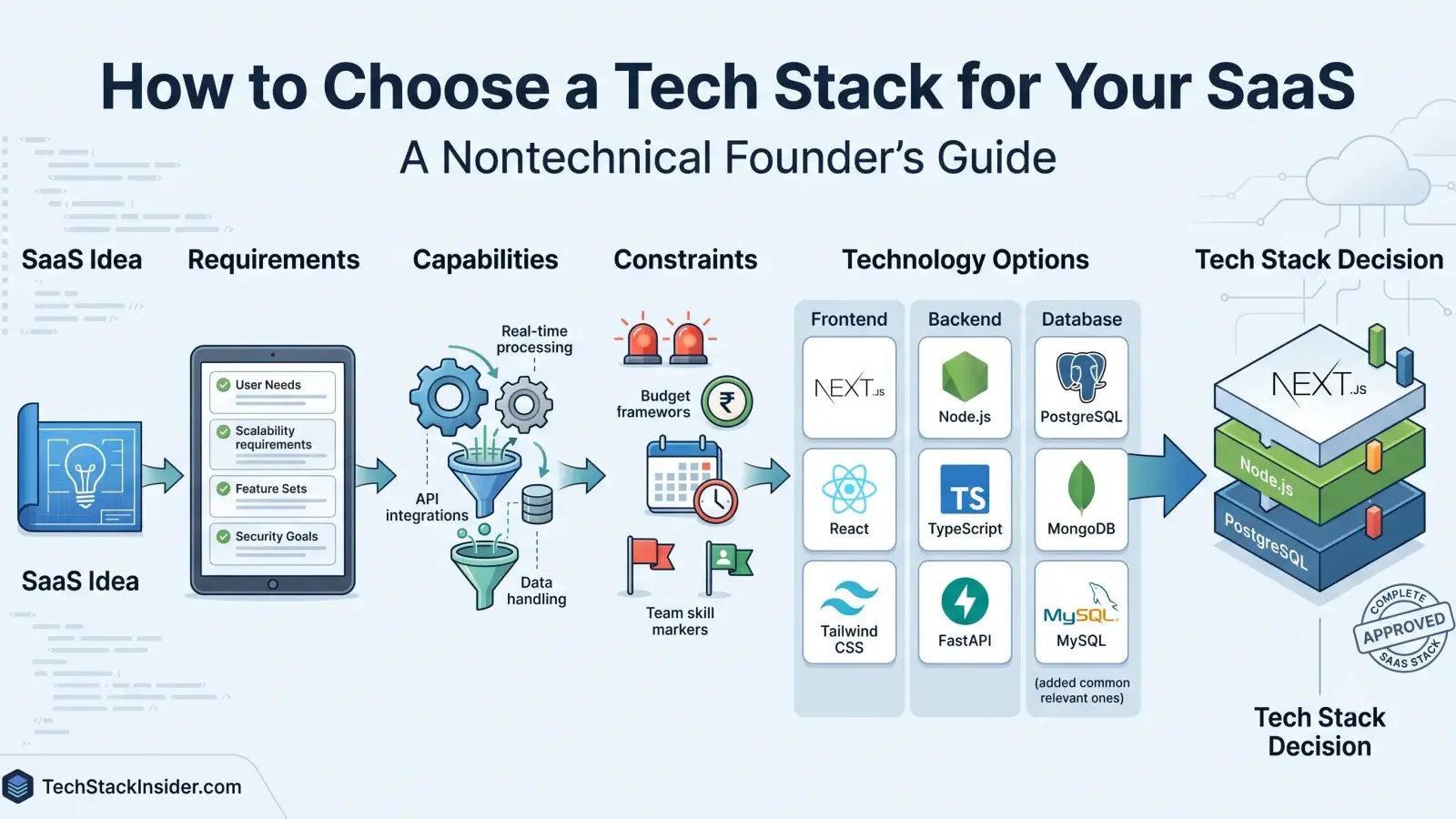
How to Choose a Tech Stack for Your SaaS
A practical guide for nontechnical SaaS founders to choose a tech stack by defining product requirements, comparing capabilities, and weighing cost, complexity, security, and team constraints.
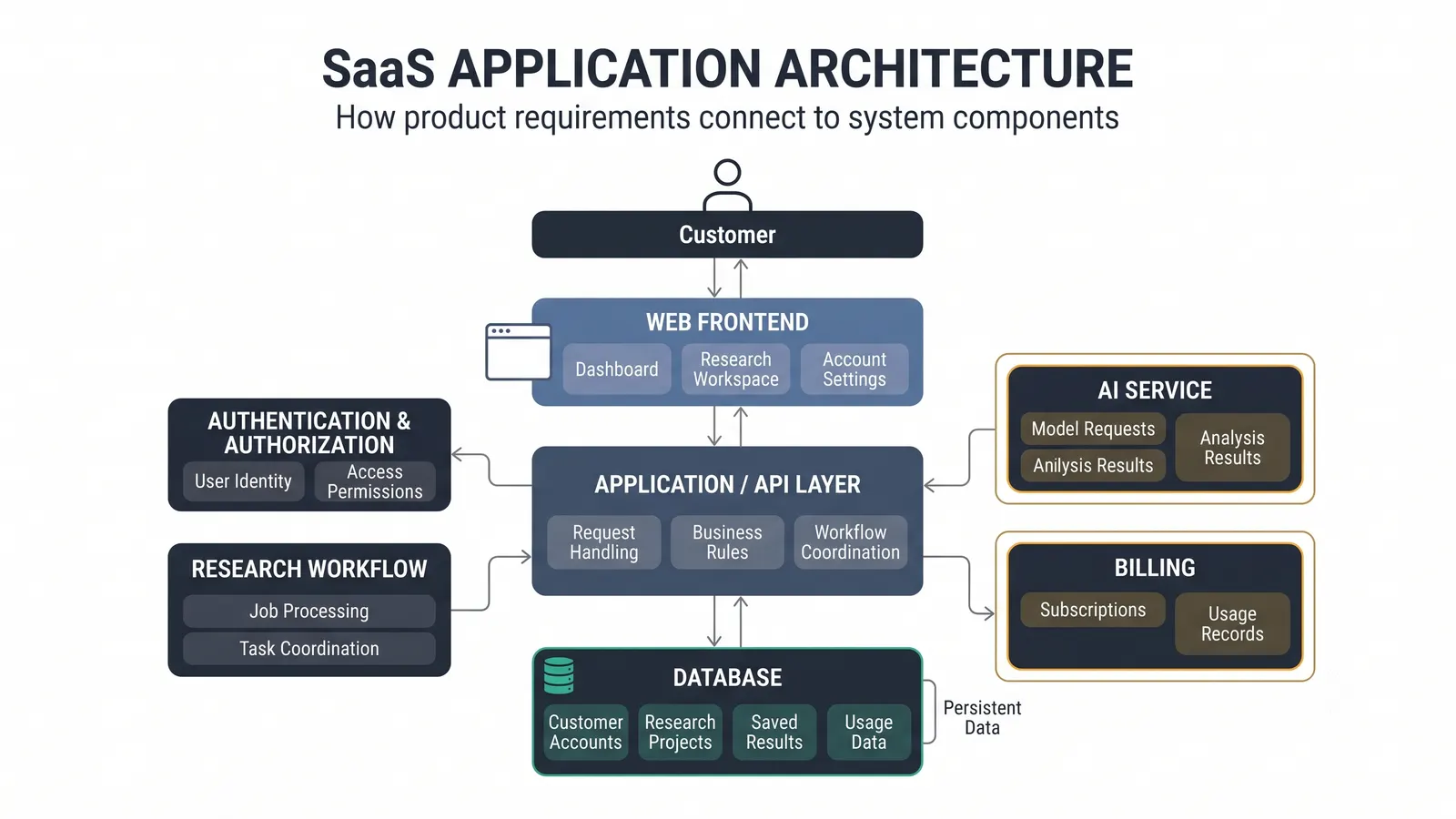
How to Design a SaaS Architecture: A Nontechnical Founder’s Guide
A practical guide to designing a SaaS architecture by connecting product requirements, system capabilities, technology components, relationships, and architecture decisions.
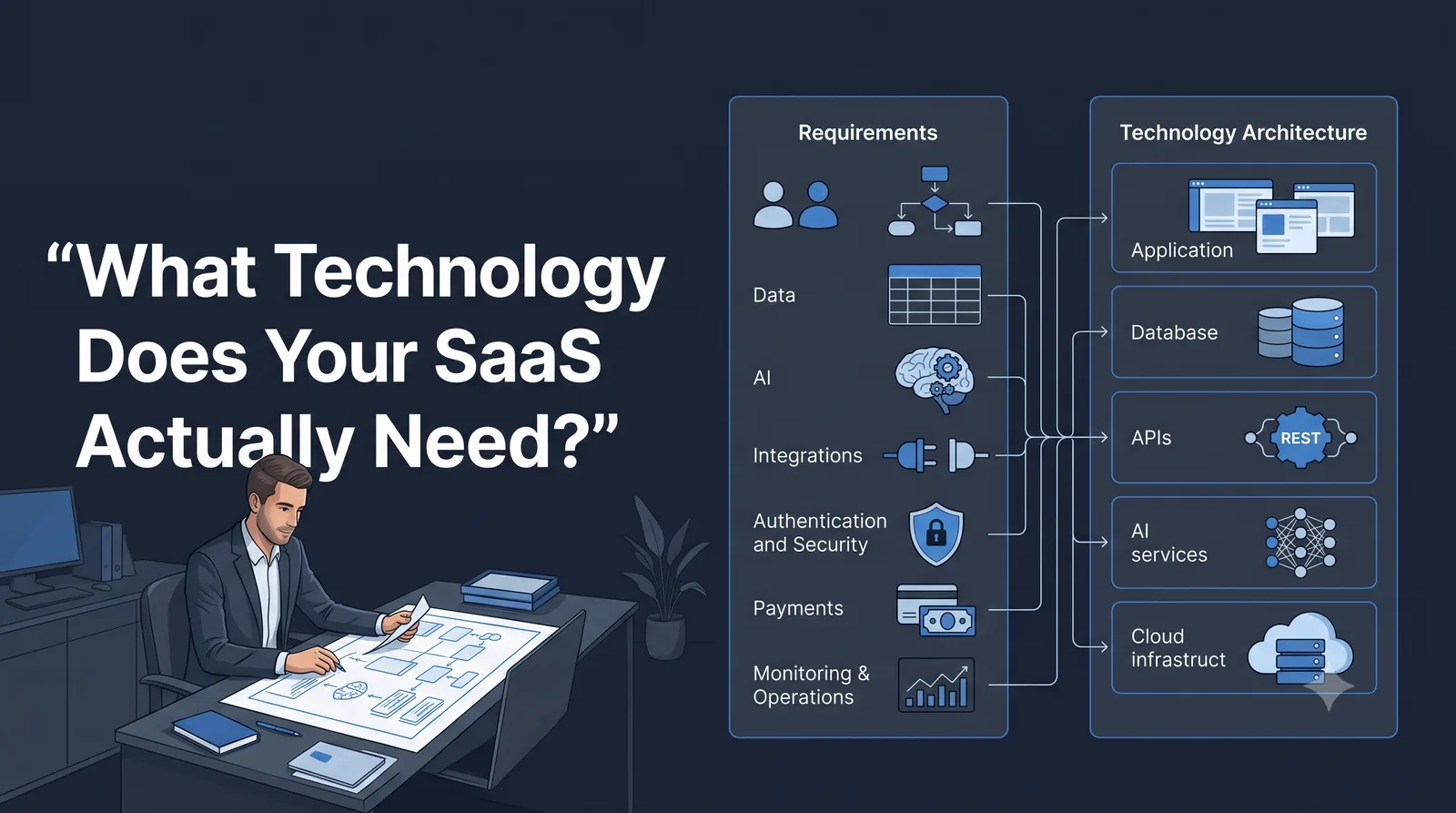
What Technology Does Your SaaS Actually Need? A Nontechnical Founder’s Guide
SaaS requirements explained for nontechnical founders. Learn what technology your SaaS actually needs, from data and AI to integrations, security, and MVP requirements.
Supabase vs Firebase: Database, Architecture, Pricing, and Scalability Compared
Compare Supabase vs Firebase across databases, APIs, authentication, mobile backends, pricing, security, and scalability to choose the right BaaS platform.