Cursor vs Windsurf: Which AI Code Editor Fits Your Workflow?
Cursor vs Windsurf compared for AI coding, agent workflows, codebase context, autocomplete, pricing, and everyday development. See which fits your workflow before you choose.
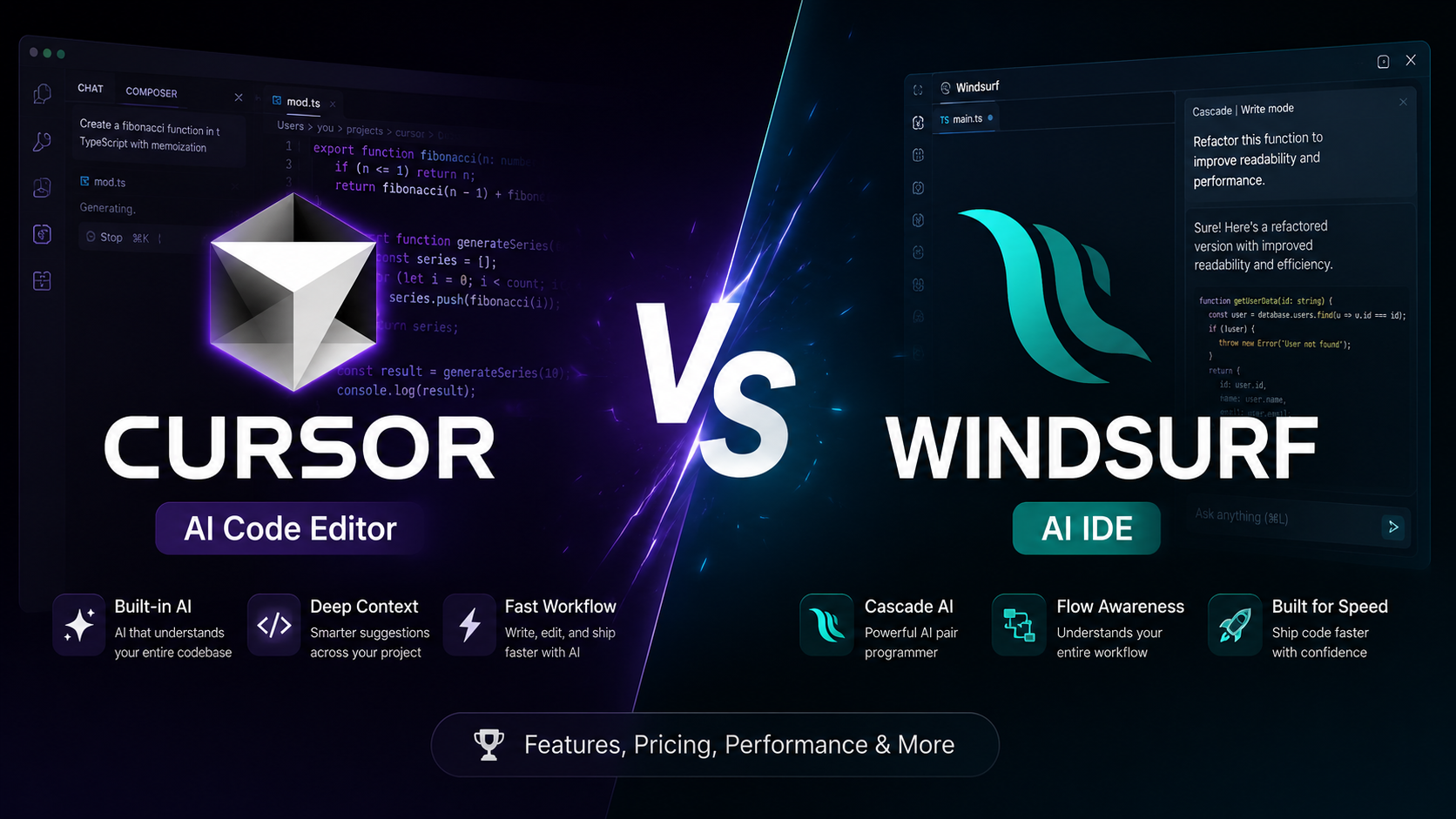
Cursor vs Windsurf: the short answer
If you’re deciding between Cursor and Windsurf, don’t start by asking which AI editor is universally better.
Start with a more useful question:
Which editor fits the way you actually want to build software?
Both tools have moved beyond simple AI autocomplete. They can work with larger parts of a codebase, make multi-file changes, use agent-style workflows, and help with tasks that previously required a developer to work through each step manually.
The important difference is therefore not simply “Which has more AI?”
It’s where each tool fits in your workflow.
Quick comparison
| If your priority is… | What to examine |
|---|---|
| Familiar editor workflow | Cursor and Windsurf editor experience |
| AI autocomplete and next-action suggestions | Cursor Tab and Windsurf Tab |
| Delegating larger coding tasks | Agent workflows in both tools |
| Working across a codebase | Context and retrieval capabilities |
| Model choice | Current model availability on each plan |
| Lower-cost entry | Current regional and individual plans |
| Team or enterprise requirements | Current administration, security, and deployment options |
| Learning how AI coding fits your workflow | Try both against the same real project |
There isn’t one universal winner.
Your workflow determines which differences matter.
Cursor vs Windsurf: what’s actually different?
The two products overlap heavily, but they emphasize different parts of AI-assisted development.
Cursor combines an AI-native editor with agent workflows, codebase-aware editing, inline assistance, and access to multiple model families.
Windsurf combines an AI-native editor with agent-oriented development workflows and Cascade, while also supporting broader local and cloud-agent workflows.
That means an older comparison based only on “Cursor has Composer, Windsurf has Cascade” is no longer enough.
The decision has become more about how you want the AI to participate in development.
Cursor vs Windsurf feature comparison
| Capability | Cursor | Windsurf |
|---|---|---|
| AI-native editor | Yes | Yes |
| AI autocomplete | Yes | Yes |
| Agent-based coding | Yes | Yes |
| Multi-file development | Yes | Yes |
| Codebase-aware workflows | Yes | Yes |
| Multiple model options | Yes | Yes |
| Agent-oriented workflows | Yes | Yes |
| Team and enterprise capabilities | Yes | Yes |
| Main comparison point | Editor + agent workflow | Agent-oriented development workflow |
The table is intentionally not a winner table.
Features alone don’t tell you which tool fits your project.
The important question is what happens when you actually use those capabilities.
1. Cursor: what kind of workflow does it fit?
Cursor is useful when you want an AI-native editor while retaining a familiar coding environment.
Its workflow combines traditional editor interaction with AI assistance. Cursor’s Tab system provides AI-powered code suggestions, while its agent capabilities can work across multiple files and larger development tasks.
This makes Cursor relevant if your workflow looks like:
You write → AI suggests → you inspect → AI changes several files → you test → you refine.
The developer remains closely involved in the loop.
Cursor can make sense when you:
- already like the VS Code-style workflow
- want strong inline AI assistance
- frequently switch between manual coding and AI-generated changes
- want access to multiple model options
- want agent capabilities without abandoning an editor-centered workflow
2. Windsurf: what kind of workflow does it fit?
Windsurf is built around a more agent-oriented development experience.
Its Cascade system is designed to help with larger coding tasks by working with project context and taking multiple actions during a development session.
A Windsurf-oriented workflow can look more like:
Describe the task → let the agent investigate → review the proposed changes → test → continue the agent workflow.
The distinction isn’t that one tool has AI and the other doesn’t.
Both do.
The distinction is how much of the development loop you want the agent to own.
3. Cursor vs Windsurf for AI agents
This is one of the most important parts of the comparison.
AI coding tools are moving from:
autocomplete → chat → multi-file editing → agents → longer-running software tasks
So if you’re choosing an editor today, don’t evaluate it only on autocomplete quality.
Evaluate:
- How well does it understand the repository?
- Can it plan a multi-step task?
- Can it modify multiple files safely?
- Can it run tests and respond to failures?
- Can you inspect what changed?
- Can you control model and usage costs?
- Can you recover easily when the agent takes the wrong path?
This is where the real workflow difference appears.
4. Cursor vs Windsurf for beginners
For a beginner, the most important feature isn’t necessarily the strongest model.
It’s how easy it is to understand what the AI is doing.
A beginner should look for:
- clear file changes
- understandable explanations
- easy rollback
- visible errors
- predictable project structure
- the ability to stop an agent
- easy testing after AI-generated changes
If you’re learning software development while using AI, don’t let the editor turn into a black box.
The better workflow is:
AI proposes → you inspect → you test → you understand → you accept.
That principle matters more than choosing an editor based on a feature checklist.
5. Cursor vs Windsurf pricing
Pricing changes frequently, so treat this section as a snapshot rather than a permanent fact.
Do not compare only the advertised monthly subscription.
For each tool, check:
- subscription price
- included usage
- agent limits
- model access
- additional usage pricing
- team requirements
- regional pricing where applicable
The important calculation
Total monthly cost = subscription + additional usage
For heavy agent users, usage limits and model pricing can matter more than the headline subscription price.
Before subscribing, check the current pricing page for the exact plan you intend to use.
6. Which one should you choose?
Instead of asking:
Which is better?
use this decision model.
If you want an editor-centered workflow
Evaluate both editors on:
- autocomplete
- inline changes
- code navigation
- multi-file editing
- agent handoff
If you want an agent-centered workflow
Focus on:
- repository understanding
- planning
- long-running tasks
- tool use
- test execution
- recovery from errors
- cloud-agent capabilities
If price is your main constraint
Compare the actual plan you qualify for and your expected monthly usage rather than comparing only the advertised subscription price.
If you’re building a serious product
Test both against your real repository.
A synthetic benchmark can tell you what a tool does.
Your repository tells you whether it works for you.
7. The 30-minute Cursor vs Windsurf test
If you’re still undecided, don’t spend days reading comparisons.
Run the same task in both editors.
Use a small real project and give each tool the same five tasks.
Test 1 — Understand the project
Ask:
Explain this project’s architecture and identify the three most important files.
Check whether the explanation matches the repository.
Test 2 — Make a small change
Ask:
Add this small feature without changing the existing architecture.
Check:
- files changed
- unnecessary changes
- code quality
- explanation
Test 3 — Make a multi-file change
Give both tools the same requirement.
Check whether they correctly identify all affected files.
Test 4 — Fix a deliberate bug
Give each editor the same reproducible bug.
Check whether the agent:
- identifies the root cause
- changes the right files
- runs the relevant test
- verifies the fix
Test 5 — Recover from failure
Give the agent a task where the first implementation fails.
The important measurement is not whether it makes a mistake.
The important measurement is:
How well does it recover?
That is much closer to real software development.
Cursor vs Windsurf: what actually matters
The biggest mistake is choosing an AI coding editor because someone says one tool is “better.”
AI coding tools are changing quickly.
A capability that matters today can become ordinary later.
Instead, compare the underlying workflow:
Task → Context → Plan → Code → Test → Feedback → Correction
The editor that fits your way of working is the one that reduces friction across that entire loop.
That’s why the answer to Cursor vs Windsurf isn’t simply a winner.
It’s a workflow decision.
FAQ
Is Cursor better than Windsurf?
Not for every workflow. Both provide AI-native coding and agent capabilities. Compare them based on editor experience, agent behavior, model access, usage limits, and the type of work you do.
Is Cursor or Windsurf better for beginners?
Both can be used by beginners. The important question is whether the tool helps you understand the code it changes rather than simply generating code for you.
Is Cursor cheaper than Windsurf?
Don’t compare only the headline subscription price. Compare the current plans, included usage, model access, and additional usage costs for the workflow you expect to use.
Can I use Cursor and Windsurf on the same project?
Yes. You can use either editor with the same repository. If you use both regularly, keep your project configuration, rules, and workflow conventions consistent.
Should I test both before choosing?
For a serious project, yes. Give both tools the same real tasks and compare the resulting workflow rather than relying only on feature lists.
Related reading
If you’re evaluating AI coding tools more broadly, see our AI Coding Tools Guide.
If you’re specifically evaluating Cursor, see our Cursor Review.
The broader question is not simply which AI editor is best.
It’s which AI coding workflow fits the software you are trying to build.
Frequently Asked Questions
Is Cursor better than Windsurf?
There is no single answer for every developer. Cursor and Windsurf both provide AI-native coding workflows, but the better fit depends on your preferred editor workflow, agent usage, model requirements, and budget.
Is Cursor or Windsurf better for beginners?
Both can work for beginners. Cursor may feel familiar to developers coming from VS Code, while Windsurf is designed around an agent-first workflow. The practical choice depends on how much of the coding process you want the AI to handle.
How much does Cursor cost?
Cursor offers free and paid plans. Its current pricing and usage limits should be checked before subscribing because plans and included usage can change.
How much does Windsurf cost?
Windsurf offers free and paid plans. Pricing and included usage can change, so check its current pricing before subscribing.
Can I use Cursor and Windsurf on the same project?
Yes. You can open the same repository in either editor. Using one primary environment usually reduces editor-specific configuration and workflow differences.
Related Articles
Cursor Review: Is the AI Editor a Fit for Your Workflow?
A practical Cursor review for developers: current editor and agent workflows, privacy and permissions, pricing, trade-offs, and a repeatable way to evaluate it in your own repository.
How to Choose an AI Coding Tool for Your Development Workflow
Compare AI coding tools by repository context, code quality, agent autonomy, testing, security, and workflow fit. Learn how to evaluate coding tools using real development tasks.
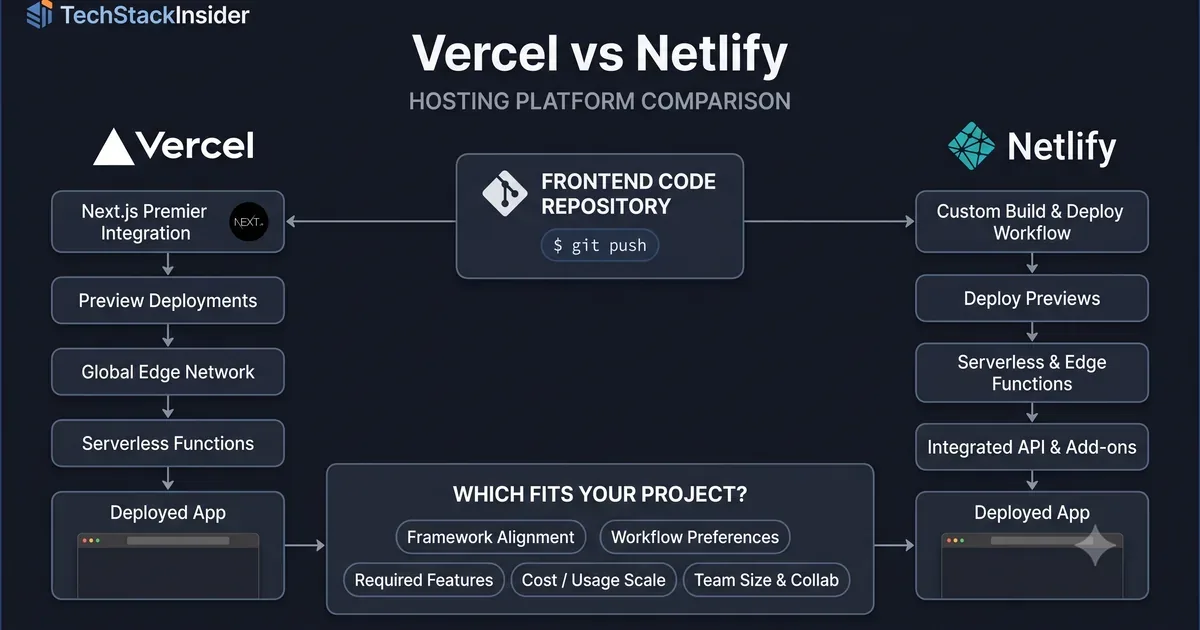
Vercel vs Netlify: Hosting Platform Comparison
Compare Vercel and Netlify for frontend deployment, developer experience, framework support, functions, pricing, and project requirements.
Clerk vs Auth0 vs Supabase Auth: Which Fits Your B2B SaaS?
Compare Clerk, Auth0, and Supabase Auth for B2B SaaS by organization management, enterprise SSO, authorization, integration effort, pricing, and migration risk.