Next.js 15 Production Guide: App Router, Caching, and Deployment
A practical Next.js 15 guide to App Router boundaries, caching defaults, secure Server Actions, and choosing a deployment model.
Introduction
This is a version-pinned guide to Next.js 15, not a claim that version 15 is the latest release. It focuses on production decisions that are easy to blur together: where code runs, what is cached, what a Server Action must protect, and whether a host can run the features your app uses. Check the official upgrade guide against your exact starting version before migrating.
What’s New in Next.js 15
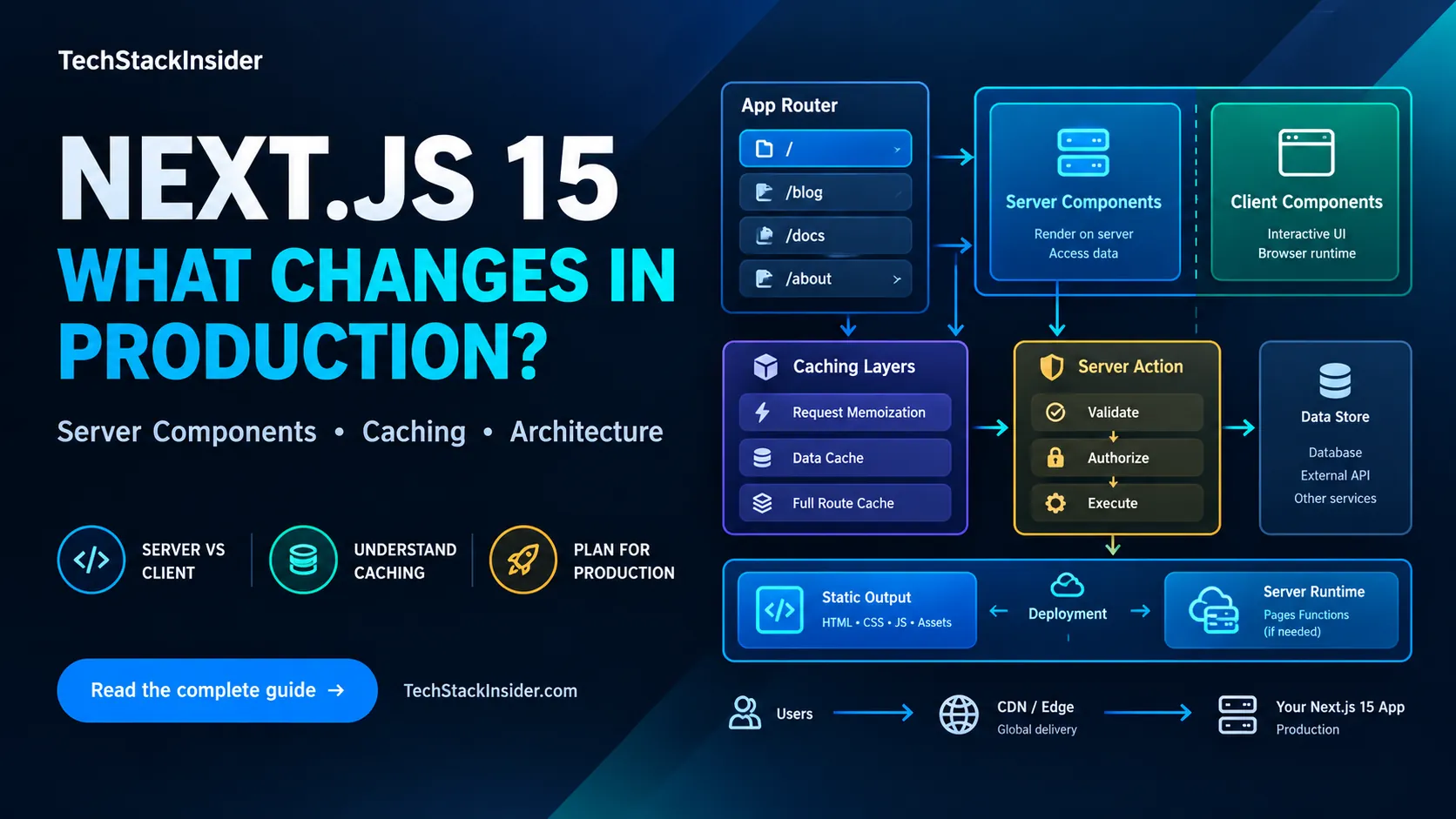
Caching Defaults
Next.js 15 changed several defaults. In particular, server fetch requests and GET Route Handlers are not cached by default, and page segments are not kept in the client Router Cache by default. These changes do not mean that every cache disappeared: layouts and loading segments can still be cached in the browser, and applications can opt into persistent data or route caching.
Keep the distinct cache layers straight (official caching guide):
| Layer | What it does | Useful diagnostic |
|---|---|---|
| Request memoization | Deduplicates matching GET fetches during one render pass; it is not a persistent cache | Is the same request repeated while rendering one route? |
| Data Cache | Stores explicitly cached server data across requests and deployments when configured | Check cache, next.revalidate, and tags on the fetch that supplies the data |
| Full Route Cache | Stores generated HTML and React Server Component output for eligible routes | Determine whether the route is static or made dynamic by its data and APIs |
| Client Router Cache | Holds route segments in the browser for navigation | A refresh can request a new render without invalidating server-side caches |
For example, opt in for data that can safely remain fresh for a defined interval with fetch(url, { next: { revalidate: 300 } }); use an uncached request for data that must be read fresh. Choose the policy from the data’s freshness requirement, not from a blanket “cache everything” rule. router.refresh() does not invalidate the Data Cache or Full Route Cache; use the relevant server revalidation mechanism after a mutation.
Next.js 15 also made request APIs such as cookies(), headers(), draftMode(), and dynamic params/searchParams asynchronous. Await them and follow the version-specific upgrade steps; do not treat a successful type check as proof that runtime behavior is correct.
Turbopack Dev Server
Turbopack became stable for the Next.js development server in version 15. That statement applies to development; it does not mean the production build uses Turbopack. Test your own development workflow and production build separately.
Server Actions
Server Actions let forms and client components invoke server-side mutations. A Server Action is also a public HTTP endpoint: validate untrusted input, authenticate the caller, and authorize access to the specific record or operation. Do not rely on a hidden form field or the fact that the function is only imported by your UI. See the official data security guidance.
'use server'

export async function createPost(formData: FormData) {
  const user = await requireAuthenticatedUser();
  const value = formData.get('title');
  if (typeof value !== 'string' || value.trim().length === 0 || value.length > 160) {
    return { error: 'Enter a title under 160 characters.' };
  }
  // Check authorization for the requested operation before persisting.
  await savePost({ title: value.trim(), authorId: user.id });
}
The example shows basic validation, not a complete application security layer. Add domain-specific authorization, safe error handling, and appropriate cache/path revalidation after a successful write.
requireAuthenticatedUser and savePost are illustrative application helpers; implement them with your own authentication and data-access layer.
App Router Architecture
The App Router uses a file-system based routing with:
layout.tsxfor shared UIpage.tsxfor route contentloading.tsxfor Suspense boundarieserror.tsxfor error boundaries
Choose the server/client boundary
Start with Server Components for data access and UI that does not need browser-only state. Add a Client Component where the reader needs interaction, event handlers, browser APIs, or client-side state. Keep that boundary narrow: importing a module marked 'use client' moves its dependency subtree into the client bundle, and props crossing the boundary must be serializable. This is a design choice about execution and data exposure, not a rule that every component must be server-rendered.
Deployment
First decide whether the application needs a Next.js server at runtime. A static export can be served from a static host, but server-dependent features are unavailable in that mode. The official guide lists unsupported features including API Routes, rewrites/redirects/headers, middleware, ISR, default image optimization, and getServerSideProps. Confirm every required feature before selecting a static host.
If the app needs server rendering or other runtime features, compare the host’s supported Next.js runtime, functions, environment variables, caching behavior, request limits, and observability. For platform trade-offs, see Vercel vs Netlify. For static-first alternatives, see the Astro 5 guide.
Production checks
Before release, verify an actual production build and deployment rather than relying only on next dev:
- Run the version-specific upgrade checks and resolve async API warnings.
- Test cached and uncached data paths, including the expected behavior immediately after a write.
- Exercise Server Actions as an unauthenticated user and as a user without permission for the target record.
- Confirm the selected host supports the rendering mode and runtime features used by the app.
- Check environment variables, error reporting, and rollback behavior in the deployment environment.
Common production symptoms
| Symptom | Check first | Likely next step |
|---|---|---|
| A page still shows old data after a mutation | Identify whether the page reads Data Cache, Full Route Cache, or only client Router Cache | Invalidate the relevant server cache/path or refresh the client as appropriate; these mechanisms are not interchangeable |
| A GET Route Handler is recomputed on every request | Check whether the route explicitly opted into caching | Configure caching only if the response is safe to reuse and has a clear freshness policy |
| A static deployment fails or a route is missing runtime behavior | Check for server-only APIs, middleware, ISR, API routes, and other unsupported static-export features | Use a compatible server runtime or redesign the route to be fully static |
| A Server Action accepts an unexpected value | Treat the action input as untrusted and inspect its authentication and object-level authorization checks | Validate the input and enforce permission on the server before changing data |
Best Practices
- Choose server/client boundaries from actual runtime needs.
- Await the v15 asynchronous Request APIs.
- Give each cacheable dataset an explicit freshness and invalidation policy.
- Validate and authorize every mutation on the server.
- Match the deployment runtime to the framework features the app uses.
Frequently Asked Questions
Should I migrate to Next.js 15?
Decide based on your dependency compatibility and the migration work your app needs. Review the async Request API changes and caching behavior, then migrate and test incrementally; the upgrade is not identical for every app.
Is the App Router production-ready?
Yes. The App Router is the recommended approach for new Next.js projects, while the Pages Router remains supported for existing applications.
What about Pages Router?
Pages Router remains supported but App Router receives new features. New projects should use App Router.
Related Articles
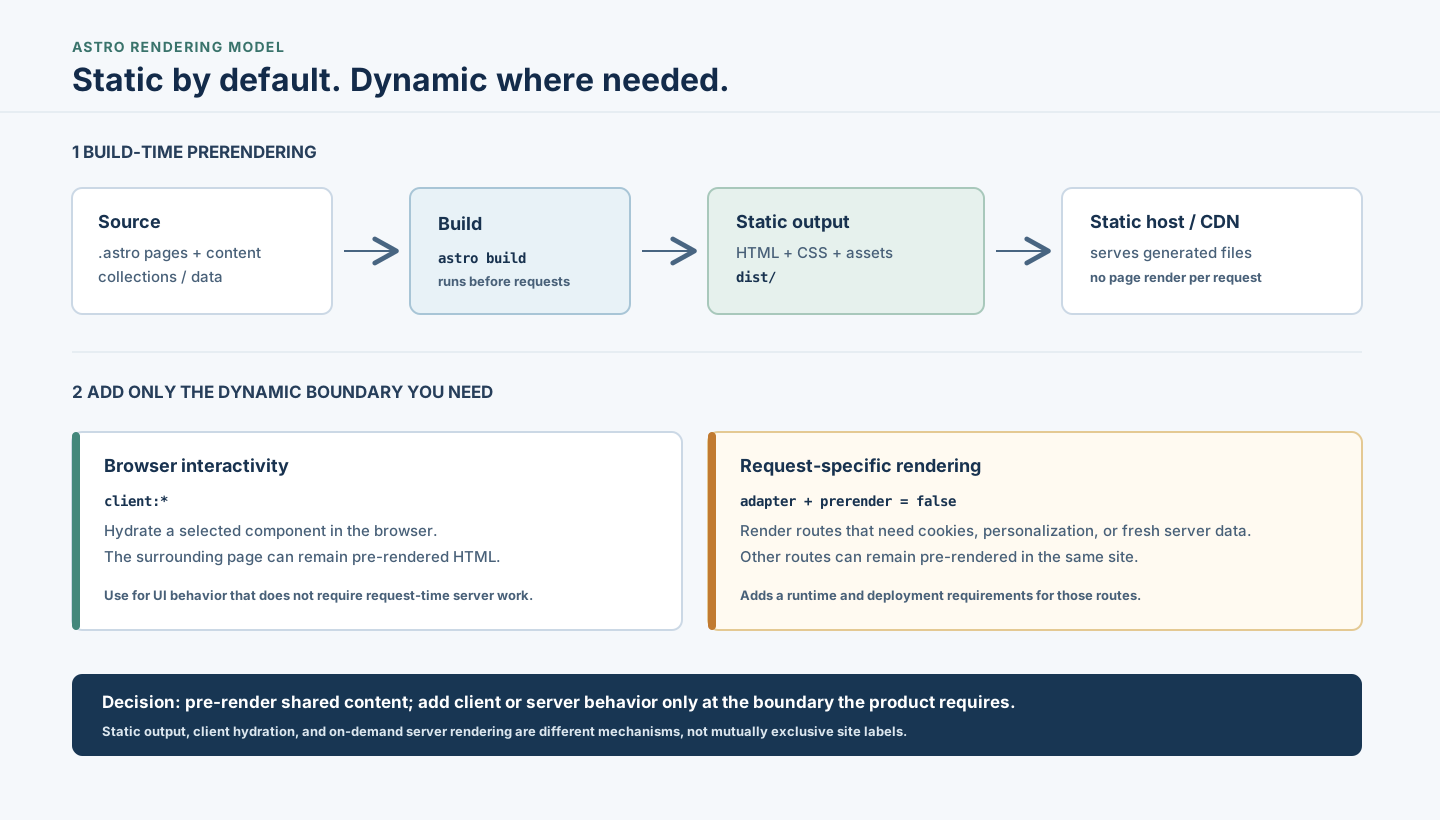
Astro Static Sites: When to Prerender or Use a Server
Understand when Astro's static-first approach fits, how builds and islands work, and when request-time rendering or another architecture is warranted.
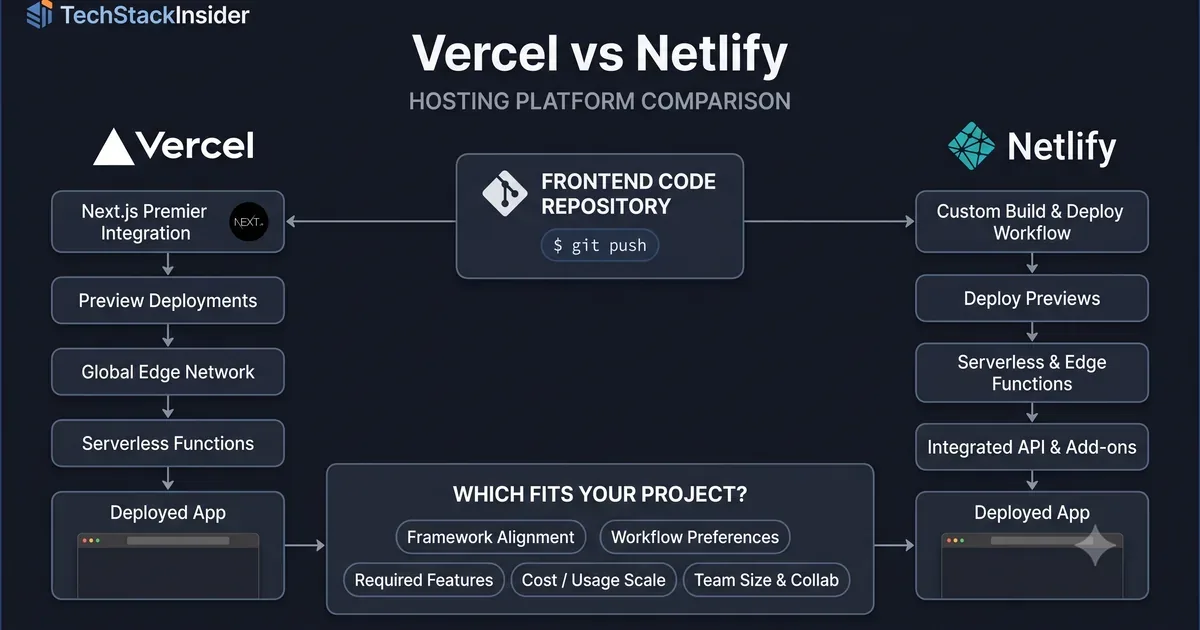
Vercel vs Netlify: Hosting Platform Comparison
Compare Vercel and Netlify for frontend deployment, developer experience, framework support, functions, pricing, and project requirements.

Vitest vs Jest: Which Testing Framework Should You Choose?
Compare Vitest vs Jest across speed, ESM, React, coverage, mocking, and migration risks. Use real project scenarios and a decision matrix to choose the right JavaScript test runner.
Cursor vs Windsurf: Which AI Code Editor Fits Your Workflow?
Cursor vs Windsurf compared for AI coding, agent workflows, codebase context, autocomplete, pricing, and everyday development. See which fits your workflow before you choose.