Astro Static Sites: When to Prerender or Use a Server
Understand when Astro's static-first approach fits, how builds and islands work, and when request-time rendering or another architecture is warranted.
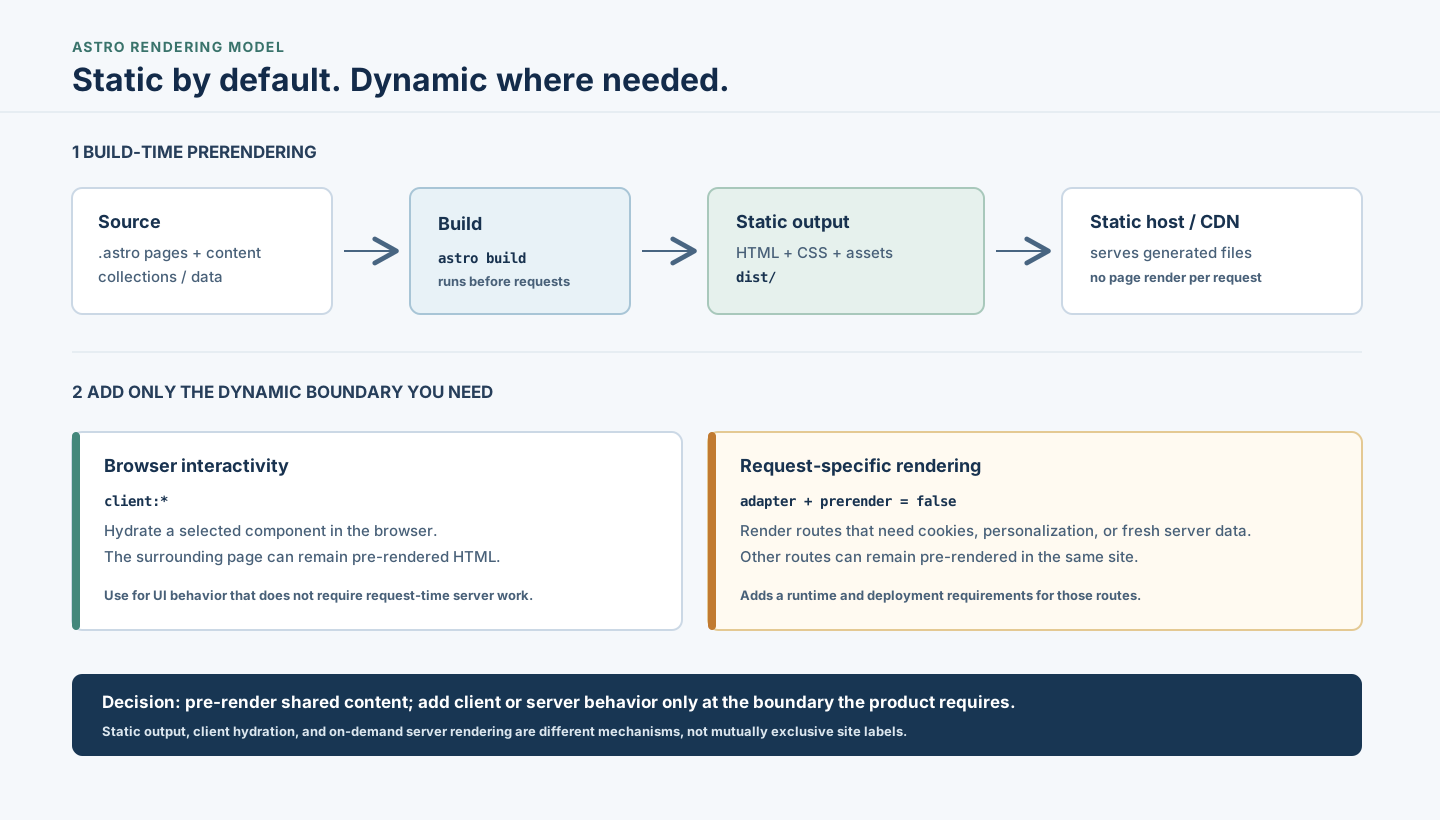
Astro is easiest to choose when you separate three questions: when should a page be rendered, where should its JavaScript run, and which routes need request-specific server work? A site can be mostly prerendered HTML and still have interactive browser components or selected server-rendered routes. Those are different boundaries, not an all-or-nothing choice.
For a content-driven site with mostly public pages, Astro’s static-first default can keep delivery simple. If users need isolated browser interactions, add a client island. If a route depends on cookies, personalization, or fresh request-time data, use an adapter-backed server route where that requirement actually exists. The decision is not “static or modern”; it is how much runtime behavior each part of the product needs.
What an Astro static site actually is
Astro code must become HTML before a browser can display it. In the default static output mode, Astro runs the build and writes generated pages and assets to the output directory. A host or CDN can then serve those files without running Astro for each page request.
Astro content collections organize entries that share a schema. In Astro 5, a local Markdown/MDX collection can be loaded at build time, validated against a Zod schema, queried by page code, and rendered into generated routes. A collection by itself does not create a URL: the route must query entries and define which paths to generate. This project uses getCollection() with getStaticPaths() to create article routes from the article collection.
That build boundary has a consequence: build-time content is as current as the inputs used for that build. Changing an article or build-time data source requires a new build to update the generated output. A static page does not run a database query merely because the browser requested it.
Astro’s default is not a performance guarantee. Actual results depend on HTML, CSS, images, fonts, scripts, third-party services, hosting, caching, and user devices. Any comparative speed or score claim needs reproducible measurements and stated conditions.
Three rendering boundaries
1. Prerender shared pages at build time
Use prerendering when a route’s response is the same for visitors until the next content/build update. Examples include articles, documentation, public product information, and other mostly stable pages. Astro generates the HTML before deployment; static hosting serves it on request.
The trade-off is freshness and request context. The generated response does not vary based on a visitor’s cookie or account, and build-time content does not become live automatically. If the content changes frequently, account for rebuild cadence or choose a runtime data path for the portion that must be current.
2. Hydrate only interactive browser components
Astro components render to HTML and CSS without a client-side component runtime by default. Framework components become client islands when explicitly marked with a client:* directive. The directive controls when the component’s browser JavaScript loads; the rest of the page can remain prerendered.
This fits interactions that can happen in the browser after the page loads, such as a local menu, tab switcher, or calculator. It does not make a private API call safe to expose: secrets do not belong in client code, and browser-only state is not a substitute for server-side authorization.
The trade-off is deliberate JavaScript ownership. Every island adds code and a client-side behavior boundary to test. Add it when interaction warrants it, not just because Astro supports React, Vue, Svelte, or another UI framework.
3. Render selected routes or components on demand
Some work depends on the incoming request: checking a session cookie, returning account-specific content, reading current private data, or handling a server-side operation. In Astro 5, on-demand rendering requires a compatible server adapter and deployment runtime. A route can opt out of prerendering; the rest of a static-mode site can remain prerendered. Astro server islands can also defer an individual server-rendered component while the surrounding page is delivered separately.
This adds operational requirements: an adapter, a supported runtime, request-time execution, and suitable caching/error behavior. Keep this boundary narrow when only a few routes need it. If most of the product is request-driven and deeply application-like, compare frameworks and hosting models against those requirements rather than forcing a static deployment shape.
Choose by the request the product must serve
| Product requirement | Astro boundary to consider | What remains to verify |
|---|---|---|
| Public content changes only when editors publish | Build-time prerendering and static hosting | Build cadence, output size, redirects, and asset delivery |
| A small part of the page needs browser interaction | A client island with an appropriate client:* directive | JavaScript cost, keyboard behavior, loading state, and client-side failure cases |
| A page varies by cookie, user, or request-time data | Adapter-backed on-demand route or server island | Runtime compatibility, authorization, cache policy, error handling, and hosting cost |
| Most routes are personalized and request-driven | Evaluate a server-first application architecture as well as Astro | Team experience, data model, deployment operations, and the actual amount of per-request work |
Do not infer the answer from a product label. “SaaS,” “dashboard,” or “static site” does not specify whether a particular route is public, interactive, or personalized. Map the user workflow and data boundary first.
How content, APIs, and services fit
The same content-focused site may use several data timings:
- At build time: fetch or read stable public content and generate pages. Changes appear after the next successful build.
- In the browser: use a client island for a public or appropriately authenticated API interaction. Treat browser requests and bundled code as visible to the user; never expose server secrets.
- At request time: use an adapter-backed route or server-rendered component when the response must depend on a request, private credential, or current server-side data.
The boundary is a data/security decision as much as a rendering decision. Ask what must be fresh, what is public, what requires authorization, and what can be safely cached before choosing where work runs.
A practical decision sequence
- List the route and the user task it serves.
- Decide whether the response is public and stable until the next build.
- Mark interactions that need browser JavaScript; isolate them rather than hydrating the whole page by default.
- Mark data or behavior that depends on the incoming request, user identity, or private credentials.
- For request-dependent work, verify adapter/runtime support and the cost, caching, security, and failure model of the target host.
- Start with the simplest boundary that satisfies the actual requirements. Revisit it when freshness, privacy, traffic, or workflow assumptions change.
For this site’s static deployment setup, see the Cloudflare Pages deployment guide. If the decision is really between Astro and a more application-oriented framework, use a requirements-based comparison rather than assuming either is universally better; see the Next.js guide for the other framework’s model.
When Astro’s static-first model fits
Astro is a strong candidate when most of the value is shared, public content; pages can be generated before requests; only a small portion needs browser interaction; and the team benefits from a static deployment pipeline. It is also useful when the architecture needs several UI component frameworks but wants interactive JavaScript to remain opt-in at the component boundary.
It may be a poor fit when most routes require personalized request-time data, the application depends heavily on persistent server behavior, or its team/runtime constraints outweigh the value of prerendering. Astro can support on-demand routes with an adapter, but that does not make every deployment target or operating model interchangeable. Verify the concrete adapter and host requirements before deciding.
The decision
Choose Astro’s default prerendering when the route is shared and sufficiently stable. Add client islands when the user needs browser interaction. Add adapter-backed rendering only where the request changes the response. If most of the product lives in that last category, compare the operating and development trade-offs with an application-oriented alternative.
The next step is to map one representative user workflow to its routes, data freshness, privacy, and interaction requirements. That will show whether the product needs a static page, a client island, an on-demand route, or a combination—and what should be tested before the architecture is relied on.
Frequently Asked Questions
Does an Astro site have to be completely static?
No. Static output is Astro's default, but with a server adapter you can render selected routes on demand while prerendering the rest. Choose the mode from the route's data and request requirements.
Does static output mean an Astro site contains no JavaScript?
No. Astro components render HTML and CSS by default, while browser JavaScript can be added for scripts or interactive components. Framework components hydrate when marked with a client directive; this is opt-in rather than automatic for every component.
When does an Astro route need an adapter?
A route that must use request-time server rendering needs a compatible adapter and deployment runtime. A site that only serves prerendered files does not need server rendering for those pages.
Are Astro content collections refreshed on every request?
Build-time collections are loaded during the build. Their generated pages reflect the content used for that build, so publishing changes normally requires another build. Request-time or frequently changing data needs an explicitly chosen runtime/data approach.
Related Articles
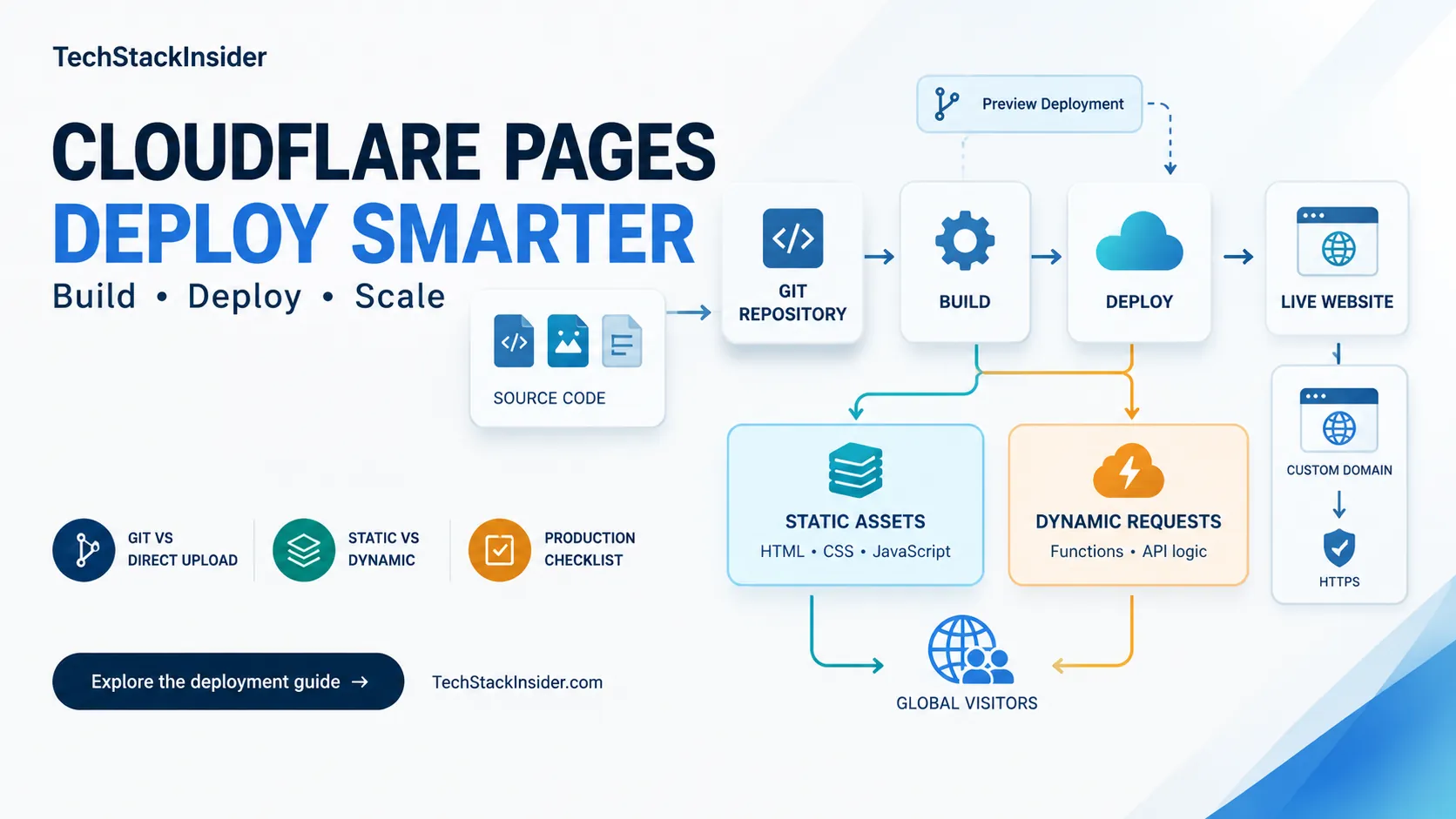
Cloudflare Pages Guide: Deployment, Limits, and When to Use It
Learn when Cloudflare Pages fits a static site, how to configure builds and Functions, and which deployment limits to verify.
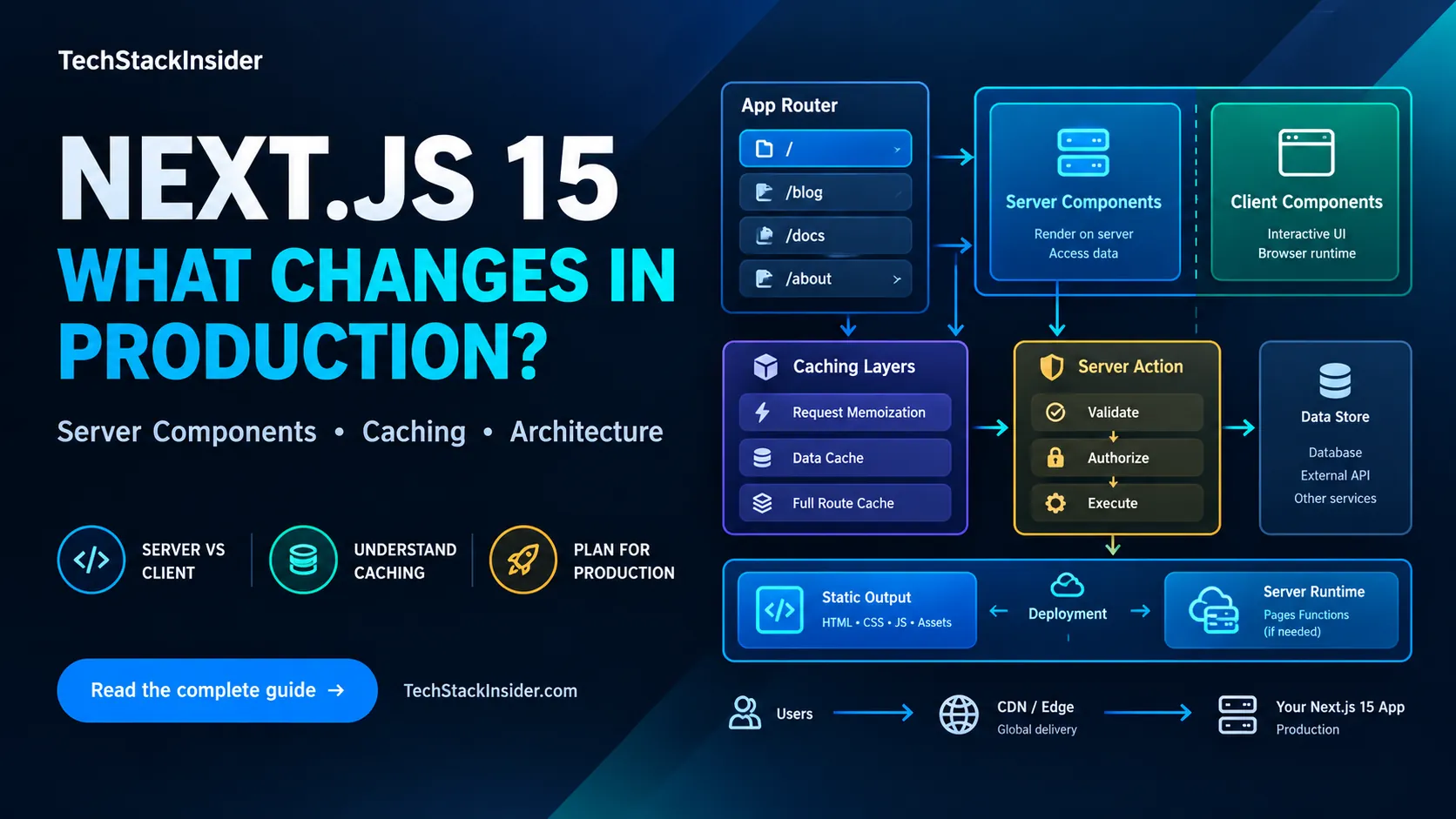
Next.js 15 Production Guide: App Router, Caching, and Deployment
A practical Next.js 15 guide to App Router boundaries, caching defaults, secure Server Actions, and choosing a deployment model.

Vitest vs Jest: Which Testing Framework Should You Choose?
Compare Vitest vs Jest across speed, ESM, React, coverage, mocking, and migration risks. Use real project scenarios and a decision matrix to choose the right JavaScript test runner.

Can You Build a SaaS Without Being a Developer? What You Really Need to Know in 2026
A practical guide for nontechnical founders evaluating AI, no-code, low-code, and developer-assisted approaches to building and operating a SaaS.