Vitest vs Jest: Which Testing Framework Should You Choose?
Compare Vitest vs Jest across speed, ESM, React, coverage, mocking, and migration risks. Use real project scenarios and a decision matrix to choose the right JavaScript test runner.
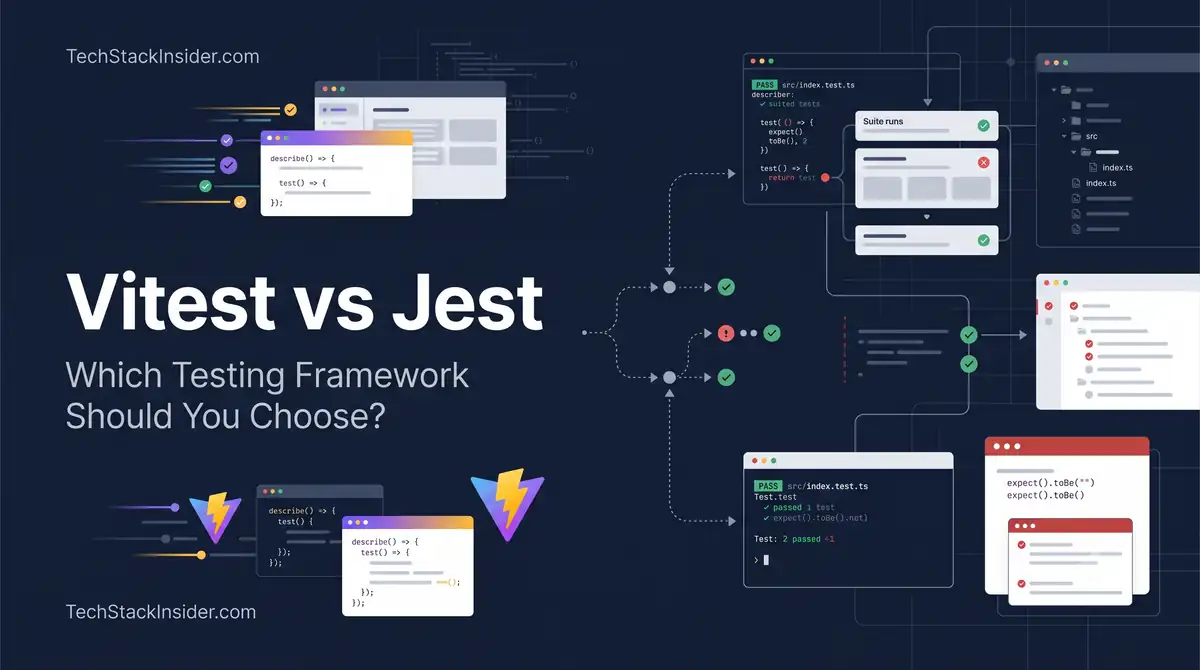
Vitest vs Jest: Which Testing Framework Should You Choose?
Choosing between Vitest and Jest is not simply a question of which test runner executes tests faster. The better choice depends on your build system, module format, existing test suite, mocking requirements, and the cost of maintaining your testing infrastructure.
Vitest is particularly attractive for projects built with Vite because it can reuse the project’s development tooling and configuration. Jest remains a strong option for established JavaScript codebases that already depend on its configuration, integrations, and testing conventions.
The important distinction is this: the fastest test runner is not necessarily the framework that makes your team productive.
This comparison examines the practical differences, including situations where migrating to Vitest makes sense—and situations where keeping Jest is the better engineering decision.
Vitest vs Jest at a glance
| Decision factor | Vitest | Jest |
|---|---|---|
| Best starting point | New Vite-based applications | Established Jest projects and compatible ecosystems |
| Build-tool integration | Uses Vite configuration and plugins | Uses its own transformation and configuration pipeline |
| Modern ESM projects | ESM-oriented workflow | ESM supported, but configuration and execution details matter |
| TypeScript and JSX | Integrated through Vite tooling | Usually requires a suitable transformer or configuration |
| Watch-mode workflow | Designed for fast feedback in Vite projects | Mature watch mode and filtering capabilities |
| Mocking | Jest-compatible APIs with behavioral differences | Established mocking API and ecosystem |
| React component tests | Works with React Testing Library and DOM environments | Also works with React Testing Library and DOM environments |
| Coverage | V8 or Istanbul providers | Istanbul-based coverage tooling |
| Existing Jest tests | May require migration changes | Already compatible |
| Browser-level E2E testing | Not a replacement for a dedicated E2E runner | Not a replacement for a dedicated E2E runner |
Initial recommendation: Choose Vitest for a new Vite application unless a specific compatibility requirement points elsewhere. For an established Jest project, measure the benefits before committing to a migration.
Official references: Vitest features and Jest configuration.
1. The architectural difference that matters
Vitest and Jest can both execute JavaScript tests, but they approach the surrounding development environment differently.
Vitest: align testing with the development toolchain
A Vite application already has rules for resolving imports, transforming TypeScript or JSX, loading plugins, and processing application modules.
Vitest can reuse much of this configuration. That can reduce duplicated setup and make application modules behave more consistently between development and testing.
Consider a React application that uses:
- Vite for development and production builds
- TypeScript for application code
- Path aliases such as
@/components - Environment variables and Vite plugins
- React Testing Library for component tests
With Vitest, the team can often share its Vite configuration rather than separately reproducing module-resolution and transformation rules.
The advantage is not merely fewer configuration files. It is a lower chance that tests and application builds interpret the same module differently.
However, sharing configuration does not guarantee identical behavior. Browser APIs, environment variables, CSS handling, external dependencies, and production-only behavior still require appropriate testing.
Jest: an established, independently configurable test environment
Jest provides its own test runner, configuration model, mocking capabilities, and transformation options.
That independence is useful when a project already has a stable Jest environment, uses specialized integrations, or needs to test packages that are not built around Vite.
It also means that a Vite application using Jest may need additional configuration to align Jest’s module resolution and transformations with the application’s actual build pipeline.
That additional setup is not automatically a problem. If the current system works reliably, replacing it may provide little practical value.
2. Performance: what should you actually measure?
Vitest is often associated with faster test execution, particularly during development. But a universal claim such as “Vitest is 2–10x faster” is not reliable without a specified benchmark, test suite, machine, configuration, and execution mode.
The useful question is not which framework wins an isolated benchmark. It is which one reduces the feedback time in your project.
Three different performance measurements
| Measurement | What it tells you | Why it matters |
|---|---|---|
| Cold-start time | Time from launching the test command to useful results | Affects local workflows and short-lived CI jobs |
| Full-suite duration | Time to execute the complete test suite | Affects CI duration and developer waiting time |
| Targeted rerun time | Time to receive results after changing a relevant file | Affects the speed of the development feedback loop |
These measurements can produce different winners.
For example, a runner might have a quick initial startup but slower full-suite execution. Another might take longer to initialize but perform well on a large suite. Watch mode may change the comparison again.
A reproducible benchmark for your project
Do not compare one runner’s watch mode with the other’s cold start. Keep the conditions consistent.
- Use the same commit and test files.
- Install dependencies using the same lockfile wherever the dependency requirements permit.
- Run each framework under the same Node.js version and on the same machine.
- Separate cold runs, full-suite runs, and targeted reruns.
- Repeat the measurements at least five times after an initial warm-up where appropriate.
- Record failures, memory usage, coverage configuration, and environment differences.
- Compare medians rather than selecting the fastest individual run.
A simple benchmark record might look like this:
| Metric | Jest | Vitest |
|---|---|---|
| Cold start | Measure locally | Measure locally |
| Full suite | Measure locally | Measure locally |
| Targeted rerun | Measure locally | Measure locally |
| Peak memory | Measure locally | Measure locally |
| Coverage run | Measure locally | Measure locally |
These are measurement fields, not invented benchmark results. Populate them using your actual repository.
Calculate the value of a faster test loop
Suppose a team runs tests 30 times per developer per day and saves 8 seconds per run after switching frameworks.
The theoretical time saved is:
30 × 8 seconds = 240 seconds, or 4 minutes per developer per day.
Across ten developers and twenty working days, that is approximately 13.3 hours per month.
This is an illustrative calculation, not a prediction of Vitest’s performance. It also assumes the saved time translates into productive time and excludes migration and maintenance costs.
Decision rule: If your suite is already fast enough, performance alone may not justify migration. If developers repeatedly wait for test results, the same improvement can become much more valuable.
3. ESM and TypeScript: where configuration differences become important
Modern JavaScript applications frequently use ECMAScript modules (ESM), TypeScript, JSX, package export maps, and build-tool aliases.
Both frameworks can support modern development workflows, but they do not eliminate every module-system problem.
Scenario: your tests cannot resolve an import
Imagine that your application contains:
import { calculatePrice } from '@/lib/pricing';The Vite application builds successfully, but a test runner reports that it cannot resolve the @/lib/pricing import.
The problem might not be the test itself. It could be a mismatch between the application’s alias configuration and the test runner’s resolver.
With Vitest, investigate whether the relevant Vite configuration is being loaded and whether the alias is valid in the test environment.
With Jest, inspect moduleNameMapper, the configured root directory, and any relevant TypeScript or JavaScript transformation settings.
The general lesson is to avoid maintaining two unrelated descriptions of how application modules are resolved when they can reasonably share the same configuration.
Edge case: a dependency works in development but fails in tests
A third-party package may expose different entry points for ESM and CommonJS, or use conditional exports.
A test failure can result from the runner loading a different entry point than the application build.
Before switching frameworks, check:
- The package’s
exportsfield and supported module formats. - Whether the installed dependency version matches the lockfile.
- Whether the package needs transformation or special dependency handling.
- Whether the failure occurs in the test environment, the production build, or both.
Do not assume that every ESM error proves Jest is unsuitable or that Vitest will automatically fix it.
4. React and Next.js: choose according to the application, not the UI library
Both Vitest and Jest can test React components. React alone does not determine which framework you should use.
Scenario A: a Vite-based React dashboard
Your team builds an internal dashboard using Vite, React, TypeScript, and React Testing Library.
You want to test:
- Form validation
- Conditional rendering
- Component interactions
- Utility functions
- API response handling
Vitest is a natural candidate because it integrates with the application’s Vite-based workflow.
A minimal test looks like this:
import { describe, expect, it } from 'vitest';
import { calculateTotal } from './pricing';

describe('calculateTotal', () => {
  it('adds the item prices', () => {
    expect(calculateTotal([100, 200])).toBe(300);
  });
});
The example assumes that calculateTotal accepts an array of numbers and returns their sum. The actual function and expected business rules should be defined by the application.
For component tests, configure a suitable DOM environment and use React Testing Library where appropriate.
Scenario B: an established Next.js application
A Next.js project may involve framework-specific rendering, server components, route handlers, caching behavior, and server-side data access.
Both Jest and Vitest can test many application modules, but neither choice means every Next.js behavior can be tested as an ordinary isolated component.
A practical testing split might be:
- Unit tests for business logic and validation.
- Component tests for client-side interactions.
- Integration tests for application boundaries.
- Browser E2E tests for critical user journeys.
For example, a checkout test should not stop at checking whether a button renders. Depending on the risk, it may need to verify form submission, server responses, error handling, and the completed checkout journey.
Keep the existing Jest setup if it already meets the project’s needs. Evaluate Vitest when its integration advantages outweigh the work required to reproduce framework-specific behavior.
5. Mocking: the migration risk that deserves more attention
Matching method names do not guarantee matching behavior.
Vitest intentionally offers a Jest-compatible API, but its official migration documentation identifies differences involving mock reset behavior, module factories, automatic mocks, timers, hooks, and globals.
Reference: Vitest’s official Jest migration guide.
Edge case 1: a mock unexpectedly retains or loses its implementation
Consider a mock function:
const fetchUser = vi.fn(() => ({
  id: 'user-1',
}));
In Jest, mockReset() removes the mock’s implementation and resets it to an empty function. In Vitest, mockReset() restores the mock’s initial implementation.
That difference can change test behavior after migration.
A test that expects the implementation to disappear may pass under Jest but behave differently under Vitest.
What to do: Audit tests that use mockReset(), mockClear(), mockRestore(), and shared mock instances. Decide whether each test needs to clear call history, reset behavior, or restore the original implementation.
Edge case 2: module mocks return the wrong shape
A Jest mock factory may return a value directly:
jest.mock('./service', () => 'mocked');A comparable Vitest mock for a default export generally needs an object:
vi.mock('./service', () => ({
  default: 'mocked',
}));
The correct shape depends on the module’s actual exports. Named exports must also be represented when the tested code imports them.
What to do: Review default exports, named exports, partial mocks, and modules that use importActual or requireActual.
Edge case 3: automatic mocks behave differently
A Jest project may rely on mock files inside __mocks__ and assumptions about when they are loaded.
Vitest does not automatically load those files in the same way. Explicit vi.mock() calls or setup-file configuration may be required.
What to do: Search for __mocks__, implicit mock assumptions, and test setup files before migration.
Edge case 4: fake timers hide a real scheduling bug
Tests that use timers can become unreliable when the fake-clock behavior changes.
For example, an application may schedule a retry after an API request fails. A test might advance a fake clock and expect the retry to run. If timer configuration, promise scheduling, or cleanup differs, the test may pass without exercising the intended behavior—or fail despite correct application logic.
Vitest does not support Jest’s legacy fake timers as an equivalent feature.
What to do: Identify tests using legacy timers, setTimeout, setInterval, scheduled retries, and asynchronous callbacks. Rewrite incompatible timer usage deliberately and verify the observable behavior.
Edge case 5: hooks depend on execution order
A test suite may rely on one setup hook completing before another. Jest executes hooks sequentially by default, while Vitest’s default hook sequencing differs.
What to do: Audit shared fixtures, global state, setup and teardown functions, and hooks that modify the same resource. If sequential ordering is required, configure it explicitly and test the result.
6. Coverage: do not confuse a percentage with confidence
Code coverage tells you which portions of the code were exercised. It does not prove that the tests checked the correct outcomes.
Vitest supports V8 and Istanbul coverage providers. Jest also provides coverage reporting and configurable thresholds.
Suppose your payment module has 95% line coverage. The tests might still fail to verify that a declined transaction is handled correctly, a duplicate payment is rejected, or a failed network request does not charge a customer twice.
For meaningful comparisons, measure:
- Line and branch coverage.
- Coverage of business-critical error paths.
- Test failures and regressions.
- Runtime with coverage enabled.
- Whether reports include the intended source files.
Coverage reports can also differ between tool versions or providers because of instrumentation and source-map behavior.
Migration rule: If coverage percentages change after switching frameworks, investigate the differences instead of assuming that the new percentage represents a real improvement or regression.
7. When should you choose Vitest or Jest?
The framework decision becomes clearer when it is tied to the team’s actual circumstances.
Scenario 1: starting a new Vite application
Recommendation: Vitest.
You have no existing test suite to preserve, and the application already uses Vite.
Why it fits:
- Less duplicated build and test configuration in many projects.
- A convenient development feedback loop.
- Familiar test APIs for developers coming from Jest.
Choose Jest instead if a required integration, organizational standard, or testing dependency makes it the better fit.
Scenario 2: an established Jest project with slow tests
Recommendation: benchmark first.
Your team has thousands of tests, stable CI pipelines, custom matchers, and shared mocking utilities.
Switching frameworks could improve performance, but the migration might also require rewriting setup files and investigating failures.
Measure both runners on a representative subset before committing to a complete migration. Include coverage and CI execution rather than comparing only a small local test.
Scenario 3: a monorepo with several applications
Recommendation: evaluate the repository’s testing boundaries.
A monorepo might contain a Vite frontend, a Node.js service, and packages shared across both.
Vitest may be an excellent fit for the frontend and some shared packages. Jest may remain suitable for an existing backend suite or a package that relies on Jest-specific integrations.
Do not force every package onto the same framework merely for consistency. Standardize where the operational benefits outweigh the compatibility costs.
Scenario 4: a team with a large Jest plugin ecosystem
Recommendation: keep Jest unless there is a measurable reason to move.
The team may already rely on custom reporters, specialized runners, snapshots, internal test utilities, and mature CI integrations.
Replacing the runner is worthwhile only if the benefits justify the cost of rebuilding or validating those capabilities.
Scenario 5: a team building a component library
Recommendation: consider Vitest for component tests, but validate the required environment.
A component library might need DOM-based interaction tests, snapshot testing, multiple framework versions, and visual regression checks.
Vitest supports component testing workflows and browser testing capabilities, but the appropriate environment depends on what you need to verify.
For example, a DOM simulation can test many interactions, while a real browser may be necessary to catch layout, rendering, or browser-specific behavior.
8. Migration from Jest to Vitest: a practical checklist
A successful migration is not complete when the test command returns zero failures. It is complete when the new environment tests the same intended behavior reliably.
Phase 1: inventory the existing suite
Before changing dependencies, record:
- Test count and duration.
- Current coverage and thresholds.
- Jest configuration and setup files.
- Custom matchers, reporters, and plugins.
- Uses of timers, snapshots, module mocks, and
__mocks__. - CI commands, environment variables, and test-specific scripts.
This inventory becomes the baseline against which the new setup can be evaluated.
Phase 2: configure a representative subset
Start with a small, meaningful selection of tests that includes ordinary unit tests, asynchronous behavior, module mocking, and any important DOM interactions.
For a Vite-based project, a basic configuration might look like this:
// vitest.config.ts
import { defineConfig } from 'vitest/config';
import react from '@vitejs/plugin-react';

export default defineConfig({
  plugins: [react()],
  test: {
    environment: 'node',
    include: ['src/**/*.test.ts', 'src/**/*.test.tsx'],
  },
});
This example assumes a React application with the React Vite plugin installed. Use the existing project configuration where appropriate instead of duplicating plugins unnecessarily.
For DOM-based component tests, configure a DOM environment such as jsdom and install its dependency. Keep Node-based tests in a suitable Node environment.
Phase 3: migrate deliberately
Review each relevant category:
- Replace
jestAPIs with the appropriateviAPIs. - Update mock factories and partial-mocking patterns.
- Review mock reset and restoration behavior.
- Replace unsupported legacy timer usage.
- Check globals and imports.
- Validate test hooks and setup-file behavior.
- Reconfigure coverage and reporters.
- Update scripts and CI commands.
Do not perform blind replacements across the repository. Identical method names may have different semantics.
Phase 4: compare correctness and performance
Run both suites against the same application code when practical.
Investigate:
- Tests that fail only under the new runner.
- Tests that pass under both but produce different assertions or coverage.
- Missing or duplicated tests.
- Unhandled asynchronous work.
- Environment-specific failures.
- Changes in total runtime and CI reliability.
Phase 5: switch only when the evidence supports it
Keep the old test setup available until the migrated suite is stable. Use a controlled branch or staged rollout, and preserve a straightforward rollback path.
Do not delete the old configuration or remove its dependencies before verifying the new CI pipeline and coverage requirements.
9. What about Playwright and Cypress?
Vitest and Jest are test runners for JavaScript code, while Playwright and Cypress are commonly used for browser-level end-to-end testing. These tools address overlapping but different testing needs.
A practical testing architecture might look like this:
| Testing layer | Example | Possible tool |
|---|---|---|
| Unit | Validate a price calculation | Vitest or Jest |
| Component | Verify form validation and interactions | Vitest or Jest with a DOM environment |
| Integration | Check how application modules work together | Vitest or Jest, depending on the system |
| End-to-end | Complete a registration or checkout journey in a browser | Playwright or Cypress |
For a checkout application, a unit test can verify tax calculations. A component test can verify validation messages. An end-to-end test can verify that a user completes checkout through the real browser interface.
A fast unit-test runner does not replace the need to test critical user journeys.
10. Decision matrix: select the framework for your situation
Use this matrix as a practical starting point rather than a universal ranking.
| Your situation | Recommended direction | Main reason |
|---|---|---|
| New application built with Vite | Vitest | Natural toolchain integration |
| Existing Jest project with acceptable performance | Keep Jest | Avoid unnecessary migration cost |
| Slow Jest suite with measurable developer delays | Benchmark Vitest | Validate whether the speed gain is worth the work |
| Project heavily dependent on Jest-specific tooling | Usually keep Jest initially | Lower compatibility risk |
| Mixed monorepo | Evaluate package by package | Different packages may have different requirements |
| Modern ESM application with complex dependencies | Test both against representative modules | Module behavior depends on the full configuration |
| Critical browser workflows | Add a dedicated E2E strategy | Neither runner alone replaces end-to-end testing |
The most important consideration is the total cost of ownership: setup, execution time, debugging, maintenance, migration, and confidence in test results.
11. Frequently asked questions
Is Vitest always faster than Jest?
No. Vitest can deliver faster feedback, especially in Vite-based projects, but results depend on test-suite composition, configuration, coverage, dependencies, and hardware. Benchmark your own suite before making a performance claim.
Should I use Vitest for every new JavaScript project?
Not automatically. It is a strong default for many Vite-based applications. Projects with specialized integrations, different build systems, or established tooling requirements should evaluate the actual compatibility needs.
Can I use Vitest with React Testing Library?
Yes. Vitest can be used with React Testing Library and a suitable DOM environment. You still need to configure the environment, cleanup, and any setup files your tests require.
Does moving to Vitest require rewriting all Jest tests?
No. Many tests can be reused, but API compatibility does not mean complete behavioral compatibility. Audit mocking, timers, globals, hooks, module resolution, and setup conventions.
Should I migrate only to improve test speed?
Only if the improvement is meaningful. Estimate the time saved across the team, compare it with migration and maintenance costs, and confirm that the new setup preserves test reliability.
Can Vitest replace Playwright?
Not as a general replacement for browser end-to-end testing. Vitest supports several kinds of testing, including browser-oriented workflows, but Playwright and Cypress remain options for comprehensive browser automation and user-journey testing.
Final verdict: choose the framework that minimizes testing friction
Vitest is a strong choice for new Vite-based applications, particularly when shared configuration and rapid development feedback are important.
Jest remains a sensible choice for established projects whose testing infrastructure is reliable and whose requirements are already met.
For teams considering migration, the decision should rest on three forms of evidence:
- Performance evidence: Does the new runner measurably improve the feedback loop?
- Compatibility evidence: Can the important tests, mocks, integrations, and coverage requirements be preserved?
- Operational evidence: Does the migration reduce total maintenance cost without weakening confidence in the test suite?
If all three support the change, migrate in stages. If not, keep the working system and revisit the decision when the constraints change.
The best testing framework is not the one with the strongest headline benchmark. It is the one that helps your team detect meaningful defects quickly, maintain its tests confidently, and ship changes with less risk.
Sources and further reading
- Vitest: Features and integrations
- Vitest: Migrating from Jest
- Vitest: Migration guide
- Jest: Configuration documentation
- Jest: Getting started
Frequently Asked Questions
Is Vitest faster than Jest?
Vitest can offer faster feedback, particularly in Vite-based projects and watch mode, but actual performance depends on the test suite, configuration, environment, and hardware.
Should I use Vitest or Jest for a new React project?
Vitest is a strong choice for React projects using Vite. Jest remains a valid option when its ecosystem, existing configuration, or framework integration better fits the project.
Can I migrate from Jest to Vitest without rewriting my tests?
Many tests can be migrated with limited changes, but mocking, timers, globals, module resolution, setup files, and coverage configuration require validation.
Does Vitest work with Next.js?
Vitest can test many Next.js application modules and components, but Next.js-specific features and framework integrations may need additional configuration or a different testing strategy.
Does Vitest replace Playwright or Cypress?
No. Vitest primarily handles unit and component tests, while Playwright and Cypress are commonly used for browser-level end-to-end testing.
Related Articles
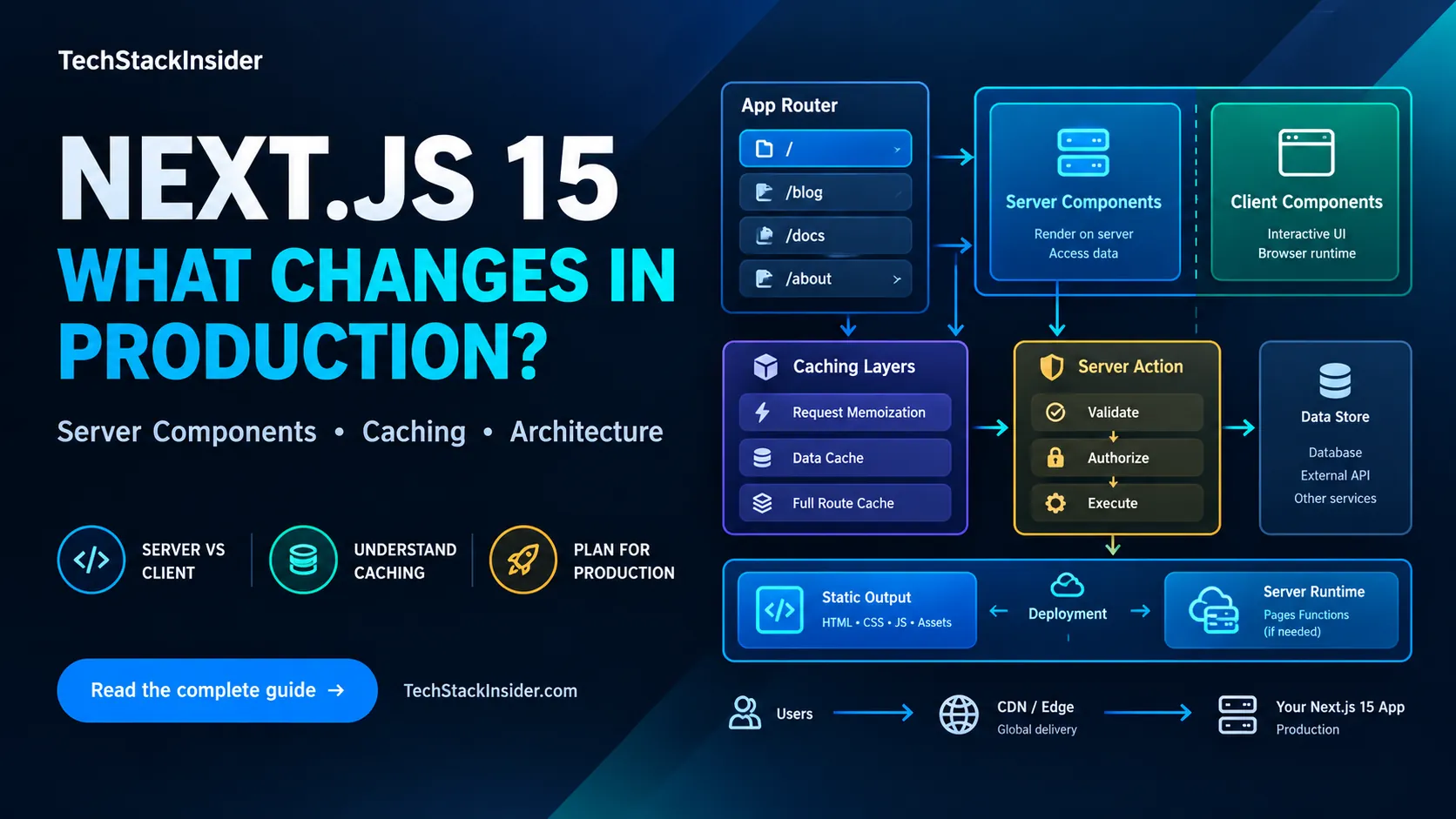
Next.js 15 Production Guide: App Router, Caching, and Deployment
A practical Next.js 15 guide to App Router boundaries, caching defaults, secure Server Actions, and choosing a deployment model.
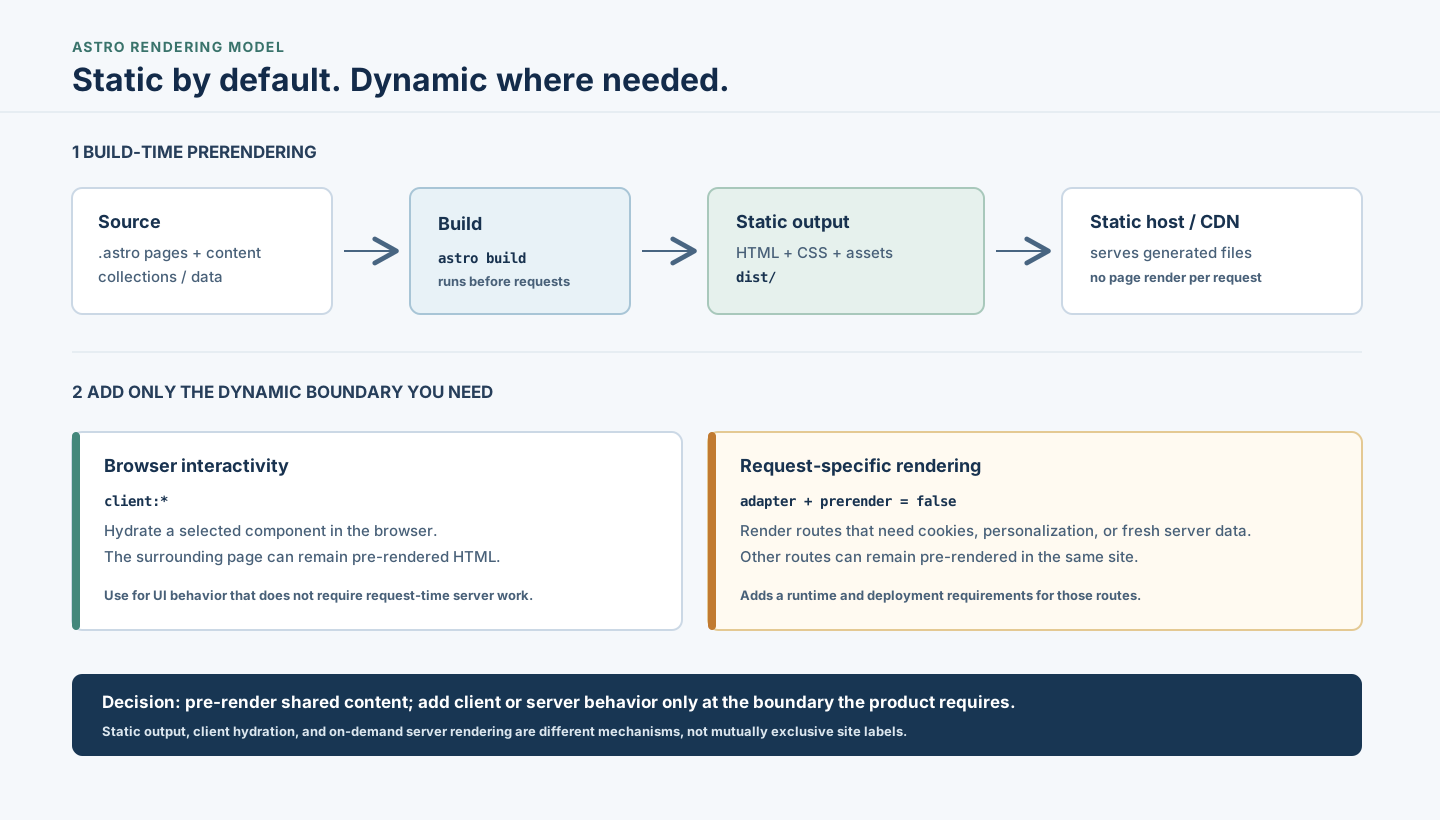
Astro Static Sites: When to Prerender or Use a Server
Understand when Astro's static-first approach fits, how builds and islands work, and when request-time rendering or another architecture is warranted.
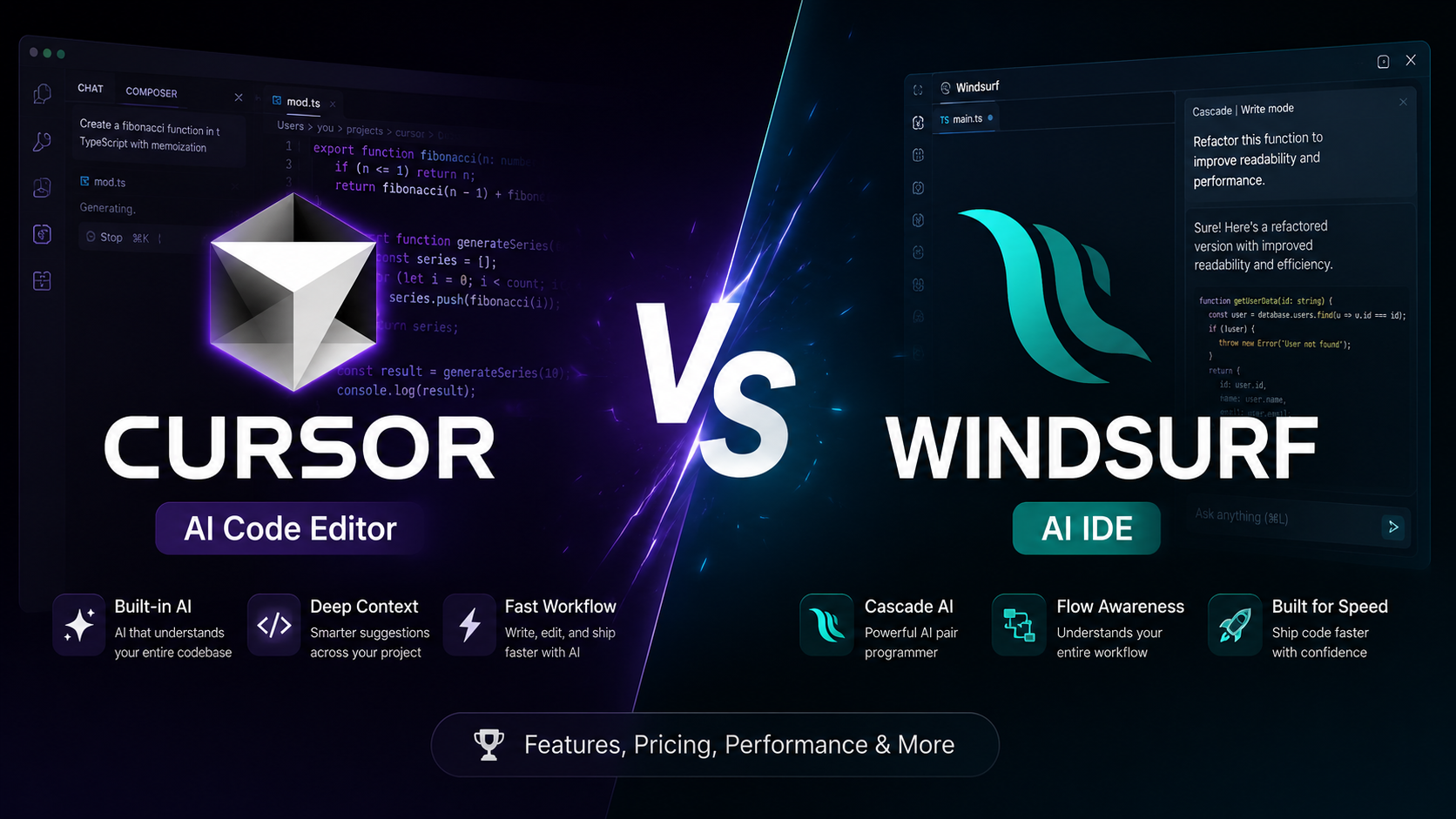
Cursor vs Windsurf: Which AI Code Editor Fits Your Workflow?
Cursor vs Windsurf compared for AI coding, agent workflows, codebase context, autocomplete, pricing, and everyday development. See which fits your workflow before you choose.
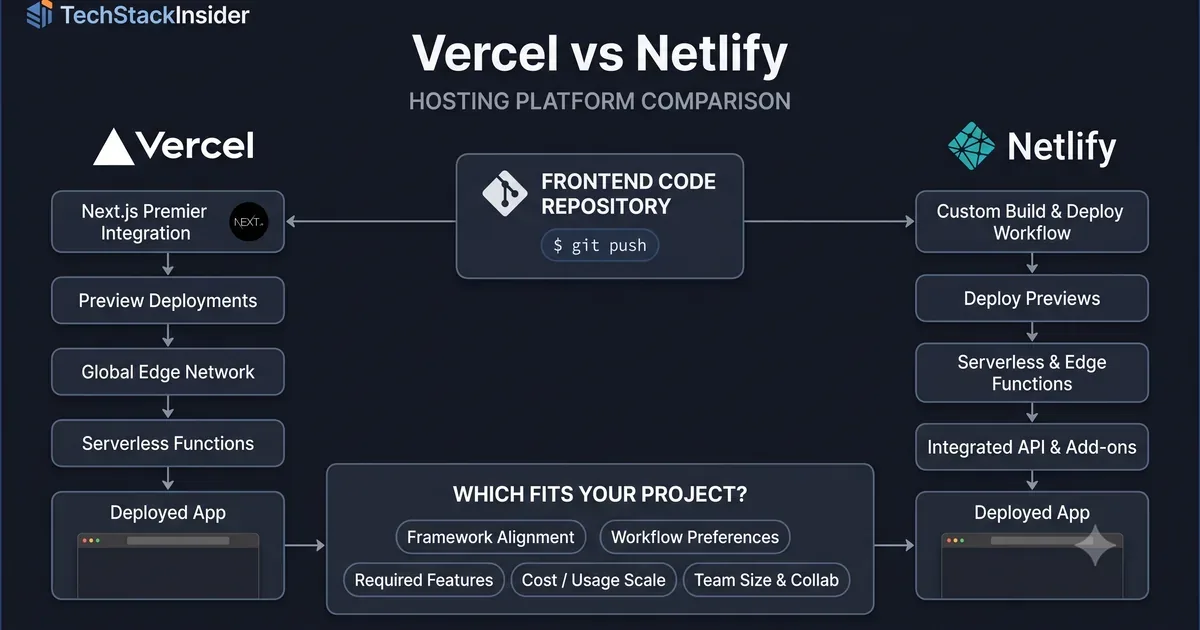
Vercel vs Netlify: Hosting Platform Comparison
Compare Vercel and Netlify for frontend deployment, developer experience, framework support, functions, pricing, and project requirements.