Most Secure AI Code Editors: Privacy, Permissions, and Enterprise Controls Compared
Compare AI code editors by code privacy, agent permissions, sandboxing, network controls, and enterprise governance to choose the right security fit.
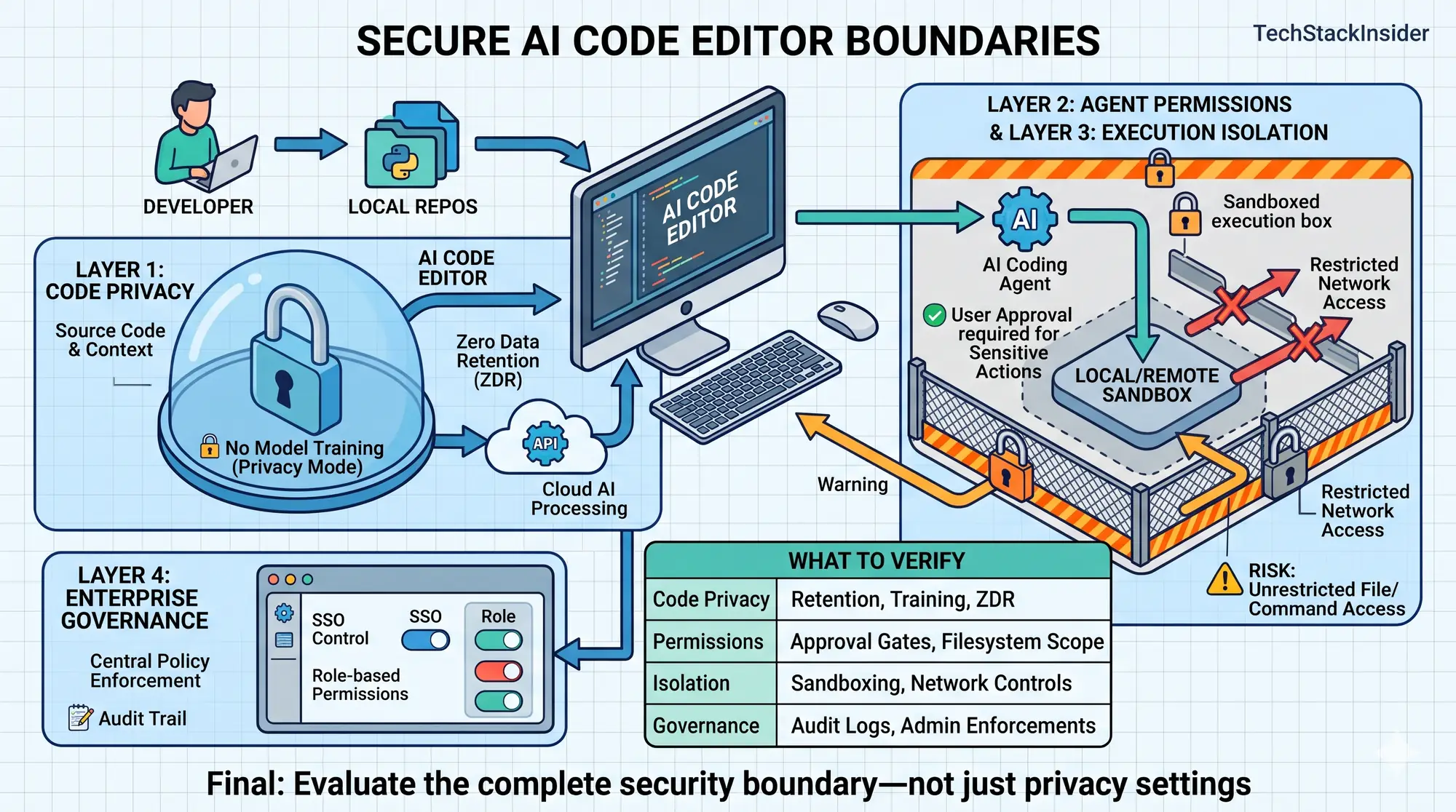
AI code editors increasingly do more than suggest code. They read repositories, interpret project instructions, call external tools, execute terminal commands, and modify files. Some agents also operate in remote environments with access to source control and network resources.
That changes the security decision.
An editor may offer privacy protections while still allowing an agent to make risky changes. Another may isolate execution while sending source code to a cloud service for inference. Enterprise administration can reduce some risks, but only when the relevant controls exist on the selected plan and are configured correctly.
The most secure AI code editor is not necessarily the one with the longest security feature list. It is the one whose documented controls match your threat model and whose remaining risks you can accept.
This guide compares Cursor, Visual Studio Code with GitHub Copilot, and Windsurf using published vendor documentation. It distinguishes documented capabilities from independently verified behavior. It is not a penetration test or a universal security ranking.
Security is three separate engineering problems
Before comparing products, separate the properties that are often grouped under the word security.
Data confidentiality
AI coding tools may send source code, prompts, repository context, and tool output to remote services. Evaluate whether data is used for model training, how long it is retained, which providers process it, and what deletion commitments apply.
A no-training commitment is not equivalent to zero retention. Zero retention is not equivalent to local-only processing.
Agent execution security
An agent can read files, modify code, execute commands, install dependencies, and interact with external services. Evaluate the actual boundary around these actions: filesystem permissions, terminal approvals, sandboxing, network access, credentials, and recovery from unwanted changes.
An agent’s ability to complete a task does not establish that it completed the task safely.
Enterprise governance
Organizations may need centralized policy enforcement, identity management, audit records, retention controls, and compliance evidence. Distinguish settings an individual can change from controls an administrator can enforce.
These dimensions are related but not interchangeable. Privacy mode does not sandbox a terminal command. A sandbox does not determine whether a model provider retains prompts. SSO does not prevent an authorized agent from making an unsafe code change.
AI code editor security compared
This table summarizes areas to verify against the vendor documentation for the exact plan, model, and workflow you intend to use. It is not a test result or a security score.
| Security area | Cursor | Visual Studio Code with GitHub Copilot | Windsurf |
|---|---|---|---|
| Data privacy | Privacy Mode; code context is still sent for AI processing | Data-use policies and controls vary by plan and feature | Verify current plan-specific data-use and retention terms |
| Sensitive-file handling | .cursorignore and other agent controls; verify their scope | Content exclusions exist for supported scenarios, with documented limitations | Verify file-exclusion behavior for each agent workflow |
| Agent execution | Foreground approval and sandbox controls; Cloud Agents run in isolated VMs | Local and cloud sandbox options for supported workflows | Verify the execution boundary and defaults of the selected agent |
| Network controls | Foreground-agent restrictions and configurable Cloud Agent egress controls | Network and sandbox policies depend on the supported workflow and configuration | Verify outbound-network restrictions and whether administrators can enforce them |
| Enterprise governance | Administrative controls, with availability depending on plan | Business and Enterprise governance capabilities | Confirm current identity, policy, audit, and retention options |
Primary documentation: Cursor Security, Cursor Privacy and Data, Cursor Cloud Agent Security, GitHub Copilot Security and Governance, and Windsurf Security.
Do not read a feature’s presence as proof that it is enabled by default or available to every subscriber. Product surface, subscription, model, deployment, and configuration can change the effective security posture.
Cursor: privacy protections and agent isolation
Cursor documents Privacy Mode as preventing code from being used for model training by Cursor or its model providers. Its privacy documentation also explains that AI features send prompts and code context to providers such as OpenAI, Anthropic, and Google. Privacy Mode therefore does not mean inference happens entirely on the developer’s device.
Sources: Cursor Privacy and Data and Cursor Security.
For foreground agents, Cursor documents file exclusions, command approval, and sandboxing controls. Its agent-security documentation notes that reading files and searching code do not require approval, workspace edits can be applied immediately, and terminal commands normally require approval unless run modes change that behavior. The documentation also describes run-mode safeguards as best-effort rather than a hard security boundary.
Source: Cursor Agent Security.
Cloud Agents have a different operating model. Cursor says each Cloud Agent runs in a dedicated virtual machine, with repository code, dependencies, configured secrets, and network access in that environment. Its documentation describes encryption, network-egress controls, secret types, activity logging, and distinct retention rules for snapshots and conversation state.
The autonomy trade-off matters: Cloud Agents automatically run terminal commands so they can iterate. A malicious instruction in content the agent reads could attempt to persuade it to send code to an external destination. Isolation helps contain execution, but outbound-network controls and secret handling are still important.
Cursor’s Cloud Agent documentation says conversation state is retained indefinitely by default, while VM snapshots follow a rolling 30-day inactivity window; deletion and enterprise retention controls have distinct scopes. Verify current terms and settings for the intended deployment.
Sources: Cloud Agent Security Overview and Secrets and Network.
Where Cursor may fit: Teams that want an AI-native editor with documented privacy protections, configurable foreground-agent controls, and a defined cloud-agent isolation model.
What to verify: The active privacy mode, applicable provider terms, command and sandbox settings, network egress policy, secret exposure paths, and Cloud Agent retention controls.
Visual Studio Code with GitHub Copilot: governance and configurable isolation
Visual Studio Code and GitHub Copilot should be assessed as a combined environment. The editor, Copilot plan, model, extensions, and agent execution surface all affect the result.
GitHub documents content exclusions for eligible Copilot Business and Enterprise scenarios. These exclusions can prevent certain files from informing supported Copilot suggestions and responses. However, GitHub documents feature-specific limitations, including unsupported agent and edit workflows and cases where information from excluded files may be available indirectly through IDE-provided semantic context.
This is a meaningful boundary: a content-exclusion policy should not be treated as a universal guarantee across every AI feature.
Source: GitHub Copilot Content Exclusion.
GitHub also documents local and cloud sandbox options for supported Copilot workflows. Depending on the execution mode and configuration, sandboxing can restrict filesystem access, network connectivity, and credential availability. Availability and defaults vary by product surface and operating system.
Source: GitHub Copilot Cloud and Local Sandboxes.
For a team, verify:
- Which Copilot plan and data-use terms apply to each user.
- Whether the intended file exclusions cover the specific workflow.
- Whether the agent runs locally or remotely and what its environment can access.
- Which models, extensions, and external integrations are permitted.
- Which controls are enforced centrally rather than left to individual users.
Where it may fit: Teams that want AI assistance integrated into an established development environment and need documented organization-level governance and supported execution controls.
What to verify: Plan-specific data terms, feature-specific exclusion coverage, the actual sandbox configuration, and policies for the chosen agent.
Windsurf: assess the specific deployment
Windsurf belongs in this comparison because it is an agent-oriented development environment. A defensible security decision requires more than confirming that the vendor publishes a security page.
Start with Windsurf Security and verify the current data-use and retention terms for the product and plan under consideration.
The review should establish:
- What code and prompt context is transmitted during editing, indexing, and agent tasks.
- Whether enabled features persist project information.
- What filesystem, terminal, and network permissions the agent receives.
- Which enterprise identity and administrative controls are available.
- How model providers and third-party integrations affect data handling.
Do not assume that a control documented for one feature also applies to every agent workflow.
Where it may fit: Developers who prefer Windsurf’s workflow and can establish that its current controls meet their requirements.
Evidence limitation: This article does not independently test Windsurf’s agent isolation or verify every plan-specific control. Without a like-for-like review of current terms and configuration, ranking it above or below the alternatives would be premature.
Which editor fits your threat model?
Choose based on the risk that would cause the greatest damage to your project.
| Primary requirement | Controls to prioritize |
|---|---|
| Prevent code from being used for model training | Explicit data-use commitments, provider coverage, and enforceable privacy settings |
| Limit unsafe or accidental code changes | Sandboxing, narrow filesystem permissions, command controls, and protected branches |
| Reduce source-code exfiltration risk | Network allowlists, minimal repository access, secret protection, and controls for untrusted instructions |
| Meet enterprise governance requirements | Enforced policies, identity controls, auditability, retention terms, and compliance evidence |
| Work with sensitive or regulated information | Approved deployment architecture, contractual review, data-location requirements, and documented operational controls |
A local agent is not automatically safer than a cloud agent. A local process may inherit access to files, credentials, and networks available to the developer. A cloud agent may provide a dedicated execution environment while introducing remote processing, storage, retention, and egress risks.
The decision depends on which boundaries are technically enforced and which risks remain.
Security checklist before enabling an agent
Before granting an editor access to a production repository, verify the following.
- Confirm data handling. Read current terms for prompts, source code, model training, retention, deletion, and third-party processing.
- Restrict repository access. Give the tool access only to the repositories and folders required for the task.
- Protect secrets. Keep credentials out of prompts and tracked files. Use approved secret stores and exclusion mechanisms.
- Constrain execution. Prefer supported sandboxing and narrow command permissions. Require approval for consequential operations where possible.
- Limit network access. Use allowlists or other restrictions where source-code exposure would be damaging.
- Review integrations. Treat extensions, MCP servers, plugins, and external tools as additional trust boundaries.
- Review changes before merging. Use version control, automated tests, code review, and protected branches.
- Verify governance. Confirm plan eligibility, administrator enforcement, audit coverage, and retention settings.
These controls reduce risk but do not guarantee security. Test them against the workflows and threat scenarios relevant to the organization.
How to validate security claims
Vendor documentation describes intended behavior. It does not independently prove that every control works under every attack scenario.
A stronger evaluation tests the chosen product configuration against a defined threat model. For example:
- Can a malicious repository instruction cause the agent to expose sensitive information?
- Can the agent access files outside its intended workspace?
- Can secrets leak through command output, logs, or generated artifacts?
- Can the agent send data to an unauthorized network destination?
- Do sandbox and approval policies remain effective when the agent encounters untrusted input?
- Can administrators reconstruct the actions taken during a sensitive change?
Use synthetic credentials and non-sensitive test repositories. Record the product version, plan, model, settings, expected control, observed behavior, and failures. A successful test supports a conclusion about that configuration; it does not prove universal security.
The decision: match controls to risk
Cursor documents privacy protections, configurable local-agent controls, and isolated Cloud Agent infrastructure. Visual Studio Code with GitHub Copilot provides documented governance, content-exclusion, and sandbox options for supported workflows. Windsurf should be evaluated against the same criteria using the current terms for the intended deployment.
These capabilities provide a starting point, not enough evidence to declare a universal winner.
For an individual developer, careful privacy settings, restricted permissions, and disciplined code review may be the main requirements. For an organization handling proprietary or regulated data, enforced policies, restricted network access, retention commitments, and auditability may determine the choice.
Choose the editor whose documented and verified controls address your project’s actual risks, and make the remaining trade-offs explicit before granting the agent access.
Frequently Asked Questions
Does Privacy Mode mean an AI code editor never sends code to a server?
No. Privacy Mode can restrict training or retention without eliminating cloud processing. Check the provider's data flows, applicable model terms, and retention exceptions.
Is a local AI coding agent safer than a cloud agent?
Not automatically. A local agent may have broad access to files and credentials, while a cloud agent introduces remote processing and storage risks. Compare the actual isolation and permissions.
Which AI code editor is best for enterprise security?
The best fit depends on enforceable data policies, agent isolation, network controls, identity management, auditability, contractual terms, and the requirements of the deployment.
Can AI coding agents expose secrets?
Yes. Agents may encounter secrets in files, environment variables, command output, or logs. Use least privilege, secret-management controls, restricted network access, and reviewable execution boundaries.
Related Articles
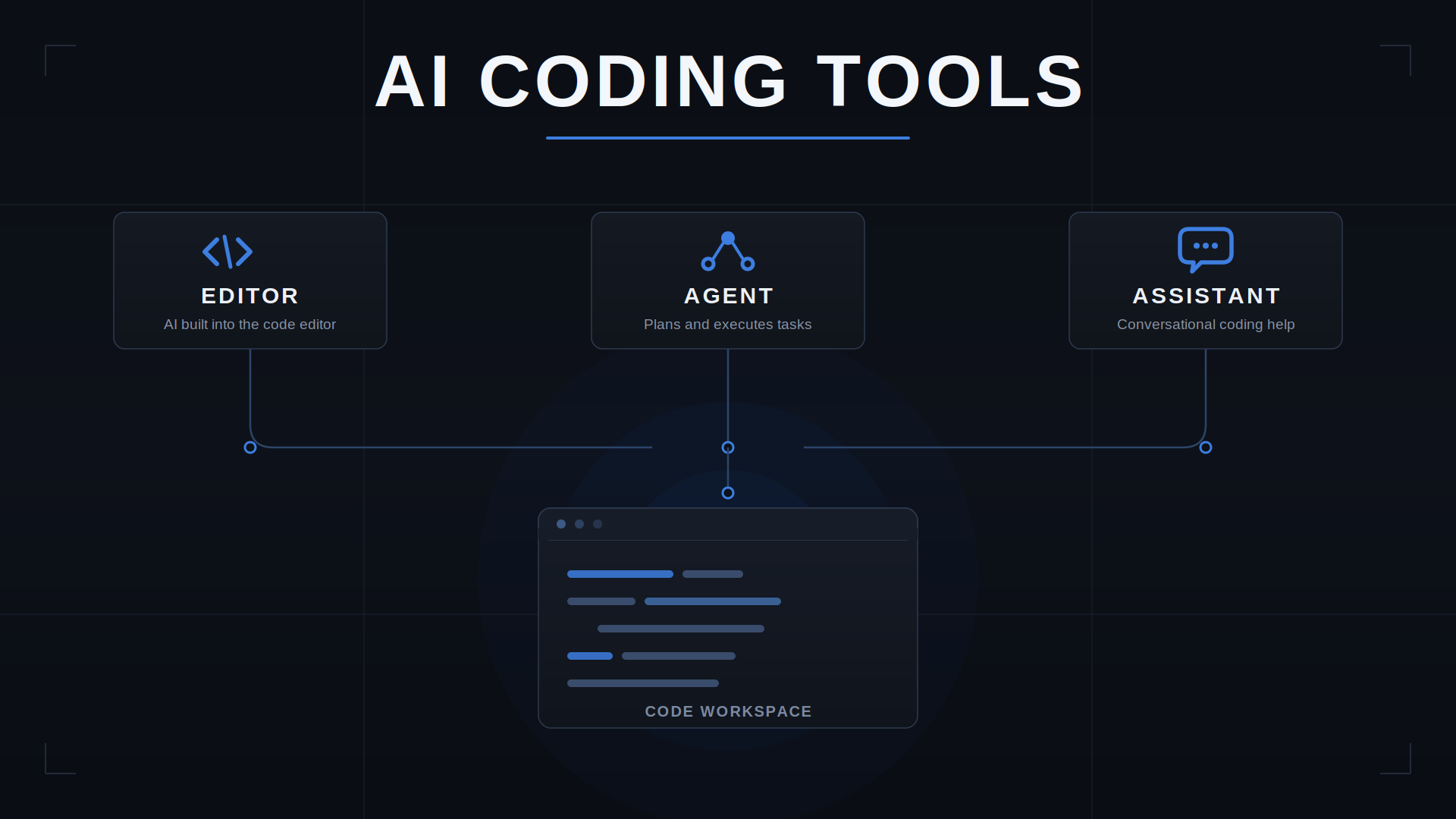
How to Choose an AI Coding Tool for Your Development Workflow
Compare AI coding tools by repository context, code quality, agent autonomy, testing, security, and workflow fit. Learn how to evaluate coding tools using real development tasks.
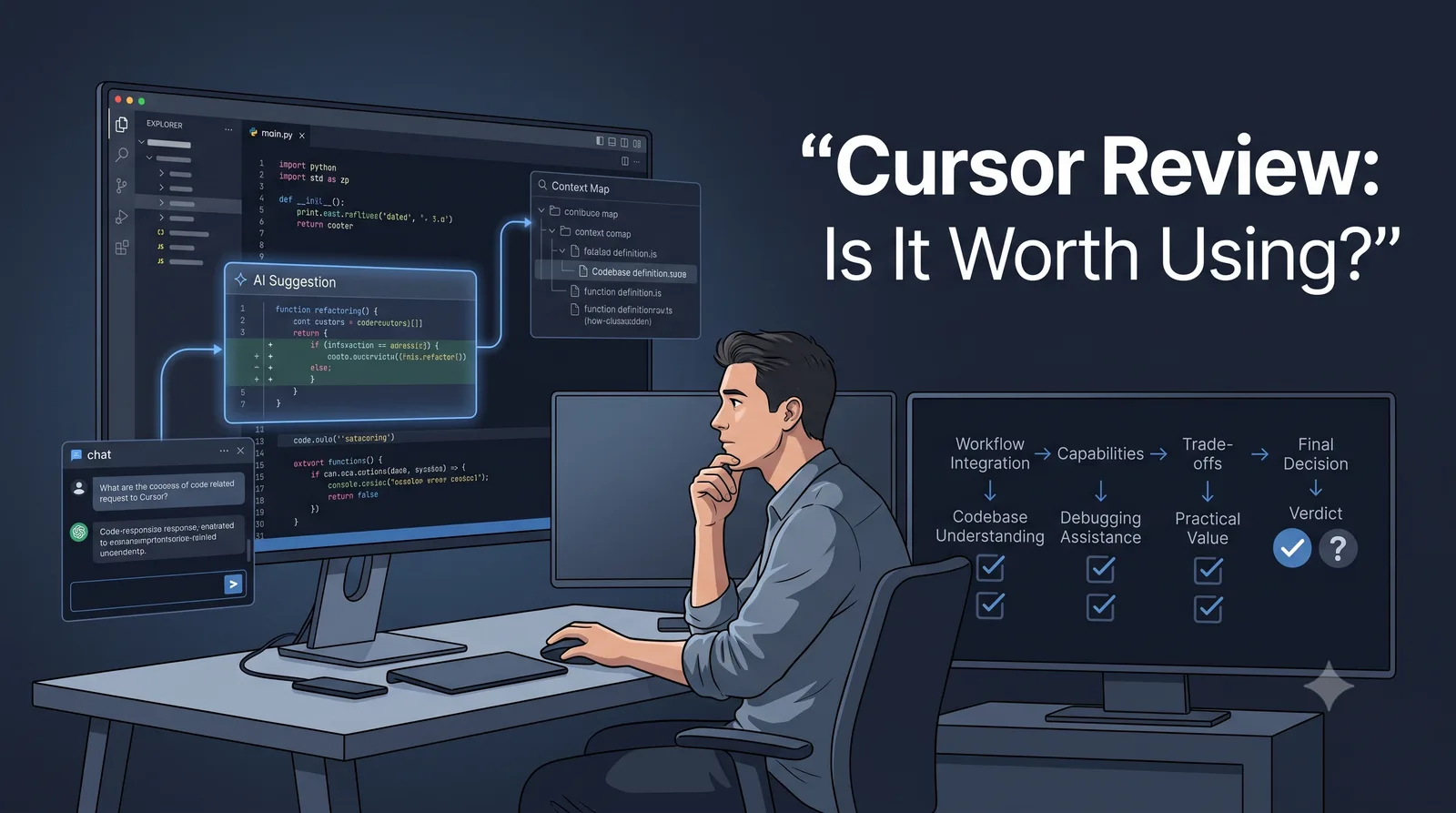
Cursor Review: Is the AI Editor a Fit for Your Workflow?
A practical Cursor review for developers: current editor and agent workflows, privacy and permissions, pricing, trade-offs, and a repeatable way to evaluate it in your own repository.
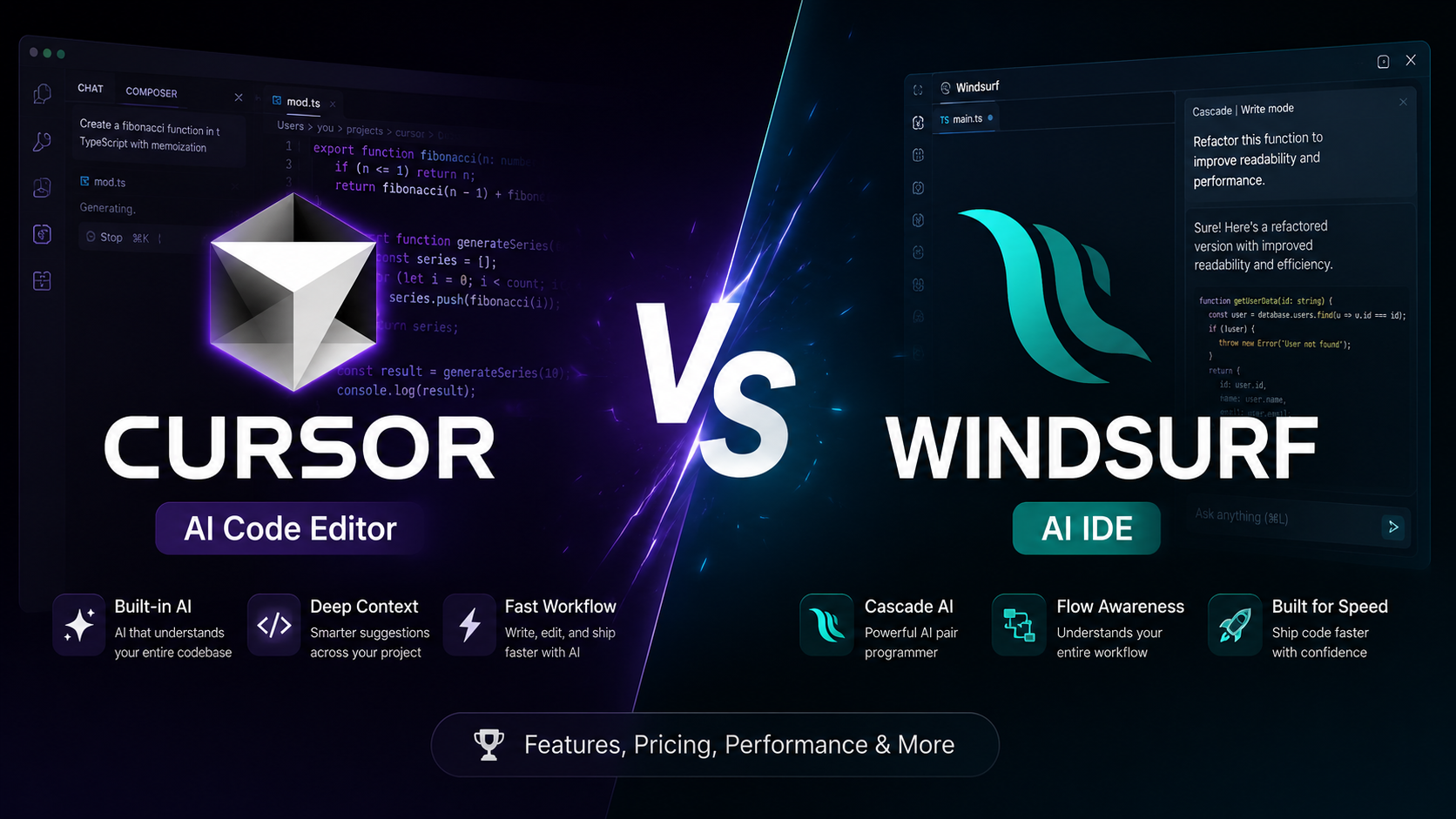
Cursor vs Windsurf: Which AI Code Editor Fits Your Workflow?
Cursor vs Windsurf compared for AI coding, agent workflows, codebase context, autocomplete, pricing, and everyday development. See which fits your workflow before you choose.
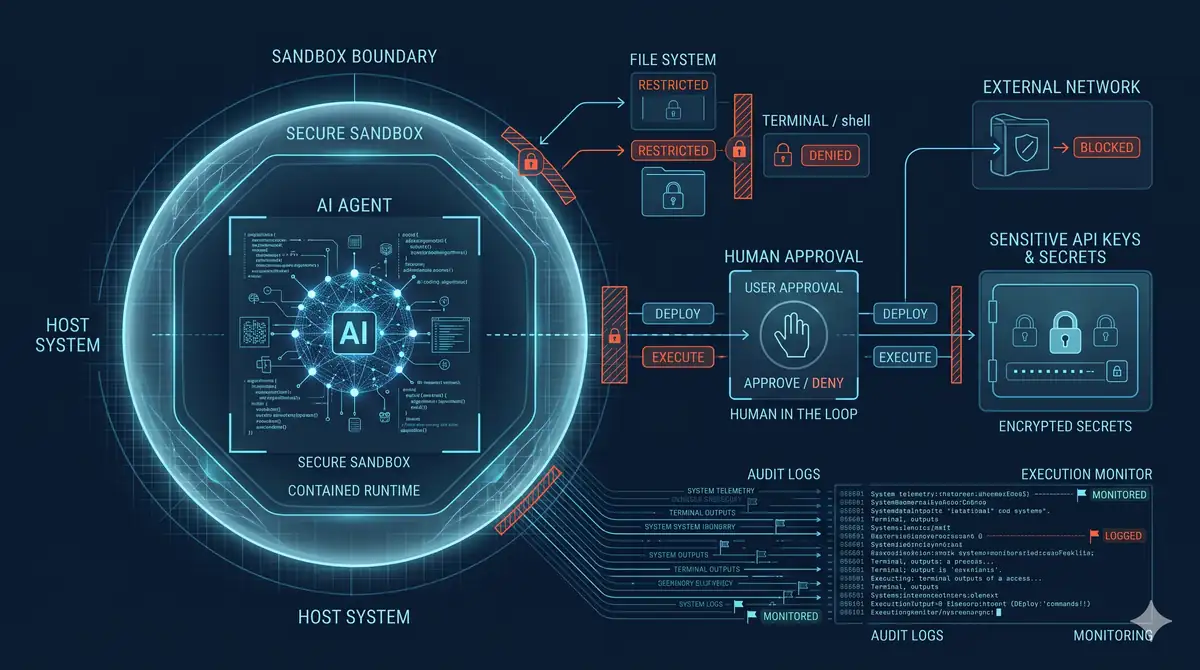
AI Coding Agent Security: Risks, Permissions, Sandboxing, and Safe Execution
Understand AI coding agent security risks—from prompt injection and secret exposure to unsafe commands—and learn how to apply least privilege, sandboxing, and reviewable execution.