AI Coding Tools in 2025: The Complete Developer's Guide
A comprehensive guide to AI coding assistants — Cursor, Copilot, Windsurf, Cody, and how to choose the right tool.
The AI Coding Revolution
AI coding tools have moved from novelty to necessity. In 2025, over 70% of professional developers use some form of AI assistance daily.
Top Tools
Cursor
The AI-native editor. Best tab completion and multi-file editing.
GitHub Copilot
The incumbent. Works in any editor via extension.
Windsurf
Agent-first approach with Cascade workflows.
Sourcegraph Cody
Enterprise-focused with deep codebase search.
How to Choose
- Editor preference — Native vs extension
- Team size — Individual vs enterprise needs
- Budget — Free tiers vs Pro plans
- Workflow — Tab completion vs agent mode
Getting Started
Start with one tool for 2 weeks. Measure time saved on:
- Boilerplate generation
- Test writing
- Documentation
- Refactoring
Deep Dives
Frequently Asked Questions
What is an AI coding tool?
AI coding tools use large language models to assist with code completion, generation, refactoring, and debugging inside your development environment.
Do AI coding tools replace developers?
No. They augment developer productivity by handling boilerplate, suggesting patterns, and accelerating iteration. Human judgment remains essential.
Which AI coding tool is best for startups?
Cursor and GitHub Copilot offer the best balance of features and price for small teams. Evaluate based on your existing editor workflow.
Related Articles
Cursor Review: The AI Editor Developers Actually Use
Hands-on review of Cursor — tab completion, Composer, rules, pricing, and whether it lives up to the hype.
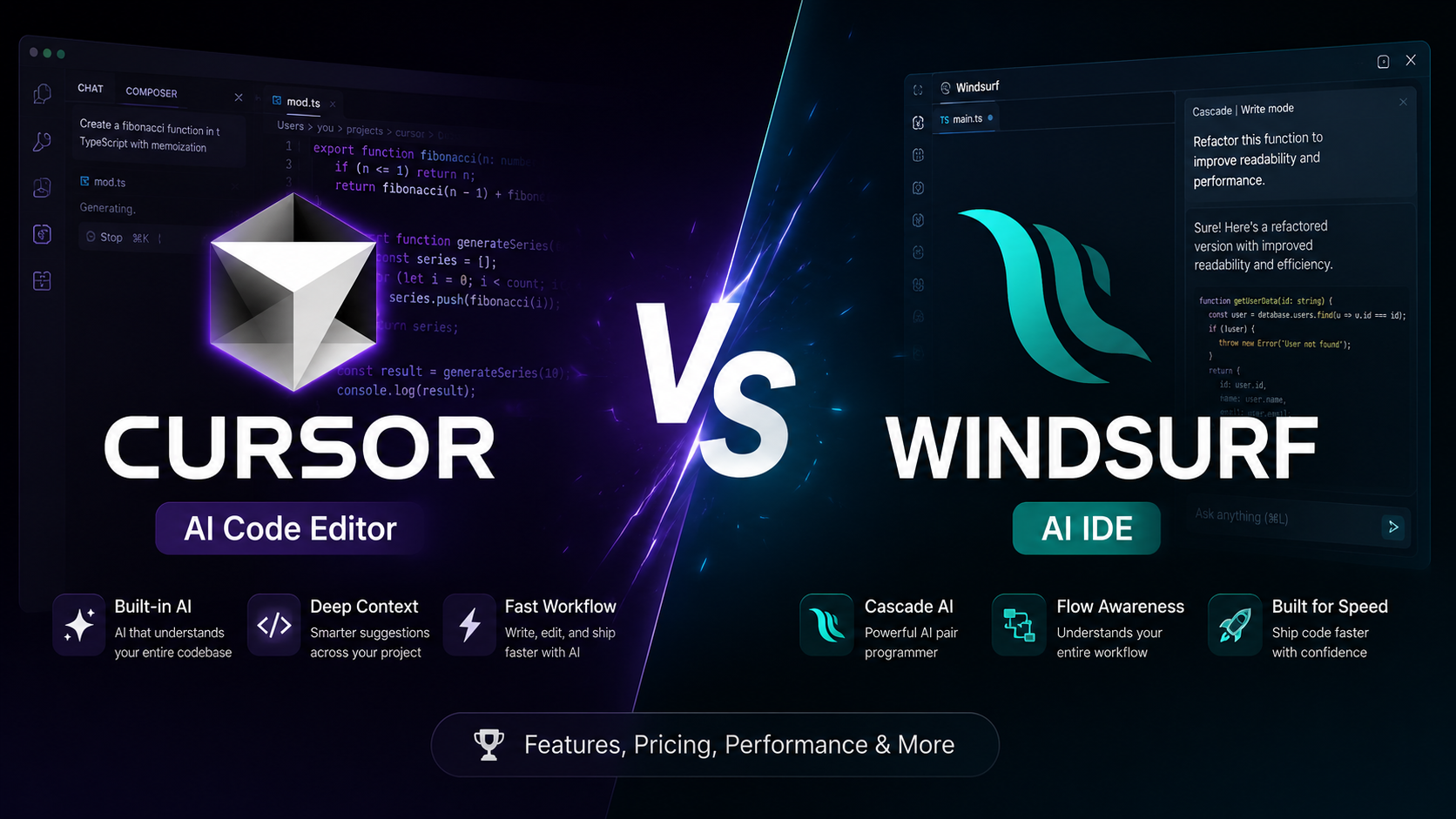
Cursor vs Windsurf: Which AI Code Editor Wins in 2025?
An in-depth comparison of Cursor and Windsurf — features, pricing, performance, and which AI coding assistant fits your workflow.
Astro Static Sites: The Developer's Guide to Fast Content Platforms
Build blazing-fast static sites with Astro 5 — content collections, MDX, islands architecture, and deployment.
Cloudflare Pages: Deploy Static Sites to the Edge
Complete guide to deploying Astro, Next.js, and static sites on Cloudflare Pages with global CDN and zero cold starts.