Cursor Review: The AI Editor Developers Actually Use
Hands-on review of Cursor — tab completion, Composer, rules, pricing, and whether it lives up to the hype.
First Impressions
Cursor feels like VS Code with superpowers. The transition is seamless — extensions, keybindings, and themes all carry over.
Tab Completion
Cursor’s tab completion is its killer feature. It predicts multi-line edits with surprising accuracy, especially in familiar codebases.
Rating: 9/10
Composer Mode
Composer handles multi-file refactors through natural language prompts. It’s not perfect, but it saves hours on boilerplate generation.
Rating: 8/10
Rules System
The .cursorrules file lets teams enforce coding standards. This is underrated for maintaining consistency across AI-generated code.
Pricing
| Plan | Price | Best For |
|---|---|---|
| Free | $0 | Trying Cursor |
| Pro | $20/mo | Individual devs |
| Business | $40/user/mo | Teams |
Final Verdict
Cursor earns its reputation. It’s the most polished AI-native editor available today.
Overall: 8.5/10
Compare with Windsurf or explore the broader AI Coding Tools landscape.
Frequently Asked Questions
Is Cursor worth paying for?
For professional developers spending 4+ hours daily in an editor, Cursor Pro's tab completion and Composer justify the subscription cost.
Does Cursor work offline?
Core editing works offline. AI features require an internet connection.
How does Cursor compare to GitHub Copilot?
Cursor offers deeper codebase context and multi-file editing. Copilot integrates into any VS Code setup. See our comparison for details.
Related Articles
AI Coding Tools in 2025: The Complete Developer's Guide
A comprehensive guide to AI coding assistants — Cursor, Copilot, Windsurf, Cody, and how to choose the right tool.
Linear App Review: Project Management for Engineering Teams
In-depth review of Linear — speed, keyboard shortcuts, GitHub integration, and why startups love it.
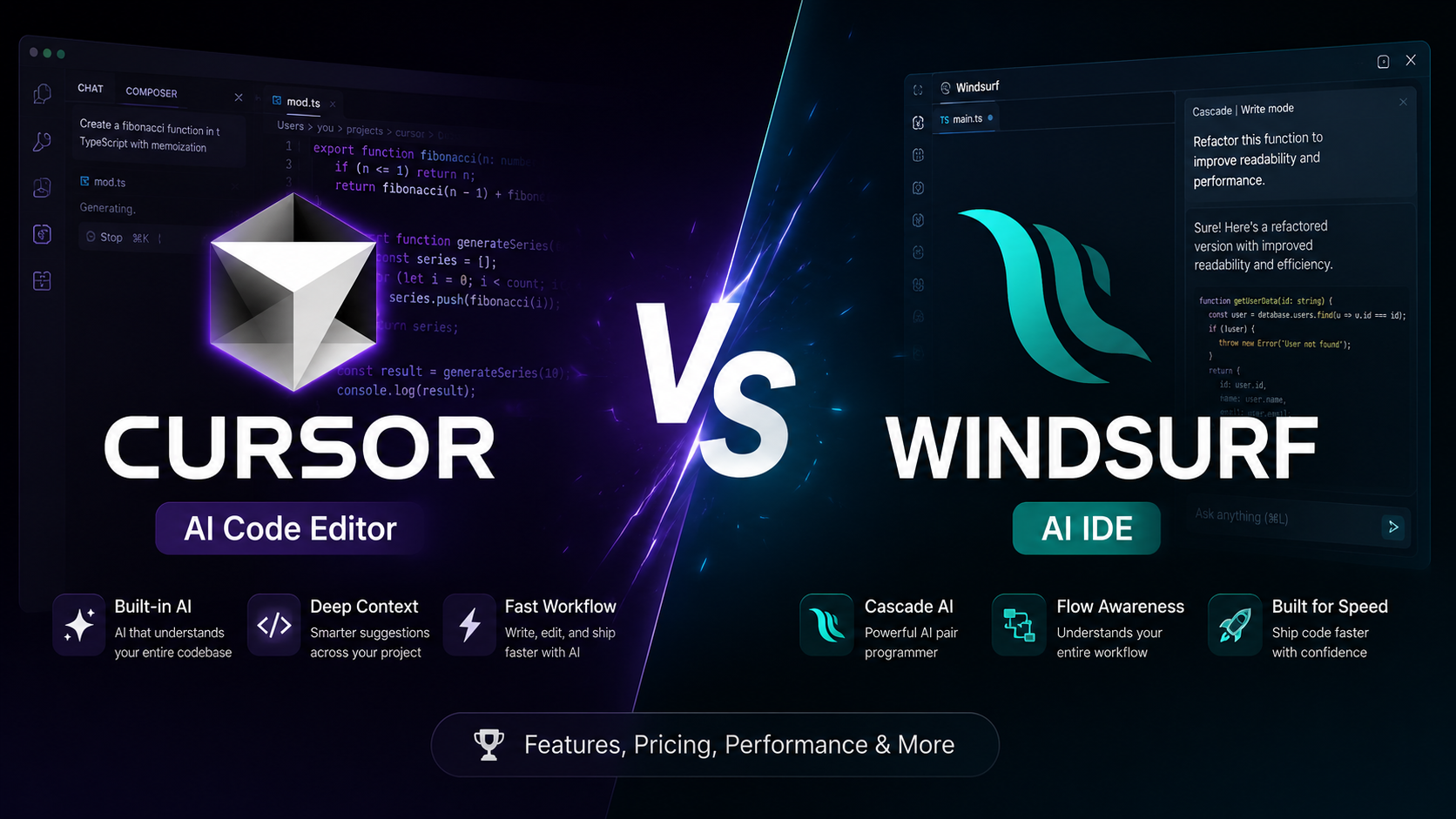
Cursor vs Windsurf: Which AI Code Editor Wins in 2025?
An in-depth comparison of Cursor and Windsurf — features, pricing, performance, and which AI coding assistant fits your workflow.
Vitest vs Jest: The Modern Testing Framework Showdown
Compare Vitest and Jest for JavaScript testing — speed, ESM support, configuration, and migration guide.