Cursor vs Windsurf: Which AI Code Editor Wins in 2025?
An in-depth comparison of Cursor and Windsurf — features, pricing, performance, and which AI coding assistant fits your workflow.
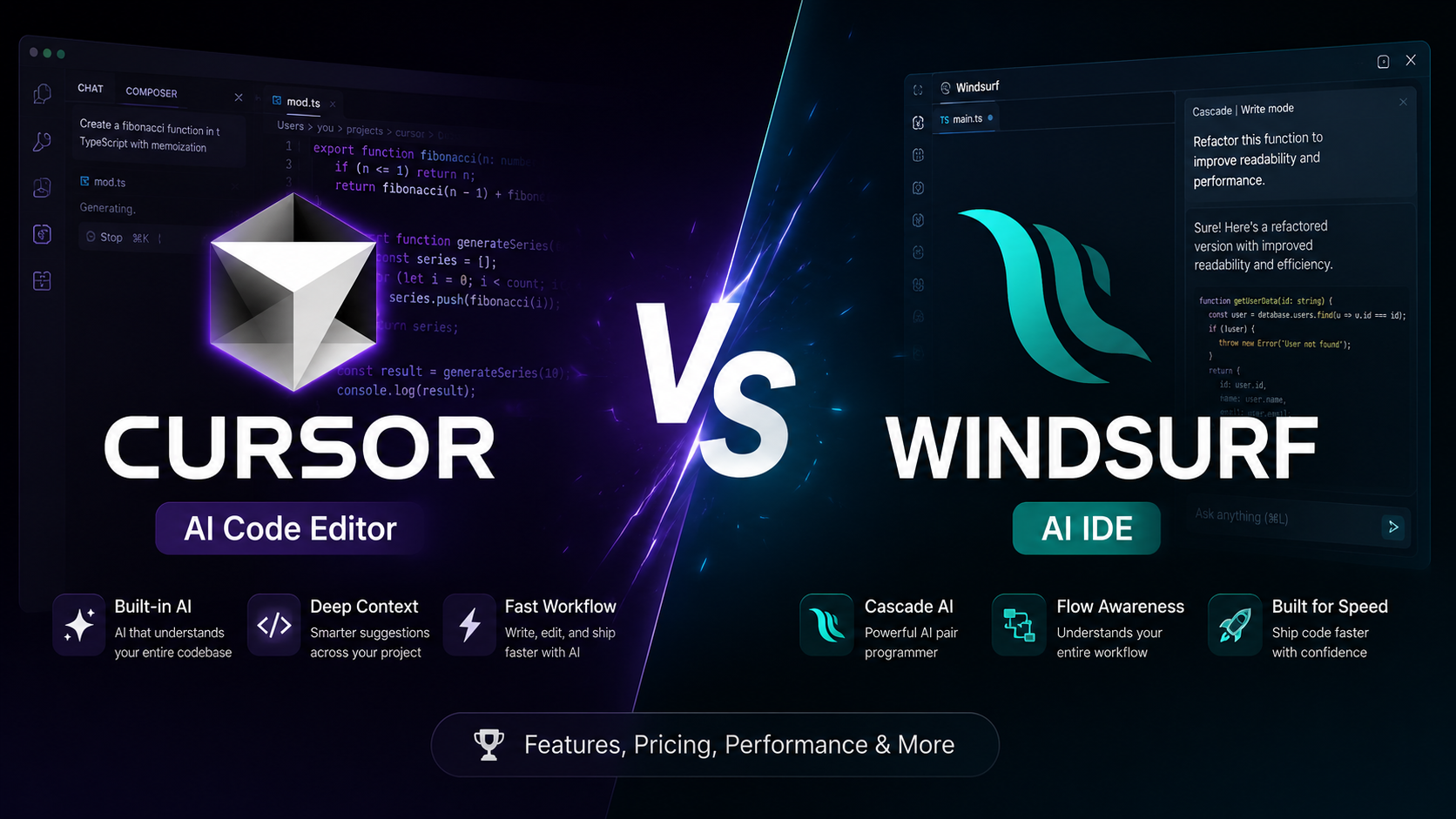
Overview
The AI coding editor space has exploded. Cursor and Windsurf are two of the most capable options for developers who want AI-native workflows without leaving their editor.
This comparison breaks down features, pricing, model quality, and real-world developer experience.
Key Differences
| Feature | Cursor | Windsurf |
|---|---|---|
| Base Editor | VS Code fork | VS Code fork |
| Agent Mode | ✓ | ✓ (Cascade) |
| Tab Completion | ✓ | ✓ |
| Multi-file Edits | ✓ | ✓ |
| Custom Models | Limited | Limited |
Cursor Strengths
Cursor has built a loyal developer community through:
- Tab completion that feels native and fast
- Composer mode for multi-file refactoring
- Strong documentation indexing via @-mentions
- Mature rules system (.cursorrules)
Windsurf Strengths
Windsurf (by Codeium) differentiates with:
- Cascade agent for autonomous multi-step tasks
- Deep context awareness across the codebase
- Competitive pricing for teams
- Clean, minimal UI inspired by modern dev tools
Verdict
Choose Cursor if you want the most polished, community-supported AI editor with excellent tab completion.
Choose Windsurf if you prioritize agentic workflows and want Cascade-style autonomous coding sessions.
Related Reading
For a deeper dive into Cursor specifically, see our Cursor Review. New to AI coding tools? Start with our AI Coding Tools Guide.
Frequently Asked Questions
Is Cursor better than Windsurf for beginners?
Cursor offers a more polished onboarding experience with stronger VS Code compatibility. Windsurf excels for developers who want deeper agentic workflows. Beginners should start with Cursor.
Which editor has better pricing?
Both offer free tiers. Cursor Pro starts at $20/month. Windsurf Pro is similarly priced. Enterprise plans vary by team size.
Can I use both editors on the same project?
Yes, both are VS Code forks and can open the same repositories. However, using one consistently avoids config drift.
Related Articles
AI Coding Tools in 2025: The Complete Developer's Guide
A comprehensive guide to AI coding assistants — Cursor, Copilot, Windsurf, Cody, and how to choose the right tool.
Supabase vs Firebase: Backend-as-a-Service Comparison
Head-to-head comparison of Supabase and Firebase — databases, auth, realtime, pricing, and developer experience.
Vercel vs Netlify: Hosting Platform Comparison for 2025
Compare Vercel and Netlify for frontend deployment — features, pricing, DX, edge functions, and which to choose.
Cursor Review: The AI Editor Developers Actually Use
Hands-on review of Cursor — tab completion, Composer, rules, pricing, and whether it lives up to the hype.